Answered
Zoom in with same size
Hi
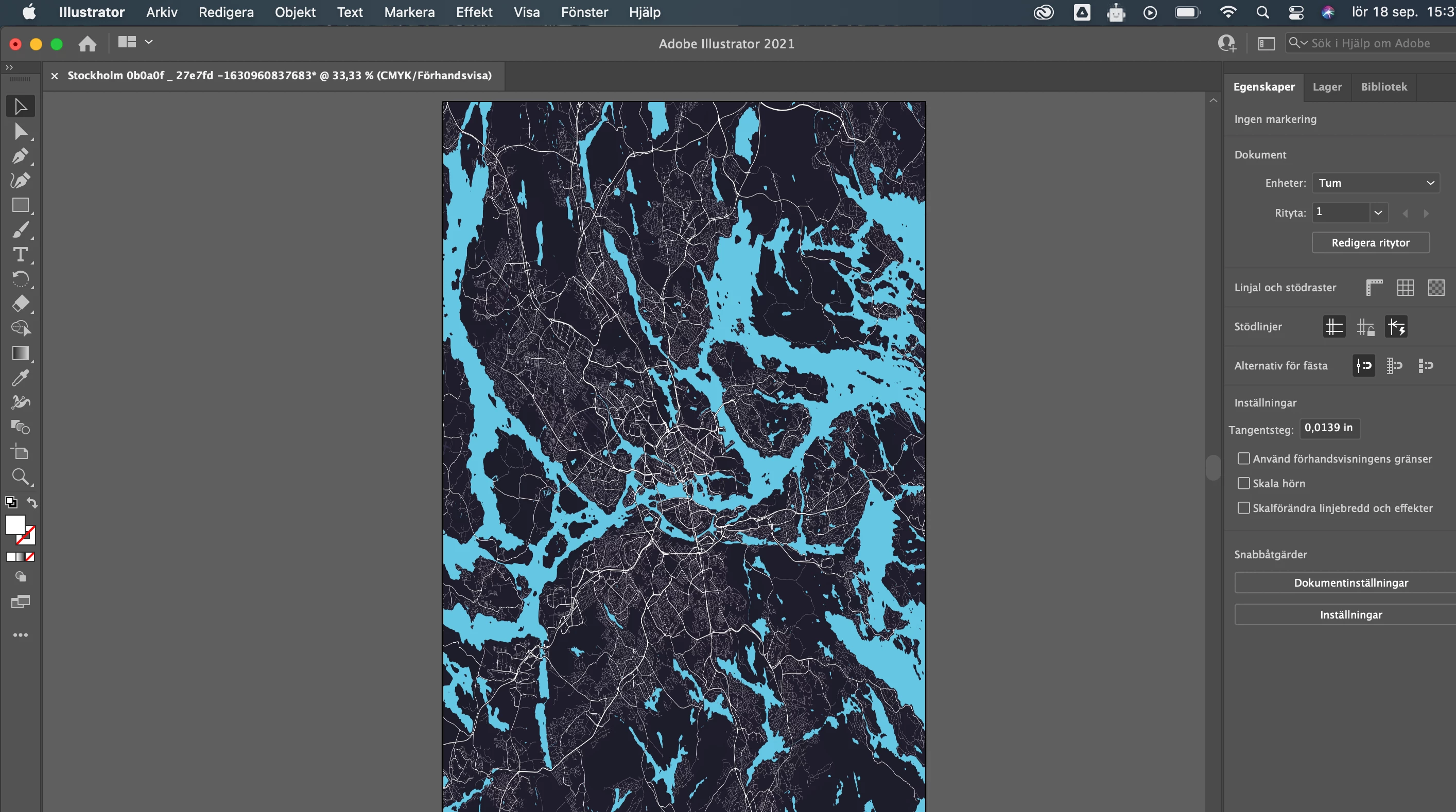
I would like to zoom in on this map picture without changing the size 11x17. Can you help me?

Hi
I would like to zoom in on this map picture without changing the size 11x17. Can you help me?
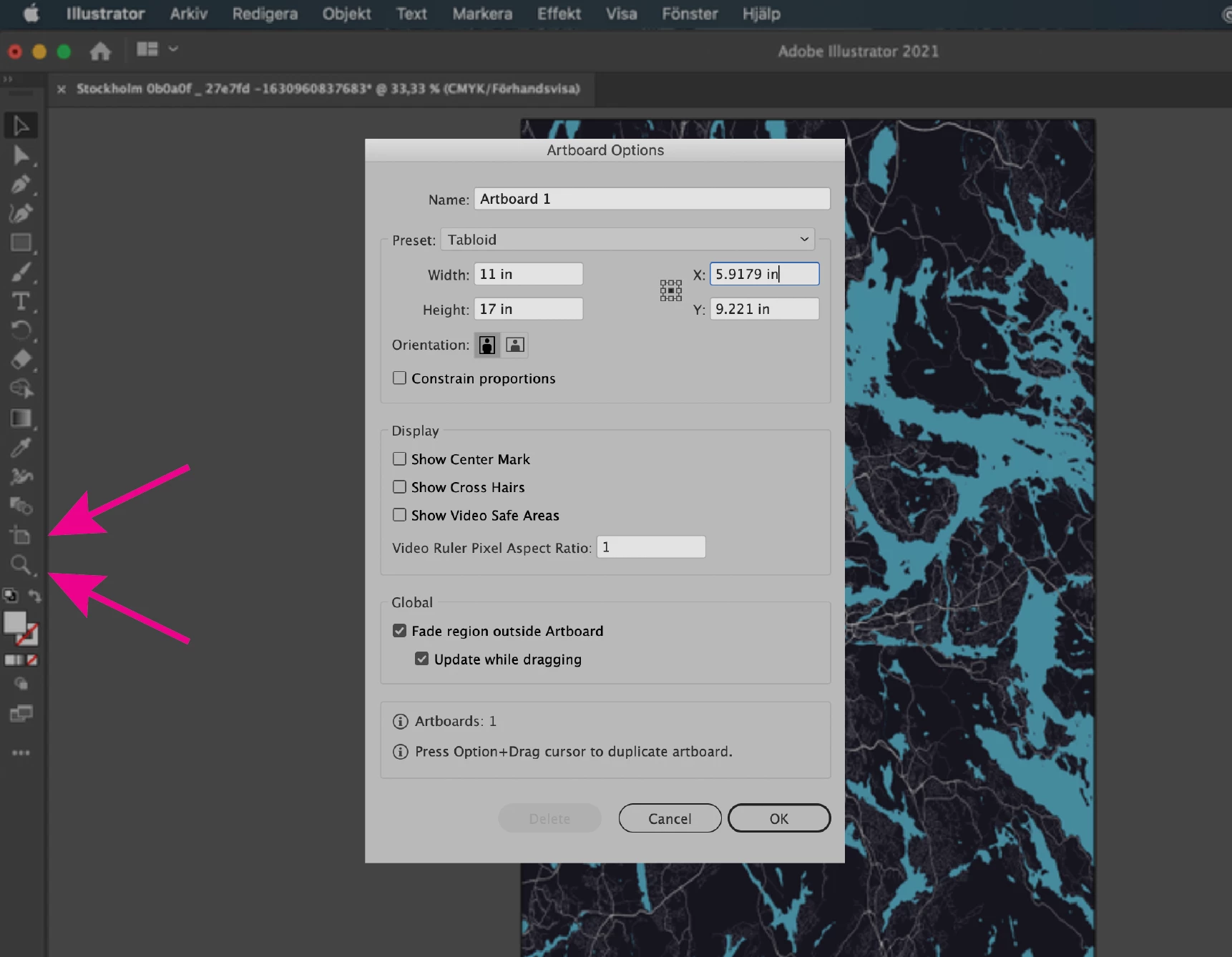
You can use the zoom tool to click on the area you want to magnify, to change the zoom tool to a marquee zoom, go to Preferences> Performance> Untick animated zoom. If you want to enlarge a section of the file and crop it to 11x17, double click on the Artboard tool. An easier way, in my opinion, is to create an InDesign file at 11x17, place the Illustrator file and enlarge and move the placed file until you have the desired view, then export to a new PDF.
This is a bit off topic, but there are additional display options in Acrobat, if you save your file as a PDF, you can add a button that will take you to a specific page view.
Already have an account? Login
Enter your E-mail address. We'll send you an e-mail with instructions to reset your password.
 AdChoices