@Hyuna Lee I tried my best with an image trace, so here goes nothing.
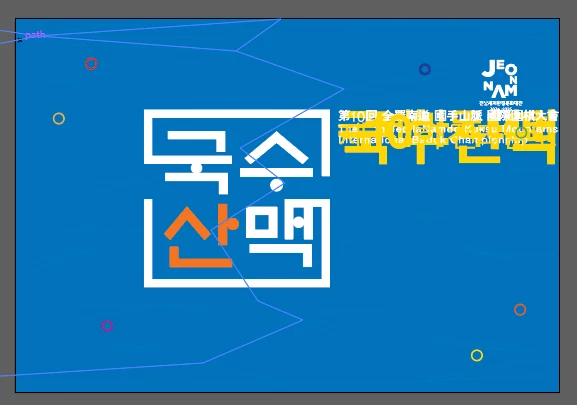
Let's say I am using the first or second image. And I want to move things around or align it.
What I would do is change into wireframe preview. Command Y (Mac) or Control Y (PC)
What you will see is some circles, and the Korean writing.
With the 'Direct Selection' Tool, I would simply lock the elements that I don't want any interference. For example, in my video, if I want to move the square with Korean writing and the orange elements, I can't because I have a path underneath it. So, I would need to lock the path so, it doesn't move. Lock Command 2 (Mac) or Control 2 (PC)
I want to select the elements and place them in a group. I will change the name of the group too so, I know what's is what
I would repeat for the other writing as well. And this way, I can align it accordingly.
When it's safe to do, I would unclock all. Object - Unlock All





 AdChoices