



Cannot unembed a hidden image - multiple bugs
I have an image embedded in my Illustrator document that I’d like to remove, so I do ‘go to link’ to delete it:
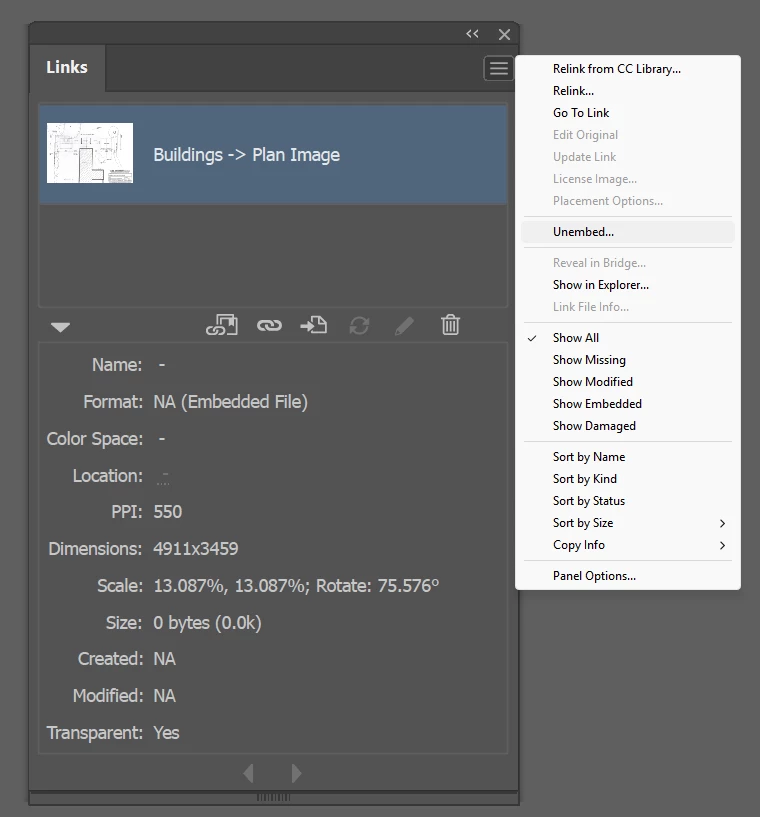
...but ‘Go To Link’ does absolutely nothing. Obviously a bug.
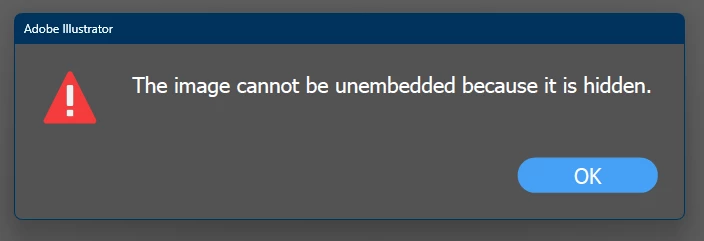
So then I try to ‘Unembed’ it, but I get the stupid error: “The image cannot be unembedded because it is hidden.”. Another bug:
There is also the option “Show in Explorer”, which makes no sense for an embedded image. Selecting this just opens the Libraries panel. Another bug.
So then I just click on the trash can icon, and bug number 4 appears:
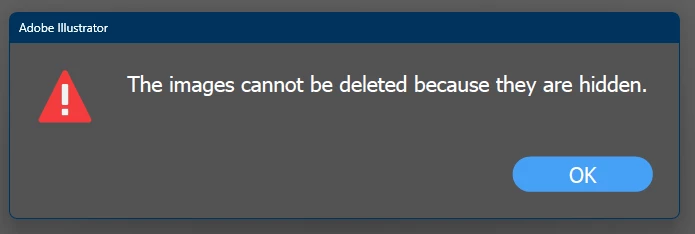
I don’t care that it’s hidden, and neither should Illustrator! I hate the way Illustrator NEVER allows me to do ANYTHING on hidden items. It is frustrating and pointless that this restriction exists.
As a last resort, I’ve tried asking the SLOOOOWWWW (I’m typing this while it ‘thinks’) and generally useless AI Assistant to “Find any embedded images and show them in the Layers palette” and, to my surprise, it succeeded! That’s the first time I’ve ever found a use for the AI Assistant - basically patching over a series of bugs that should be fixed.
 AdChoices