edu2002
Participant
April 29, 2022
Question

Can't create HDRI on Sampler (contrary to documentation and Adobe tutorial)

  • April 29, 2022
  • 1 reply
  • 465 views

I was trying to follow this process to create a new environment light, wasn't possible, there is no option "Environment Light +" (I have the latest version on Windows 10).     Documentation is similar to the video:

https://youtu.be/EwN_BlfgRHk

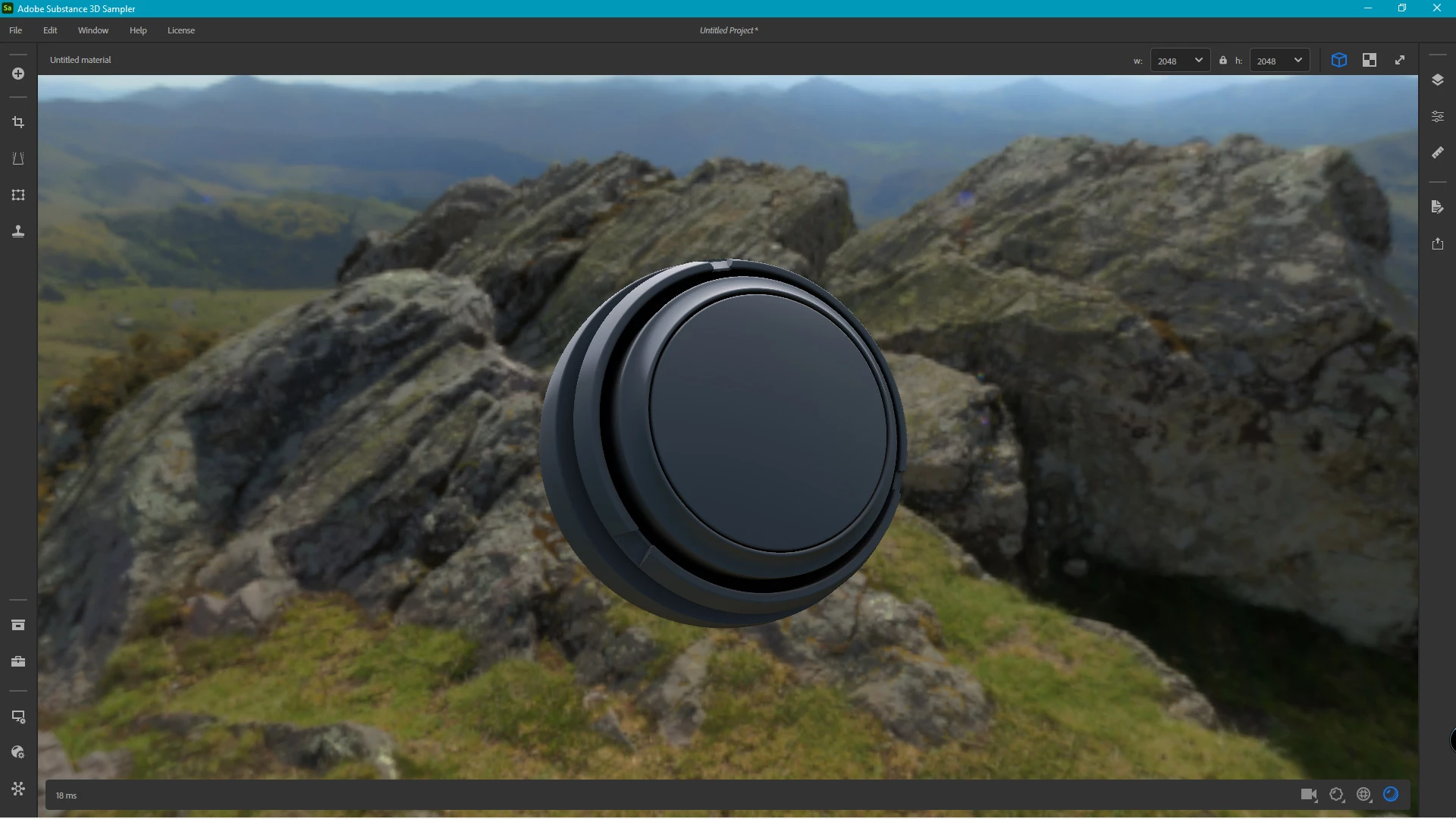
Here is my Sampler screen grab:

This topic has been closed for replies.

1 reply

Baptiste_Substance_3D
Community Manager
Community Manager
May 2, 2022

Hello,


Can you reset your window layout? Top menu > Window > Reset layout.

On the top left, you will find the project panel from where you can start creating an environment light.


edu2002
edu2002Author
Participant
May 4, 2022

Thank you, the UI issue was solved (the interface was just like the screen grab above the first time I opened Sampler)

Now that I have access to the Enviro Light creation workflow, I've learned that Sampler doesn't work with spherical panoramas (like the output from my 360 camera)

Since the video tutorial suggests 360 cameras, I purchased one just to start creating my own HDRIs, thought Sampler could handle such files.

As soon as I manage to convert my spherical to rectangular I'll be able to give some feedback on the final quality of the Env Light.

Baptiste_Substance_3D
Community Manager
Community Manager
May 10, 2022

Hi,

Can you send us a file example? What 360 camera are you using?


Thanks