


Participant
November 13, 2022
Question

Creating A Floor Material From A Small Sample

  • November 13, 2022
  • 2 replies
  • 321 views

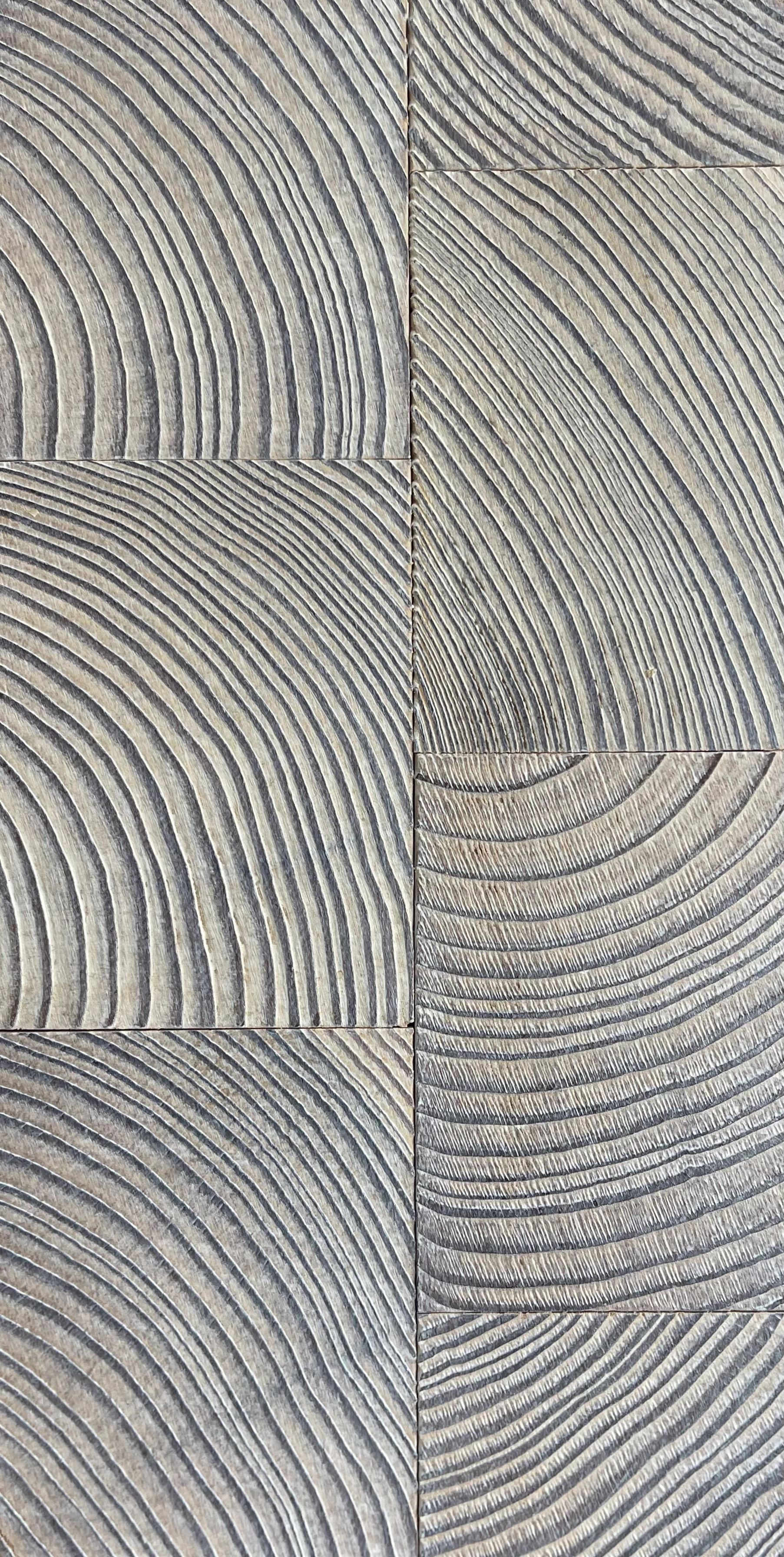
Hi Guys, I have a photo of a small floor sample I would like to use as a material in a 3d model. How can I use 3D sampler/photoshop to create a material with enough variations of the sample to not look like it is just a repeating photograph. The sample photo looks like this. Thanks for your help. 
This topic has been closed for replies.

2 replies

Ares Hovhannesyan
Community Expert
Community Expert
November 26, 2022

Do I understand right that you want to have 6 different seamless patterns from this one image? Thanks

Ares Hovhannesyan
Community Expert
Community Expert
November 13, 2022

Please take a look Substance 3D Youtube toturial. (1) Parquet Material In Minutes with Substance 3D Sampler - YouTube 

bentmsAuthor
Participant
November 13, 2022

Thanks so much for the link. It's very interesting. Unfortunately it doesn't help me as the material I am making needs to be created from the image I have. It is a very peculiar endgrain texture and cannot be achieved with the techniques in the video.

LoryAline
Community Manager
Community Manager
November 21, 2022

Hi,
You can use the techniques shown in the video but before doing it, I would suggest to treat the image with the "image to material" (B2M or AI Powered - choose the one that suits you best). 
 https://substance3d.adobe.com/tutorials/courses/First-Steps-with-Substance-3D-Sampler/youtube-F3DTive0Urg