


How can I improve AI up vs down recognition?
Sampler
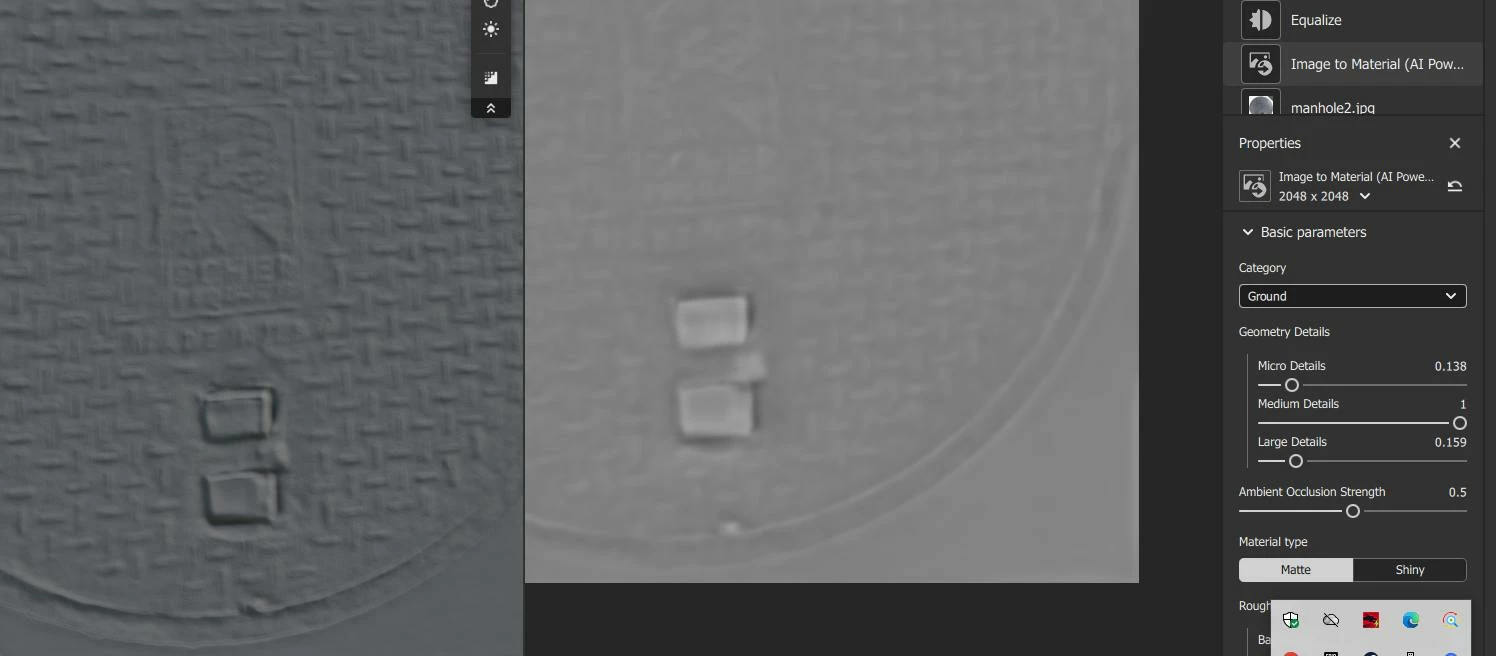
Whenever I try to use AI "photo to material" I still get something so so until it's a special photo where dark pixels means deeper that works perfectly ok without any AI.
But it's usually a rare case so I tried with a manhole photo I actually need to turn into normal map . I selected "ground" option. Others looks even less accurate.
Those rectangular things You can see should be down for example.
Is there anything to improve the result for better feature recognition ? Maybe some clue for AI as a text or something? or maybe some helper tools ? Maybe some small localized vector images saying this feature have to be up and this down ? Maye a complete vector image with all the patterns AI could stretch/deform the original image to be matching or something?
I really want to use Sampler but for years already can't find good subjects for it . Honestly I can't stand it even for simple tilable materials blending/compositing where Photoshop + chatGPT still looks like better option . Less extra sub-pixel blur, simple, easier brushes for masking etc.
 AdChoices