


How can I use all the maps from the underlying layers in Sampler and replace the height with anSBSAR
I am attempting to use inputs from Designer and export the SBSAR to Sampler.
I created a graph in Designer which modifies only the height map with exposed parameters. For Base color, metallic, normal, opacity and roughness I created “Input Color” and “Input Grayscale” nodes. Each with its Identifier and Usage assigned.
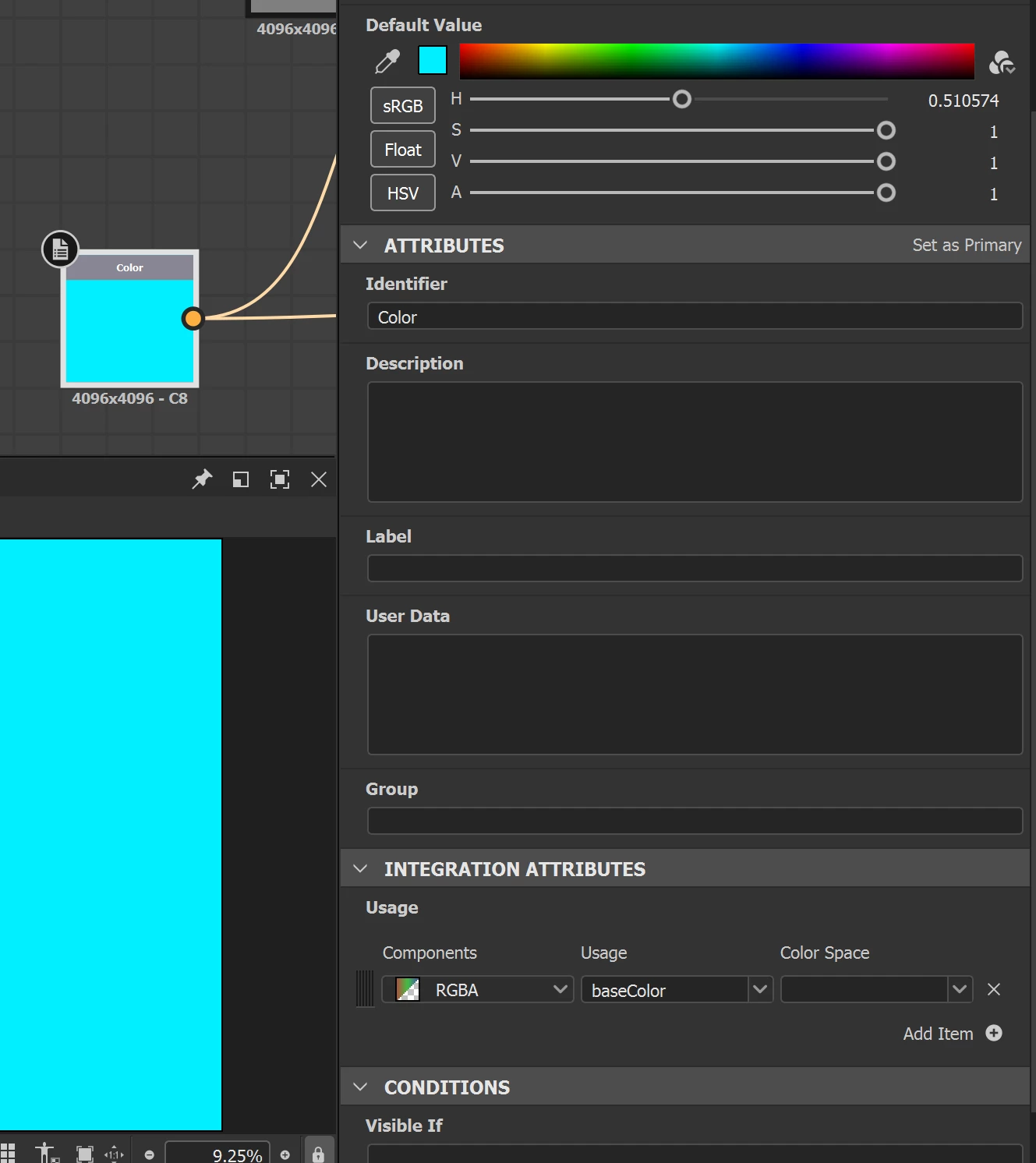
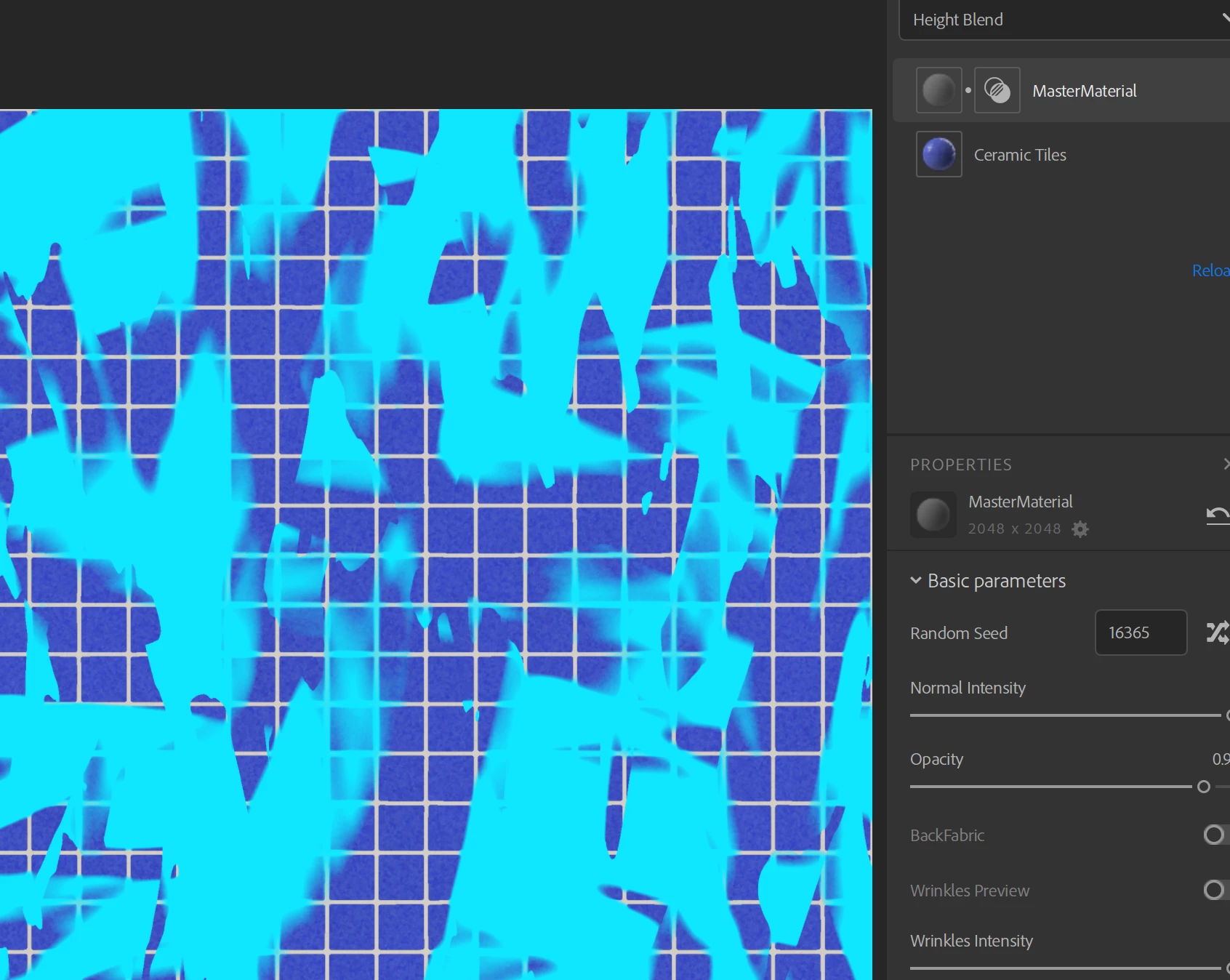
When I import the SBSAR to Sampler my understanding is that the SBSAR would take the Base color, metallic, normal, opacity and roughness from the lower layers in sampler. But that is not the case. The turquoise color appears on top.
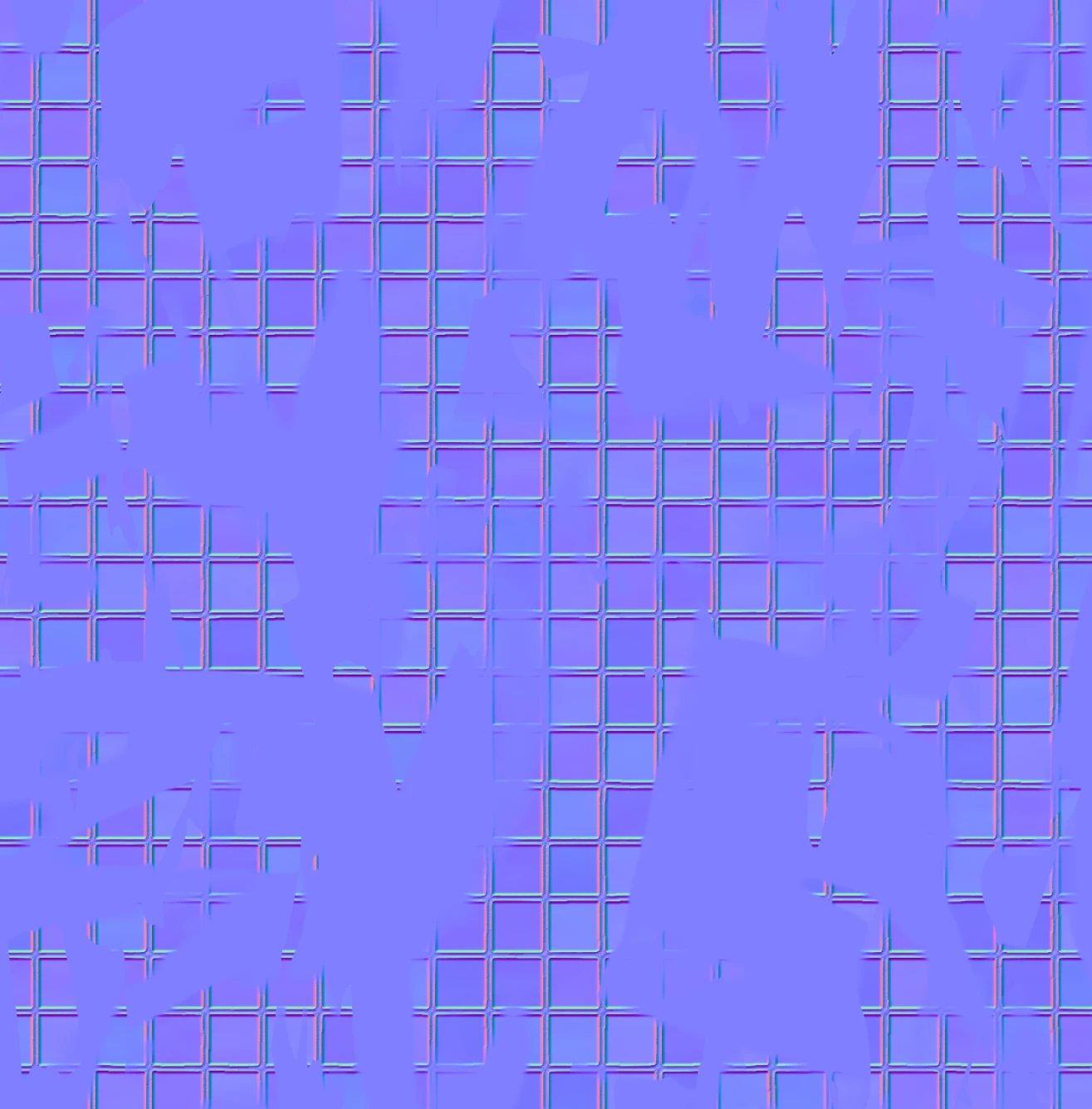
Also the normal map is also replaced with the “input Color”
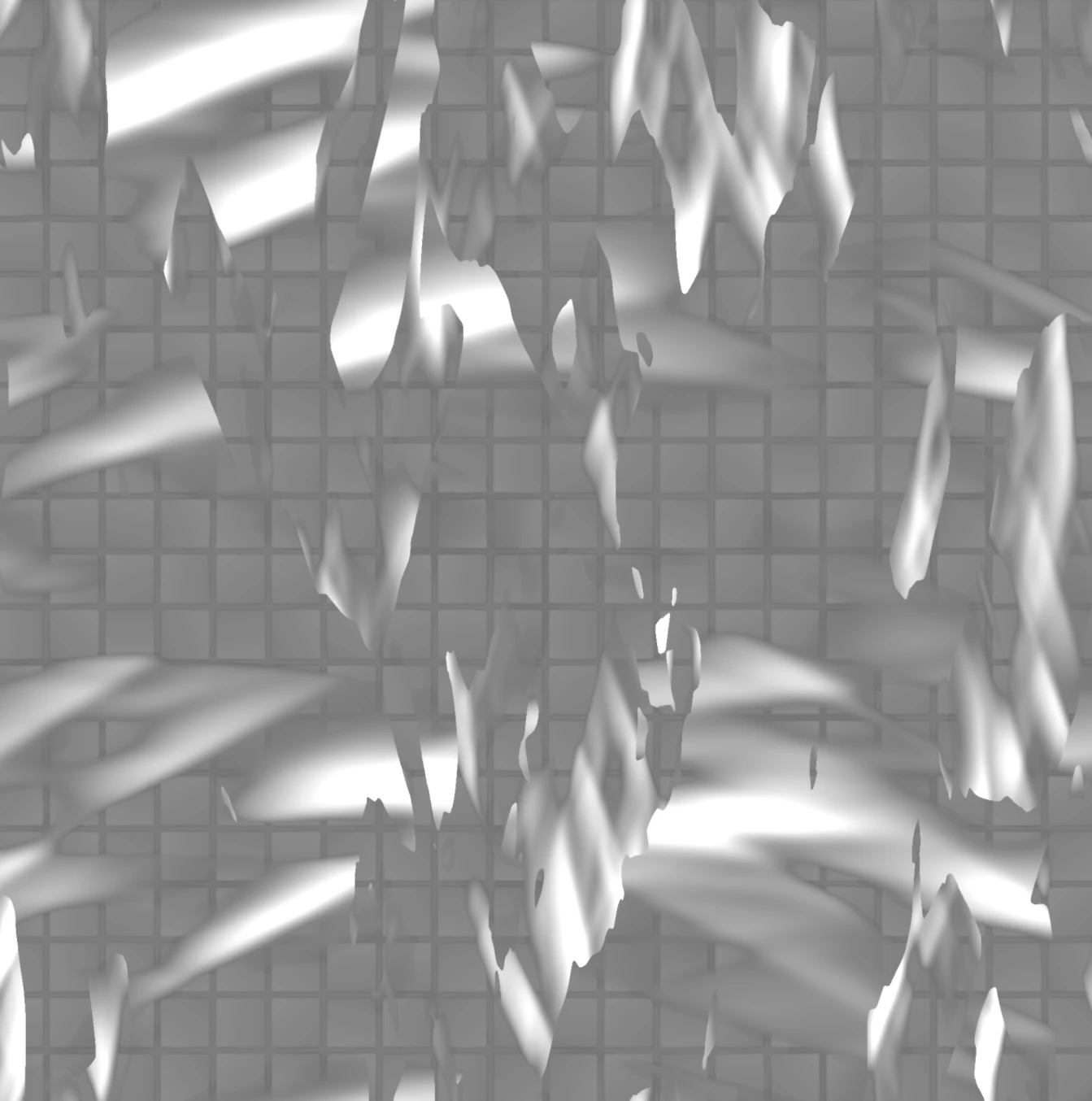
Even the height map which is fully generated covers only part of the undelying material.
Am I understanding incorrectly how the input nodes work?
How can I use all the maps from the underlying layers in Sampler and fully replace the height?
Thanks!
 AdChoices