


Answered
How do i import my materials from adobe creative cloud into adobe substance 3d sampler?
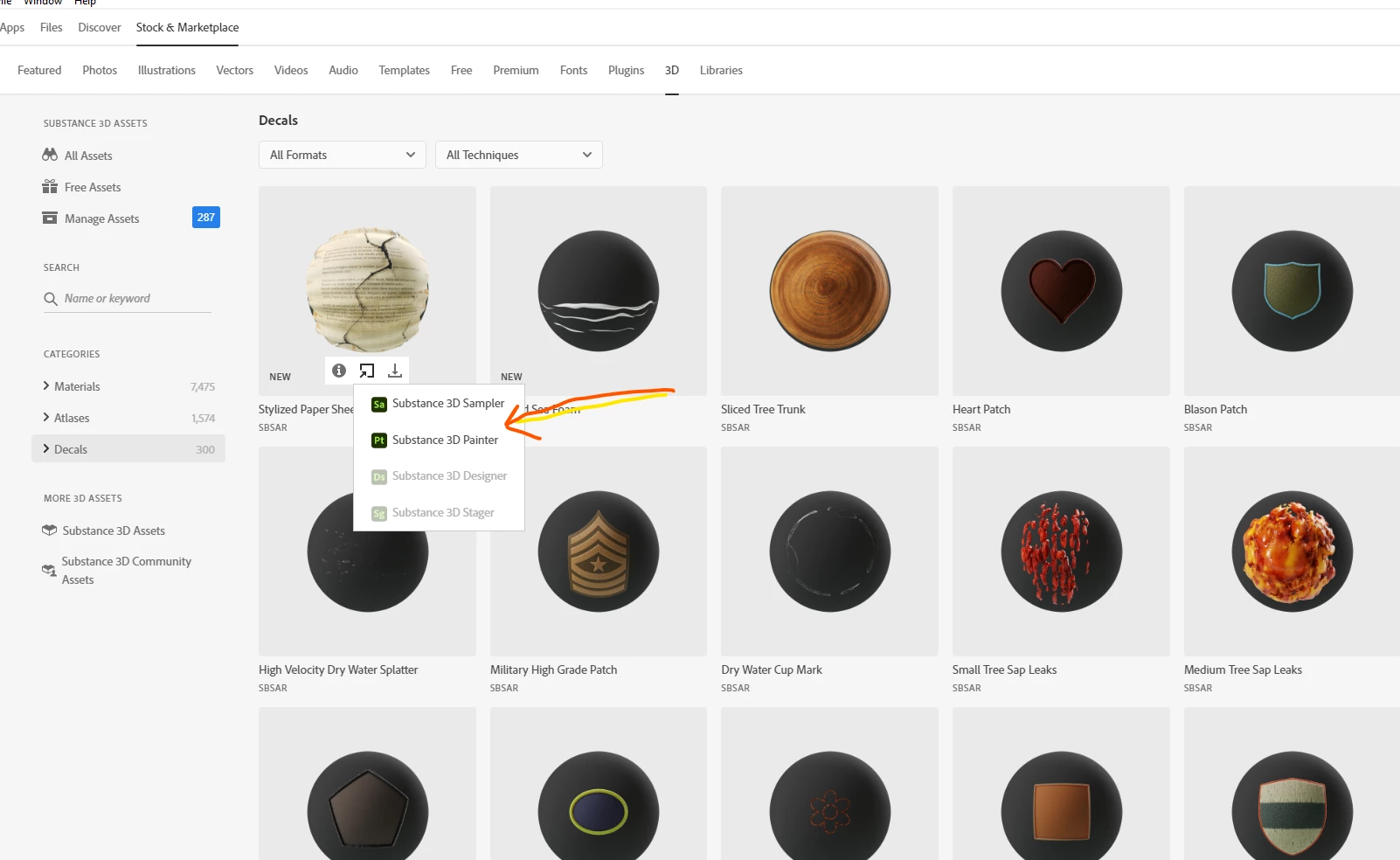
Hi. I have thousands of Substance materials that are available in Adobe Creative Cloud Desktop under "Stock & Marketplace" > "3D." I would like to have these materials automatically import into Substance 3D Sampler, but none of them do. I understand how to add these materials manually linking to a folder on my hard drive, but I would rather link directly into Creative Cloud so that every time I download a new material from substance3d.adobe.com/assets, it automatically shows up in Sampler. Is this possible? Thanks.

 AdChoices