


how to export mesh
in the document, i found there are some options about exporting mesh, but i didnt find it in Sampler...
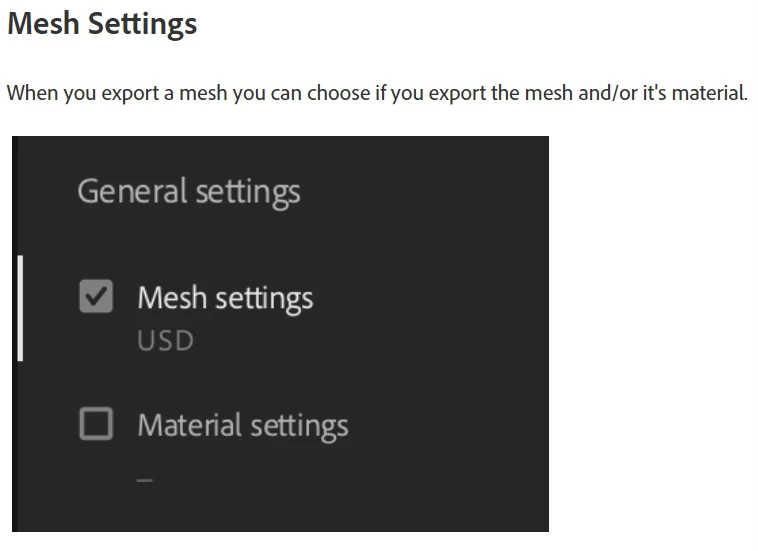
thus, i try to achieve it through python API. but an error occurred after running it:
”Cannot call export_mesh on anything but a 3D object
导出文件夹路径:“
i wonder is there a method can select the 3d model? the method "get_selected_asset()" only gets the material type.
(run "asset = substance_sampler.get_selected_asset()
print (asset.type)"
return Assettype.material)
my code below:
import substance_sampler
# 创建 Asset 对象
asset = substance_sampler.get_selected_asset()
# 设置导出参数
export_path = "C:/Users/maxiqq/Desktop"
export_name = "exported_object"
# 调用 export_3d_object() 函数导出 3D 物体
export_folder_path = asset.export_mesh(path=export_path, name=export_name, format = substance_sampler.MeshExportFormat.obj)
# 打印导出文件夹路径
print("导出文件夹路径:", export_folder_path)

 AdChoices