


Question
How to get rid of height ridge while painting material masks?
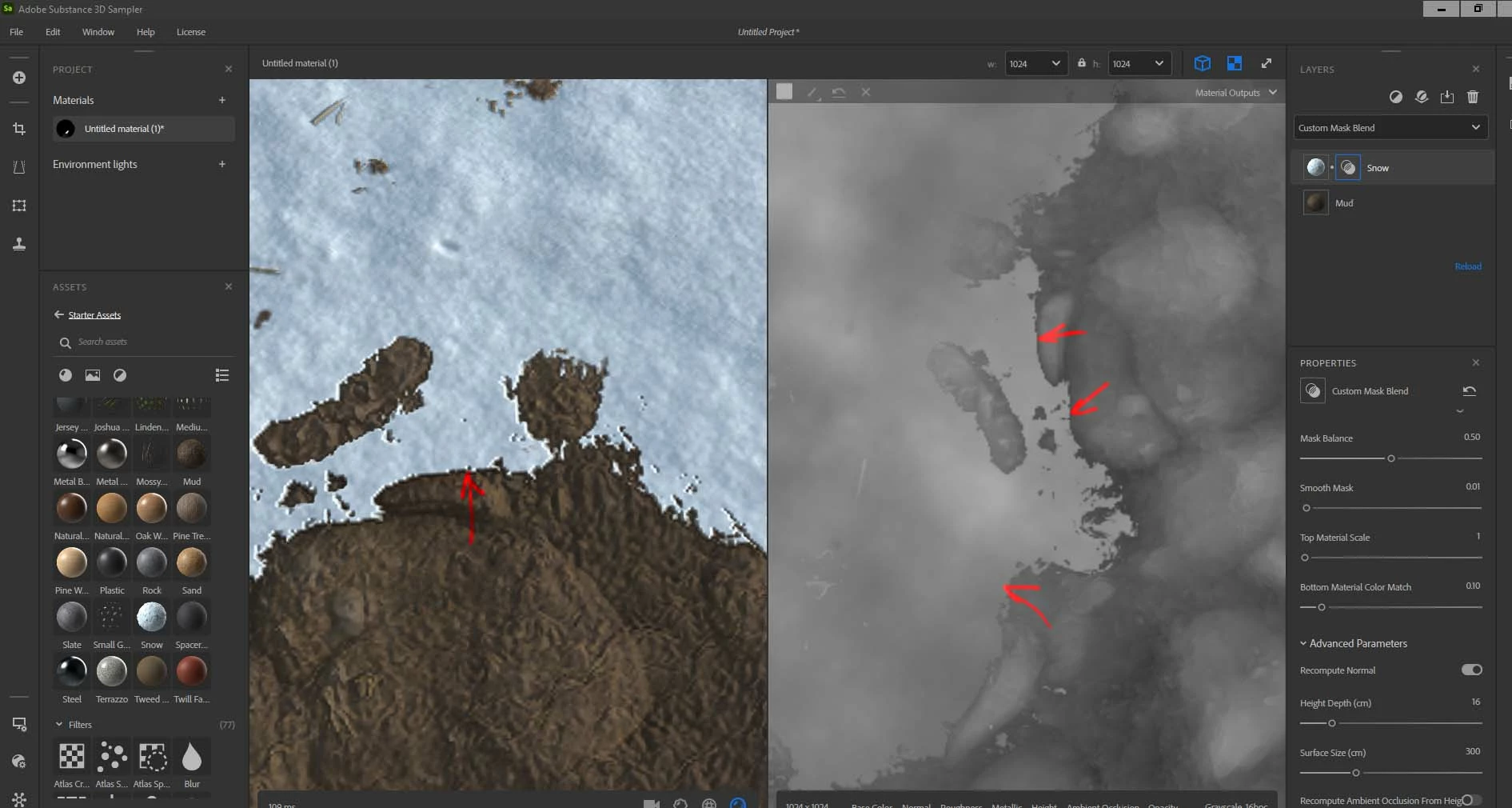
in Designer for example I never get such thing since I usually multipy the painted "mask" on the bottom material height and add on a top one. They mix properly that way withot such boder cliff or something .
I suppose the blending materials is a main purpose of Sampler so how can force it to do in realistic manner? In "Height blend " mode it works perectly ok but I have no idea how to add custom mask there?
 AdChoices