


Participant
May 12, 2024
Question

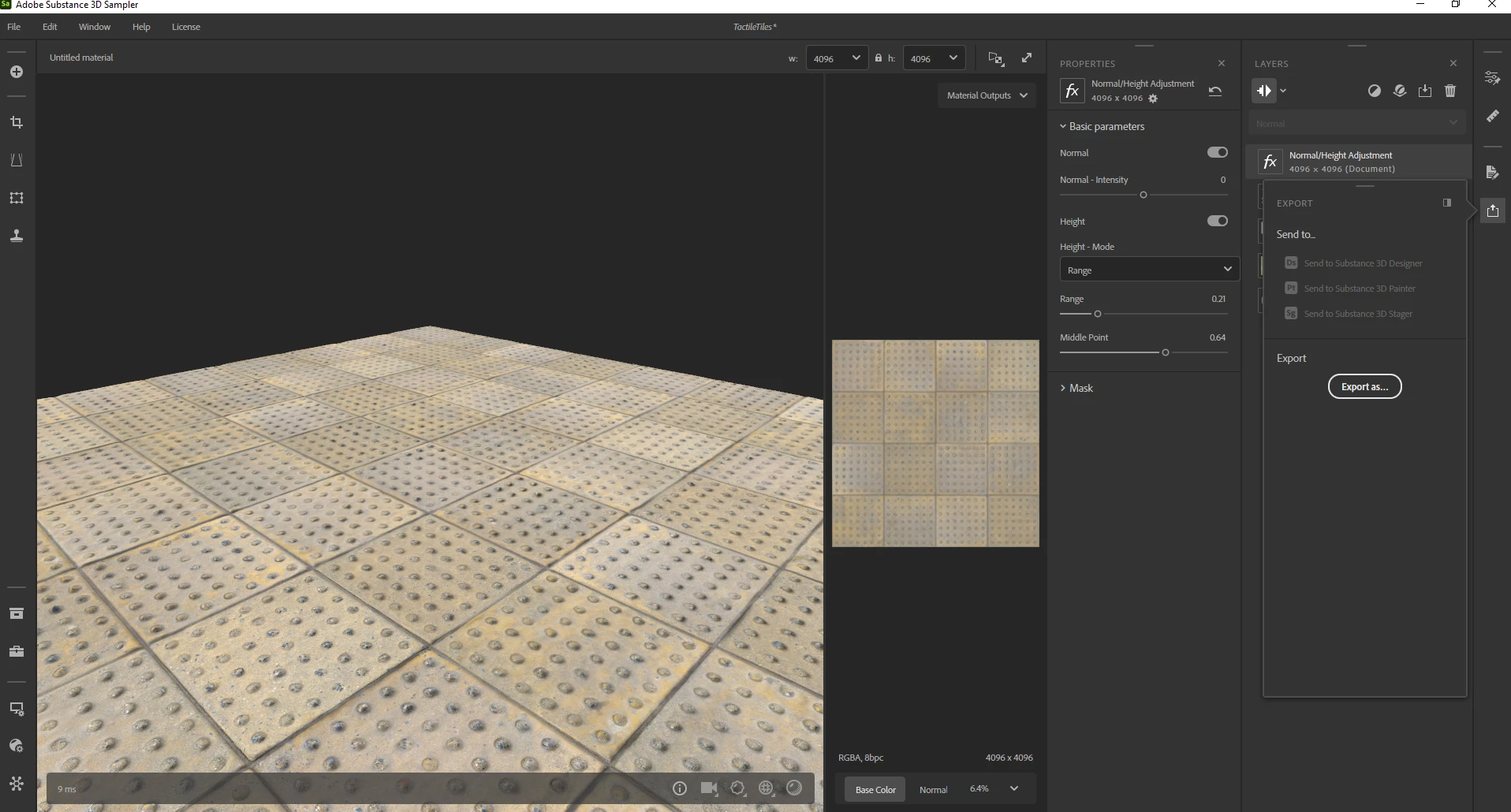
How to save rendered image?
  • May 12, 2024
  • 2 replies
  • 1275 views

Hello! Can I save the rendered picture in high res from the Substance 3D Sampler to avoid using another 3D software to create my meterial preview? I see on YouTube people show this function was available in earlier versions of the program.
This topic has been closed for replies.

2 replies

Marion3D
Community Manager
Community Manager
May 14, 2024

Hi Sergei,

It is not currently possible to create a thumbnail from the 3D view, today the only way to do so is via a screenshot of the Sampler interface

Ares Hovhannesyan
Community Expert
Community Expert
May 12, 2024

What type of file you want to export?  Please view Export | Substance 3D Sampler (adobe.com)

Participant
May 12, 2024

I want to save this one 

Ares Hovhannesyan
Community Expert
Community Expert
May 13, 2024

Sampler exports to a wide range of file formats. Currently supported formats are: You can export TIFF 

Sampler supports major file formats export for your assets:

  • Materials as Substance files (.SBS and .SBSAR), as bitmap textures (.PNG, .JPG, .TIFF, ...)
  • Environment lights as Substance files (.SBS and .SBSAR), as textures (.EXR)
  • Meshes (USD/USDA/USDZ, glTF/GLB, obj, fbx, stl)


Bitmap format

Material format
  • EXR
  • JPEG
  • PNG
  • TARGA
  • TIFF
  • SBS
  • SBSAR

https://helpx.adobe.com/substance-3d-sampler/getting-started/export/export-window.html#:~:text=Sampler%20exports%20to,SBSAR