Stenwins
Participant
October 25, 2022
Answered

How to use custom mask or pattern in Sampler?

  • October 25, 2022
  • 2 replies
  • 1951 views

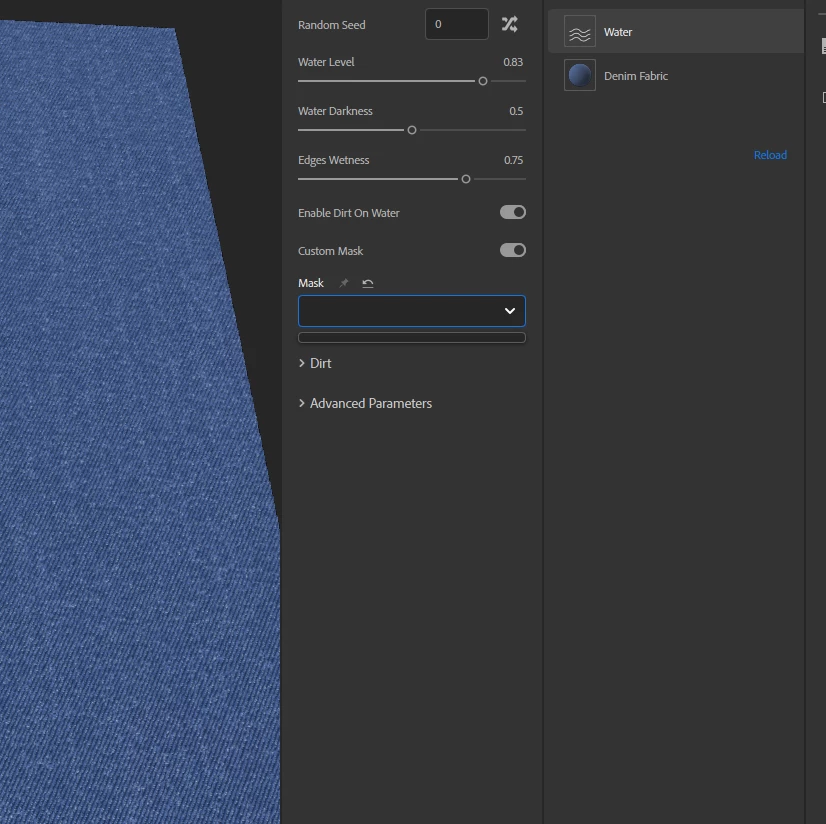
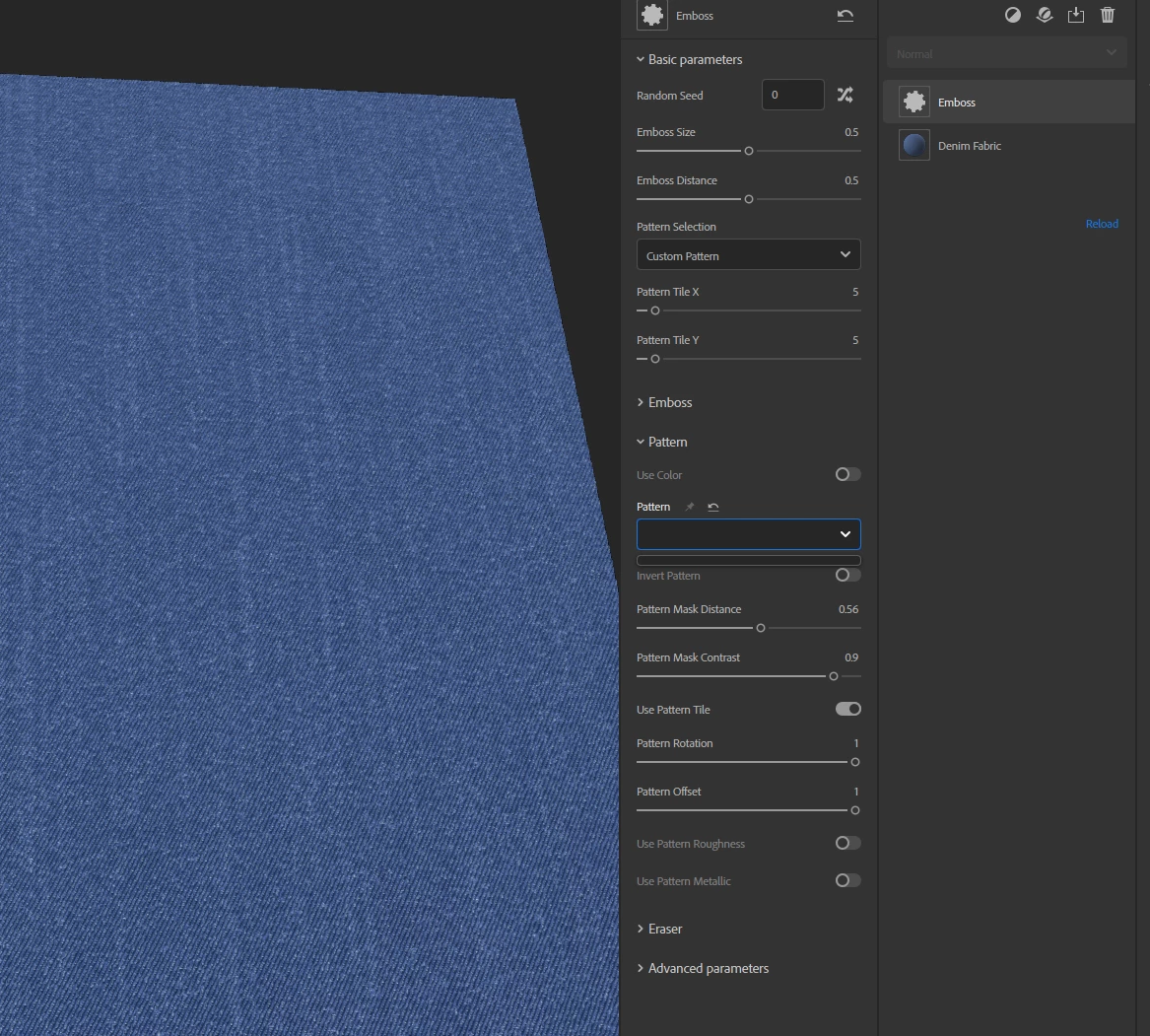
So I am trying to use custom masking for blending in Sampler, and I am not sure what I am doing wrong? The option to either paint or import is not there, what do I do?  


Thanks!


This topic has been closed for replies.
Correct answer LoryAline

Hi,
This bug can appear because of issues with your data.

One thing that you can try is to rename (for back-up or delete this following folder:
Win:~/AppData/Roaming/Allegorithmic (or Adobe)/Adobe Substance 3D Sampler
Mac:Mac: /Users/USER/Library/Application Support/Adobe/Adobe Substance 3D Sampler

It will reset your Sampler. You will just need to reconnect your local folders if any.

2 replies

LoryAline
Community Manager
LoryAlineCommunity ManagerCorrect answer
Community Manager
October 26, 2022

Hi,
This bug can appear because of issues with your data.

One thing that you can try is to rename (for back-up or delete this following folder:
Win:~/AppData/Roaming/Allegorithmic (or Adobe)/Adobe Substance 3D Sampler
Mac:Mac: /Users/USER/Library/Application Support/Adobe/Adobe Substance 3D Sampler

It will reset your Sampler. You will just need to reconnect your local folders if any.

Stenwins
StenwinsAuthor
Participant
October 26, 2022

Thank you! That fixed it!

Ares Hovhannesyan
Community Expert
Community Expert
October 25, 2022

Here is review of that Generator Embossing | Substance 3D Sampler (adobe.com)

You cab use also Paint Filter to add custom mask


Stenwins
StenwinsAuthor
Participant
October 25, 2022

Thanks for replying! I have read the documentation, but it seems like I should be able to plug in a pattern to the costum pattern for the emboss? but it just seems it is impossible? Would you mind showing me how? Tried with the paint filter, but but couldnt choose that as my mask either