Participant
May 2, 2023 2:04 PM UTC
Question

Image to Material tiling issue

Hi there,


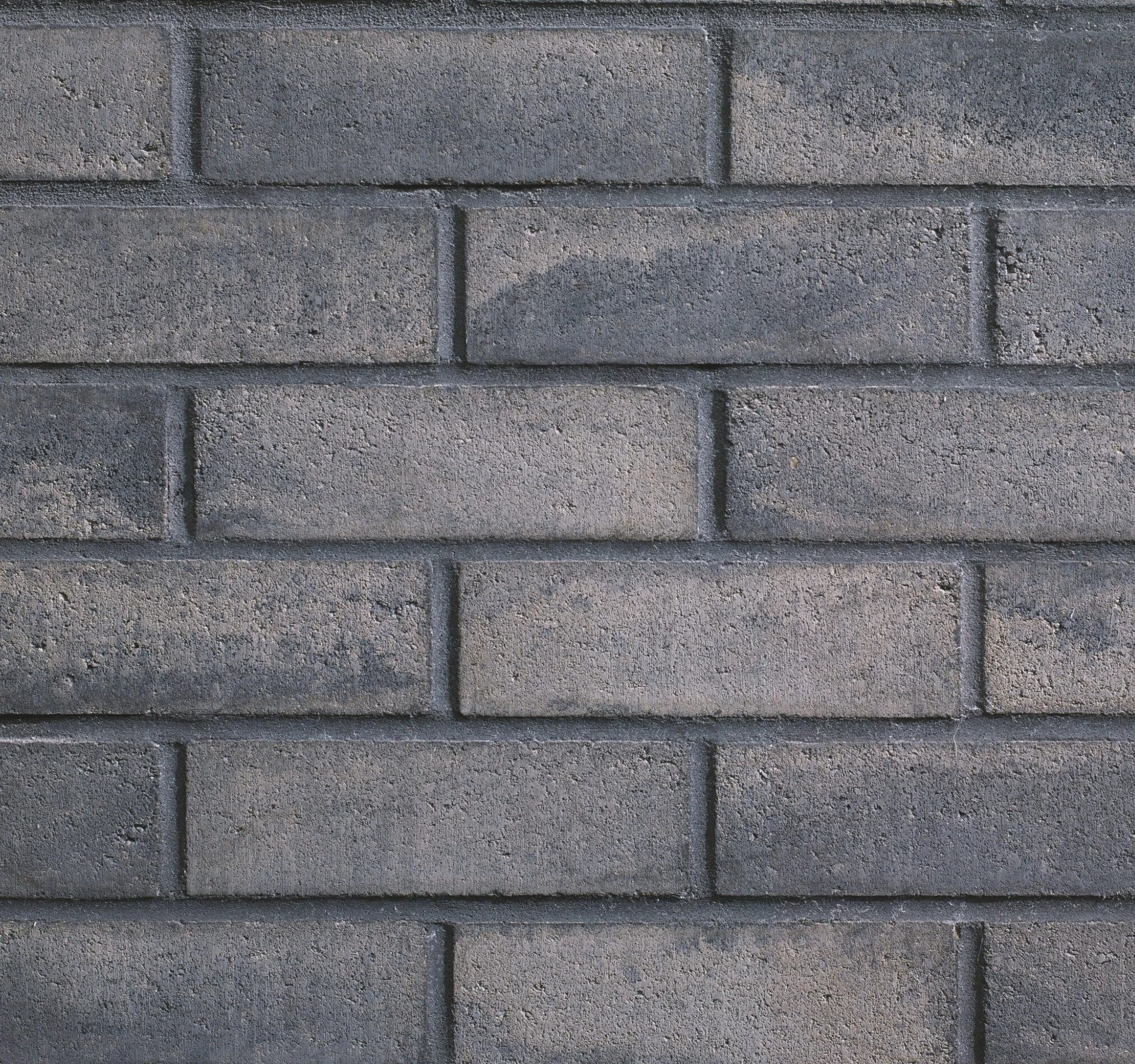
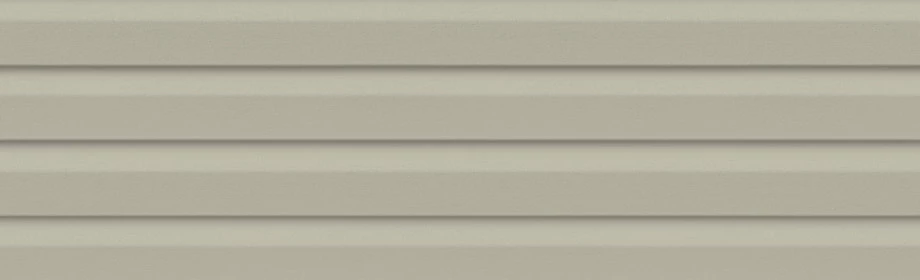
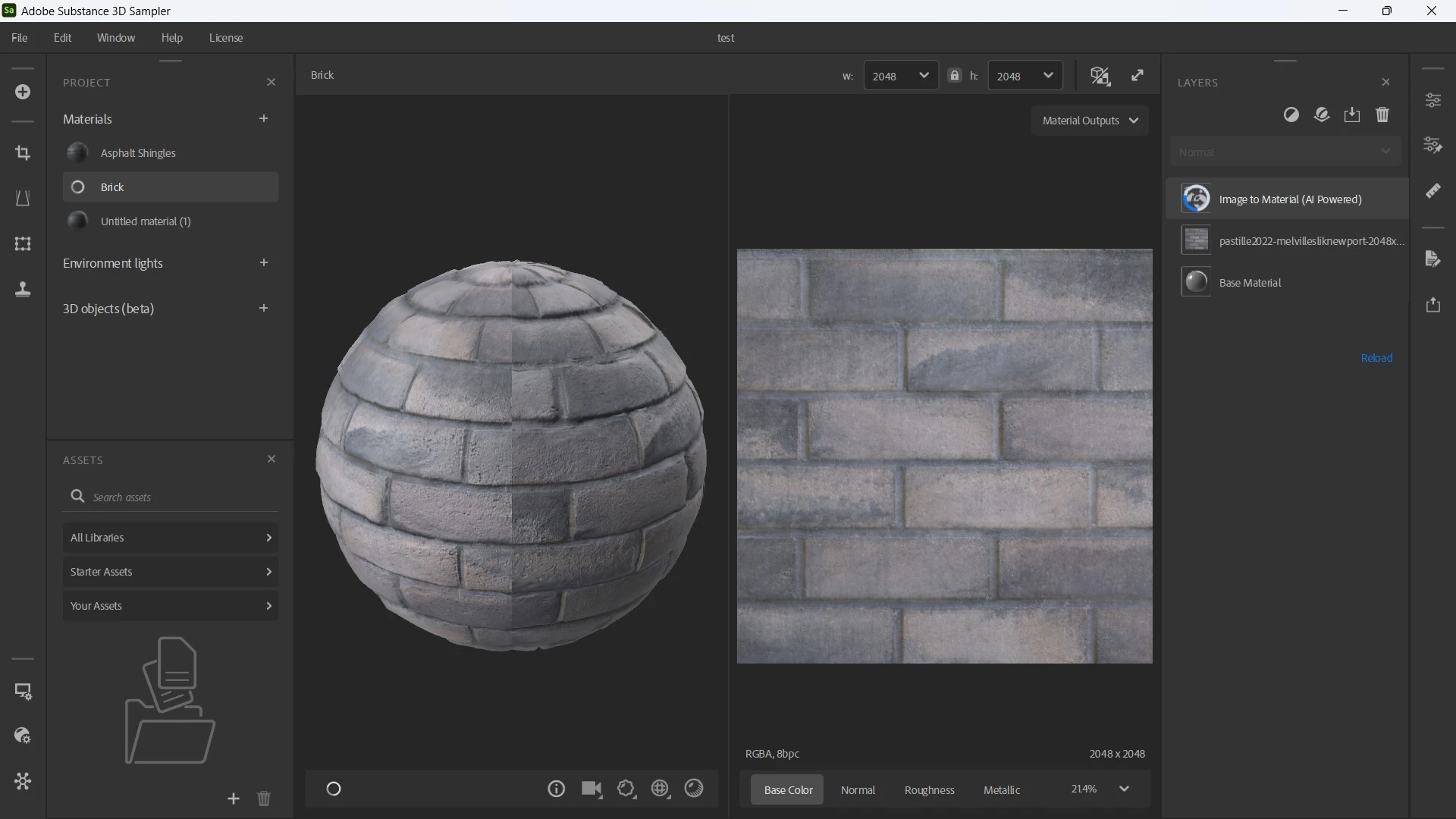
I am new to Substance 3D so I don't have much knowledge as of yet. I need to create 3D materials that are exact in colour which is why I'm using the image to material function. When I upload an image of a brick material, the tiling isn't quite right. I'm also trying to creating a vinyl siding material from an image but don't have any base materials that match up.


Any help/guidance would be greatly appreciated. If there are any known courses out there that someone knows of, please share.


Thank you.
 

This topic is closed to new replies. Start a new post to keep the conversation going.

2 replies

Guillaume_Substance3D
Community Manager
Community Manager
May 11, 2023 1:37 PM UTC

Based on your source file the best you can do is using Tilling, Equalize filter to uniformize the color and Normal/Height adjustment to temper the sharp height peaks.

I don't recommend to use Paint Wrap as a beginner.

A quick example of what is achievable with your material with other filters and adjustments:


Translate
Ares Hovhannesyan
Community Expert
Community Expert
May 3, 2023 4:07 PM UTC

Try to find your material from Substance Assets Materials. Substance 3D Assets Homepage (adobe.com)

You can correct it with new "Paint Warp" filter Paint Warp | Substance 3D Sampler (adobe.com)

https://youtu.be/m0eb7J8KVxc

Translate