Participant
February 27, 2023
Answered

Import on dimension textures created in Substance 3D Sampler

  • February 27, 2023
  • 1 reply
  • 1110 views

Hi, I have created on Substance 3D Sampler a material related to a product of my company, now I would like to import it into Adobe Dimension to create renders but it is not possible for me to import the material directly into the export format. In fact exporting it to .ssa adobe dimension tells me it is an invalid format. All the other export formats split my material image into multiple split layers and I don't know how to merge them. Can anyone help me with this?


Thanks

This topic has been closed for replies.
Correct answer Ares Hovhannesyan

You need to export .SBSAR file format from Sampler and just drop or import it as material into Dimension.

Substance 3D Asset

(*.SBSAR)

Substance Archives are compiled, optimized Substance files. They are much faster to calculate and can easily be shared without reference issues. Parameters can still be tweaked, but editing the graph is locked down. Substance Archives can be used in all Substance 3D applications and any application that has a Substance Integration (some with an external plugin) such as Autodesk 3DS Max & Maya, Unreal Engine or Unity Engine.


Core Concepts (adobe.com)

1 reply

Ares Hovhannesyan
Community Expert
Ares HovhannesyanCommunity ExpertCorrect answer
Community Expert
February 27, 2023

You need to export .SBSAR file format from Sampler and just drop or import it as material into Dimension.

Substance 3D Asset

(*.SBSAR)

Substance Archives are compiled, optimized Substance files. They are much faster to calculate and can easily be shared without reference issues. Parameters can still be tweaked, but editing the graph is locked down. Substance Archives can be used in all Substance 3D applications and any application that has a Substance Integration (some with an external plugin) such as Autodesk 3DS Max & Maya, Unreal Engine or Unity Engine.


Core Concepts (adobe.com)

SyntarquiAuthor
Participant
February 28, 2023

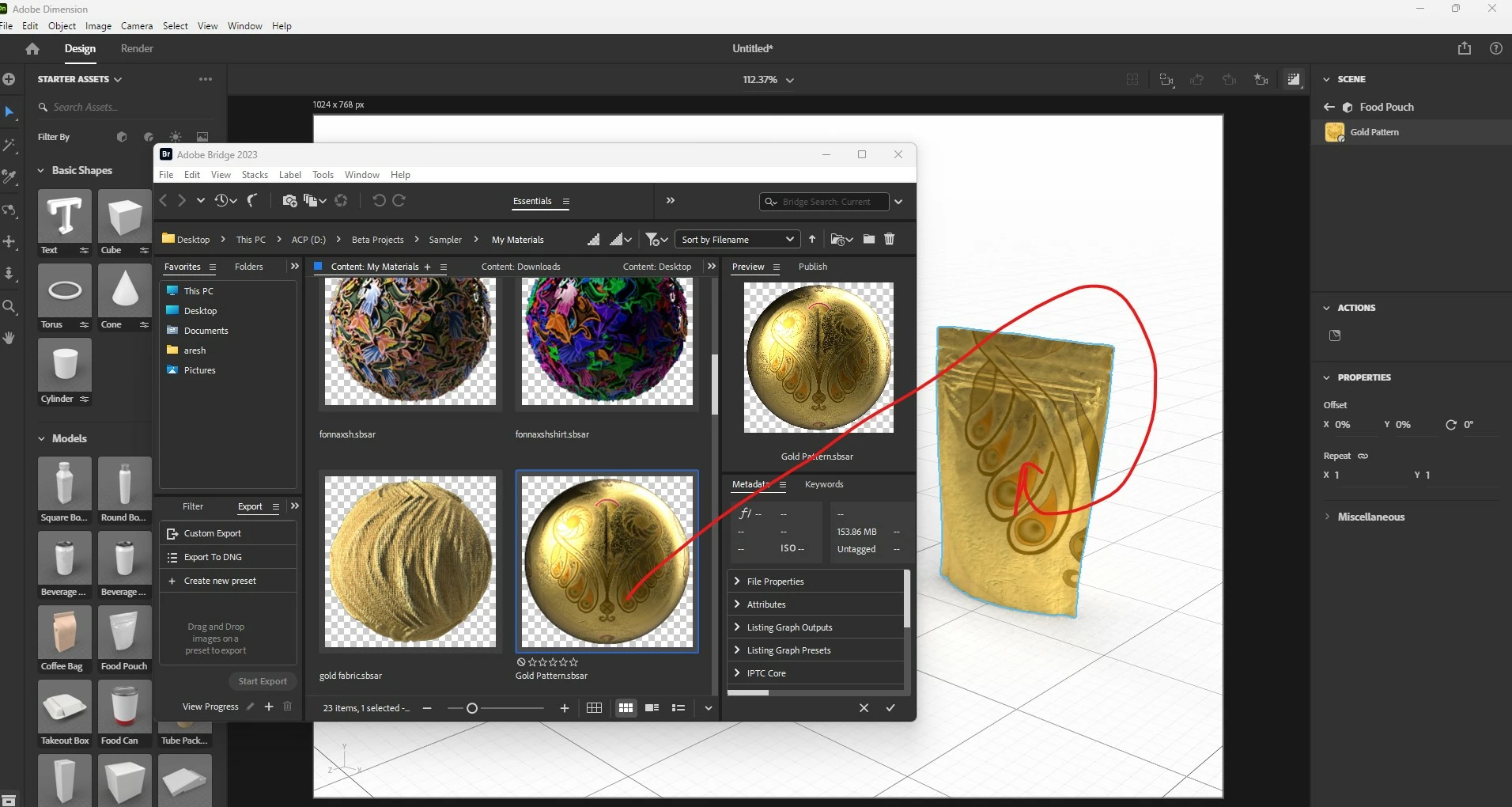
Ares, thanks for the reply however the problem is that neither adobe bridge nor adobe dimension recognize the material for me, although in the preview it is visible correctly. I attach two examples.


Ares Hovhannesyan
Community Expert
Community Expert
February 28, 2023

I have the same. Libraries are not able to show materials preview. That is not a bug.