


Importing Sampler SBSAR files into Maya
Hello,
I have been trying to import SBSAR files into Maya and each time they import distorted or transperancies arent working properly.
I create a Substance node and import the SBSAR file and click on Arnold to create a Network and then apply the created material onto a plane with 50x50 divisions.
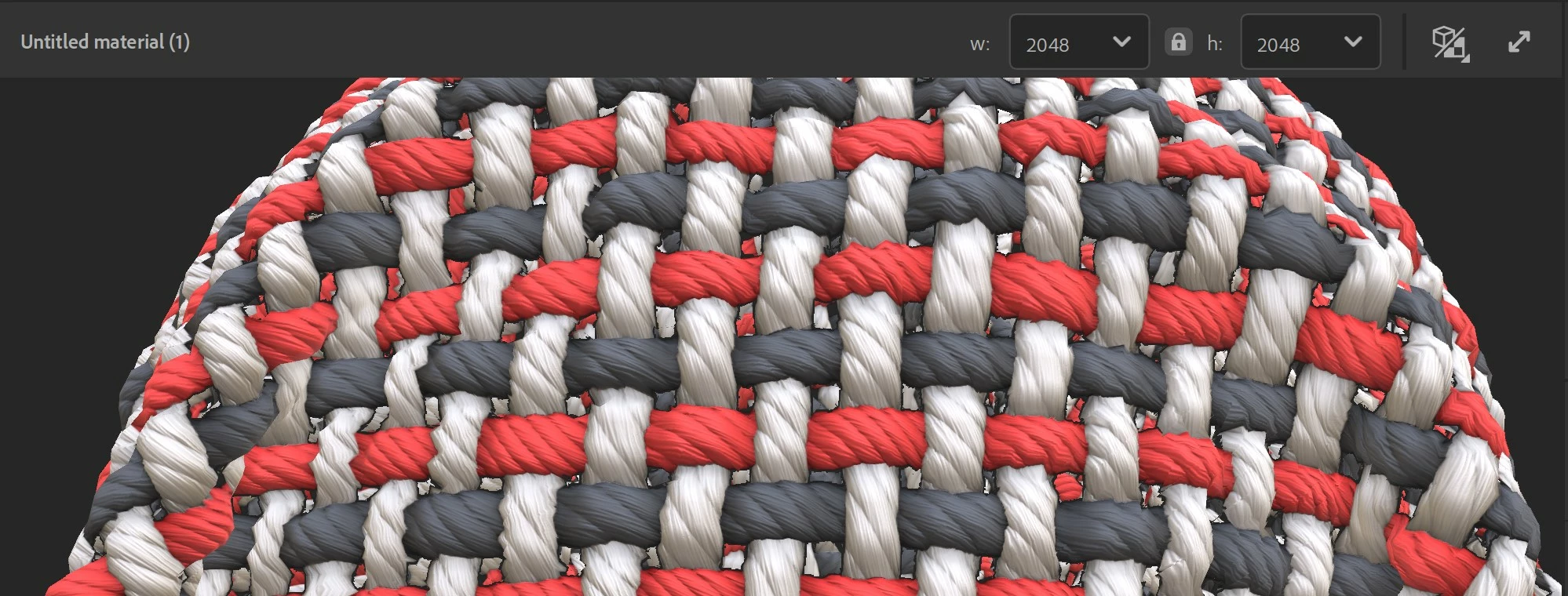
this is how the cloth material looks in sampler. you can see its a large weave when holes.
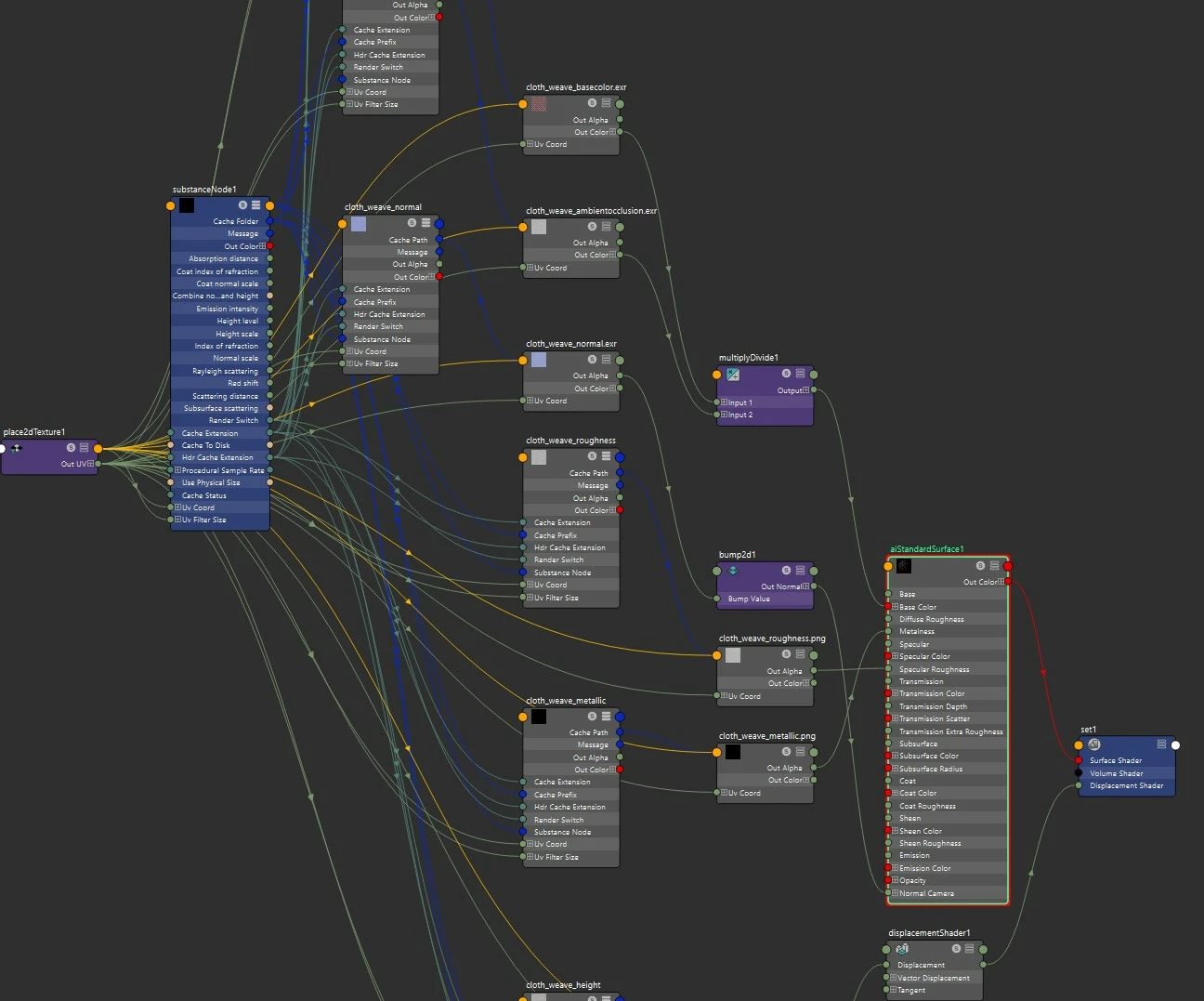
this is my node network after importing with the substance node
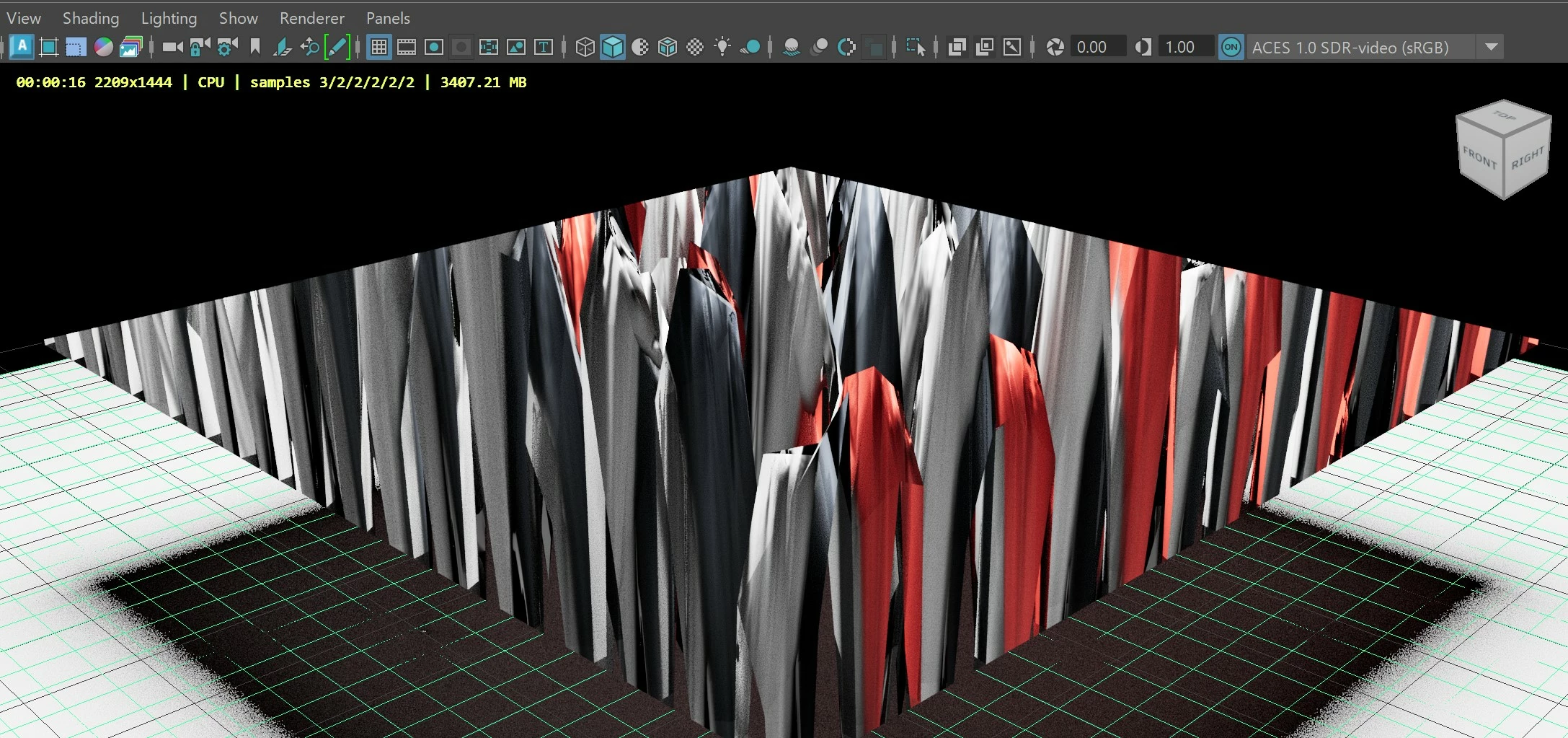
this is what it looks like when i first apply it to the plane
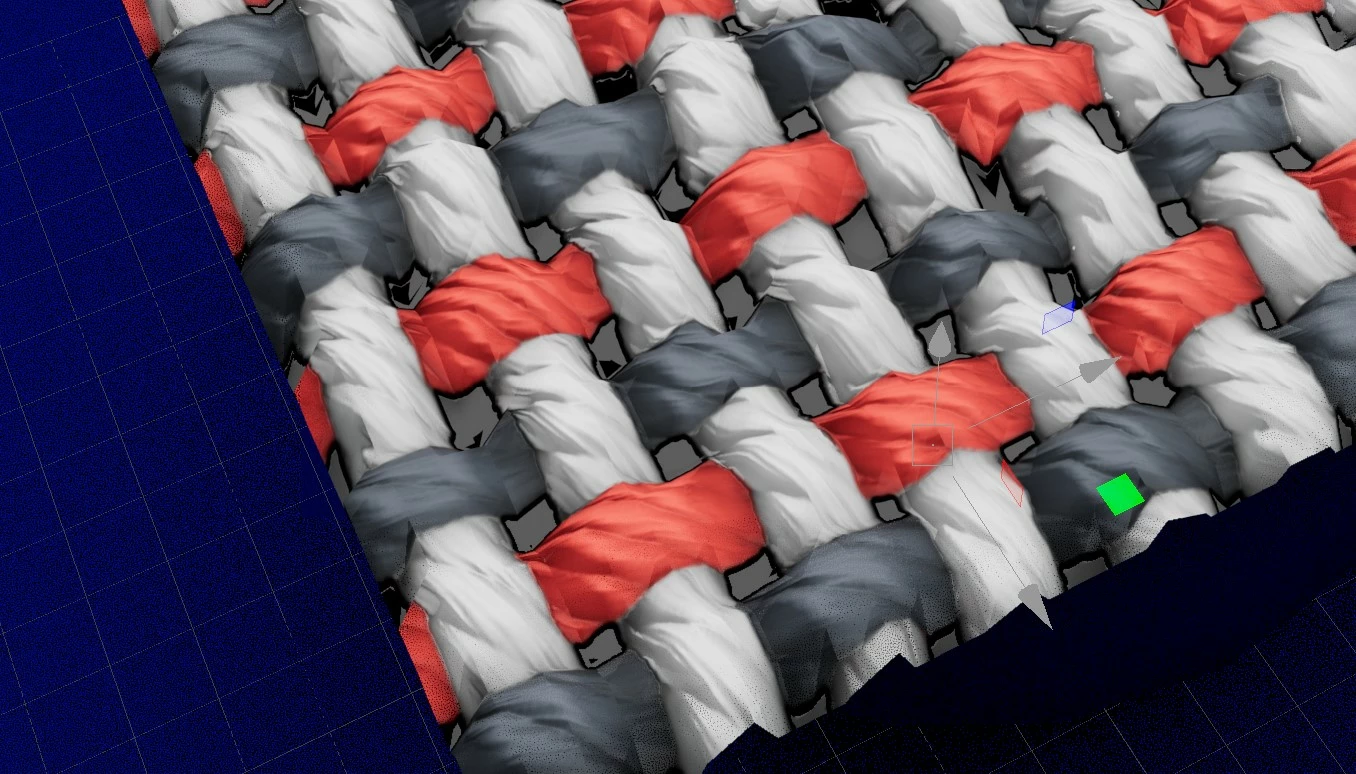
If I reduce the scale on the displacment shader node its gets better but as you can see the holes in the weave are not transparent. How can I fix that and does this seem normal that I need to fix the scale each time. Happnes with my generated SBSAR files and others that ive purchased. I have the latest Substance for Maya plug installed for Maya 2022.
 AdChoices