Inspiring
April 8, 2023
Answered

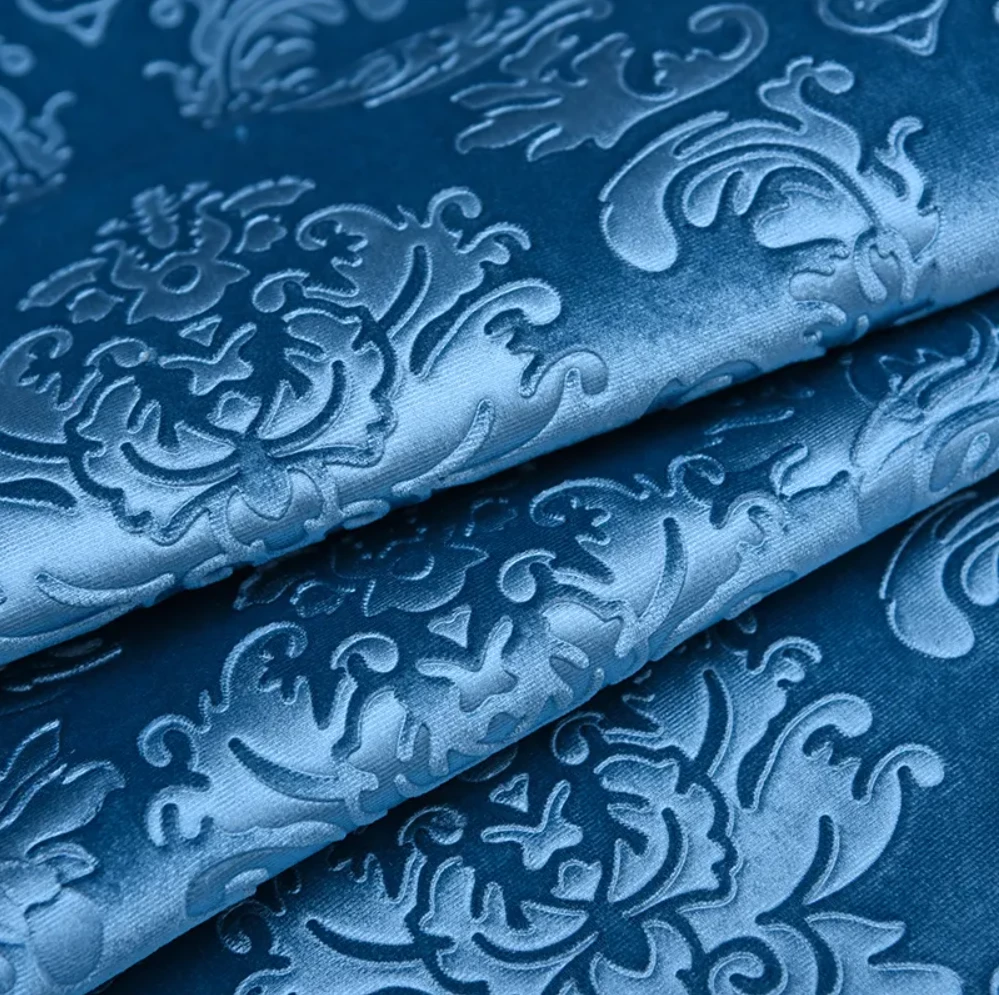
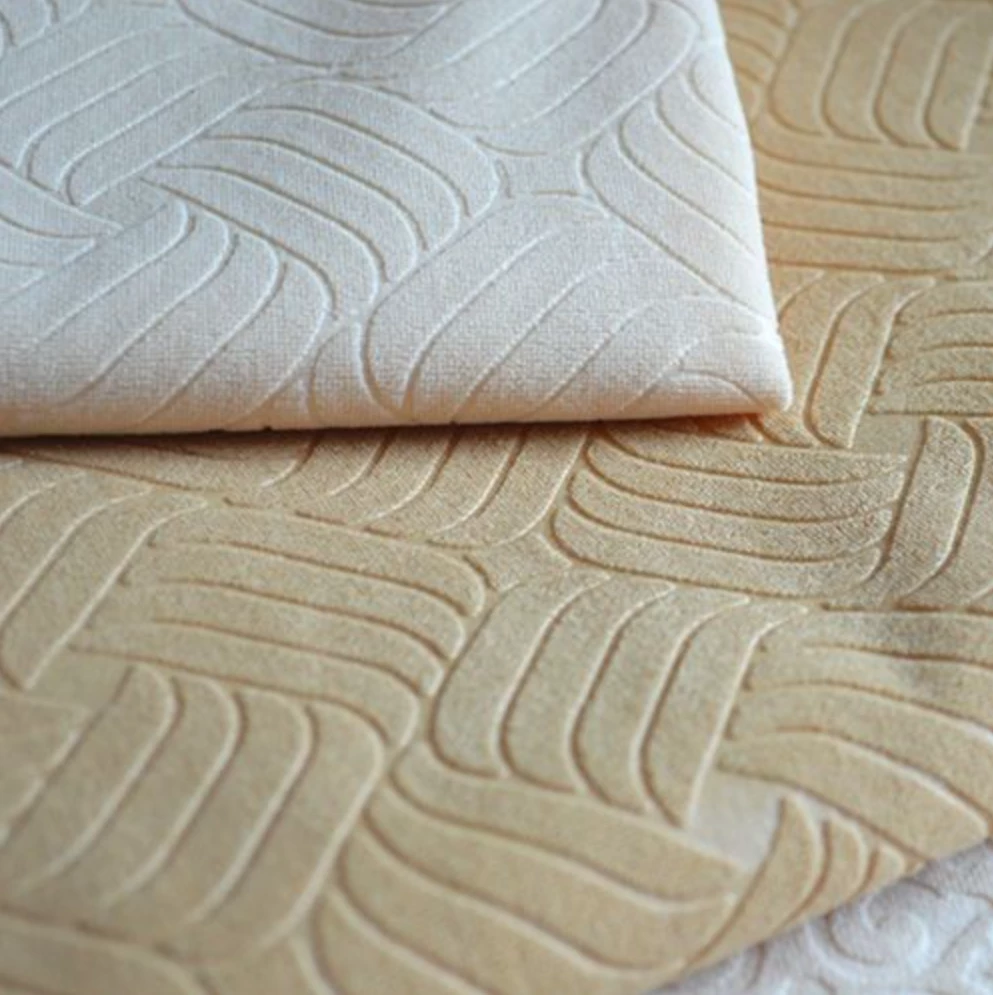
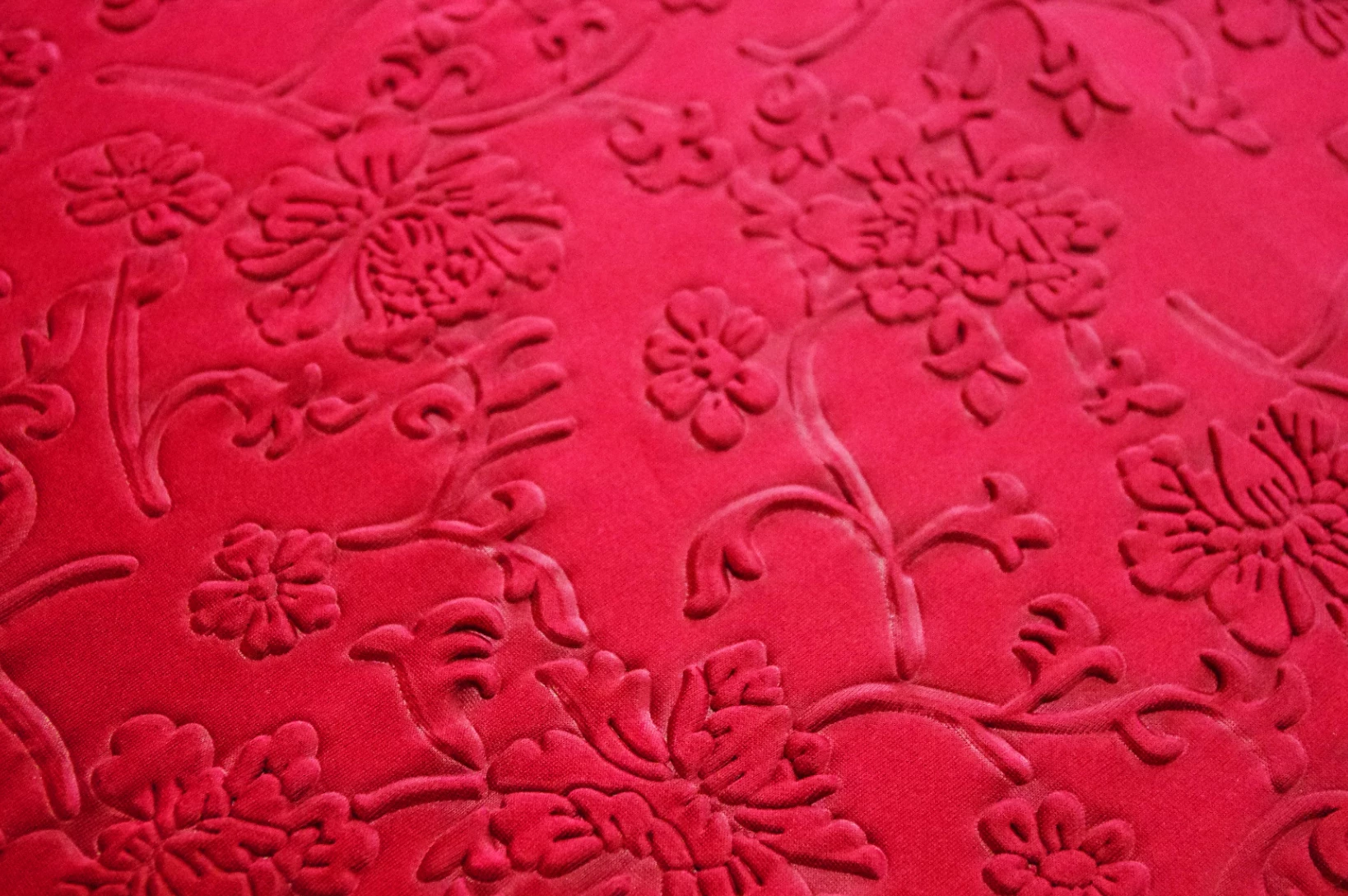
Is there a method for making embossing on this type of fabric?

  • April 8, 2023
  • 2 replies
  • 889 views

I have been exploring for a long time and have been unable to find the best way to make this embossed fabric. The embossing filter seems unable to achieve this effect!

He only creates a relief effect on the fabric, but can adjust the clarity and blurriness of the edges, and can also achieve transitional blurriness of the relief pattern!


If you know the method! I hope you can help me!
Thank you.


This topic has been closed for replies.
Correct answer LoryAline

To achieve those kind of effect you have to use the Emboss filter.
If you want  to have some emboidered effect on, you can add the embroidery on top. 

2 replies

Inspiring
April 11, 2023

I have tried and found that the embroidery filter cannot achieve this effect!
Firstly, the embroidery filter produces an embroidered pattern texture, but the embossed fabric is actually just an indentation and does not add any other materials, which is a significant difference!
Then, he cannot adjust the blurring effect of the edges!


LoryAline
Community Manager
LoryAlineCommunity ManagerCorrect answer
Community Manager
April 11, 2023

To achieve those kind of effect you have to use the Emboss filter.
If you want  to have some emboidered effect on, you can add the embroidery on top. 

Ares Hovhannesyan
Community Expert
Community Expert
April 9, 2023

- To make an emboss material in Adobe Substance 3D Sampler, you can use the Embroidery filter to convert images into embroidered patches with an emboss effect.
- The Embroidery filter allows you to customize the patches appearance, and use the color management tools to act as a mask for multiple materials.
- To use the Embroidery filter, you need to add it to your layer stack and select an image or a mask as the input.
- You can adjust the basic parameters of the filter, such as the color count, color mode, embroidery scale, thread scale, emboss distance, and thread imperfections.
- You can also adjust the color parameters for each color individually, such as the orientation mode, orientation angle, roughness, metallic, and height position.
- You can also adjust the advanced parameters of the filter, such as the emboss normal intensity and the material normal intensity.


Also you can manipulate Height, Normal and Dplecement maps to achive such an eefect. Please also review that help you to understans how materials has been created in app.

Substance 3D Tutorials (adobe.com)


Inspiring
April 10, 2023

Detailed guidance, you are an indispensable technical expert in this community!
I will go practice and have a look! thank you very much!