


Inspiring
February 22, 2024
Question

is there a way to automate plugin installation?

  • February 22, 2024
  • 1 reply
  • 859 views

Hi, is there a way to automate the installation of plugins to Substance 3D Sampler without having to manually select the plugin from the preferences window?
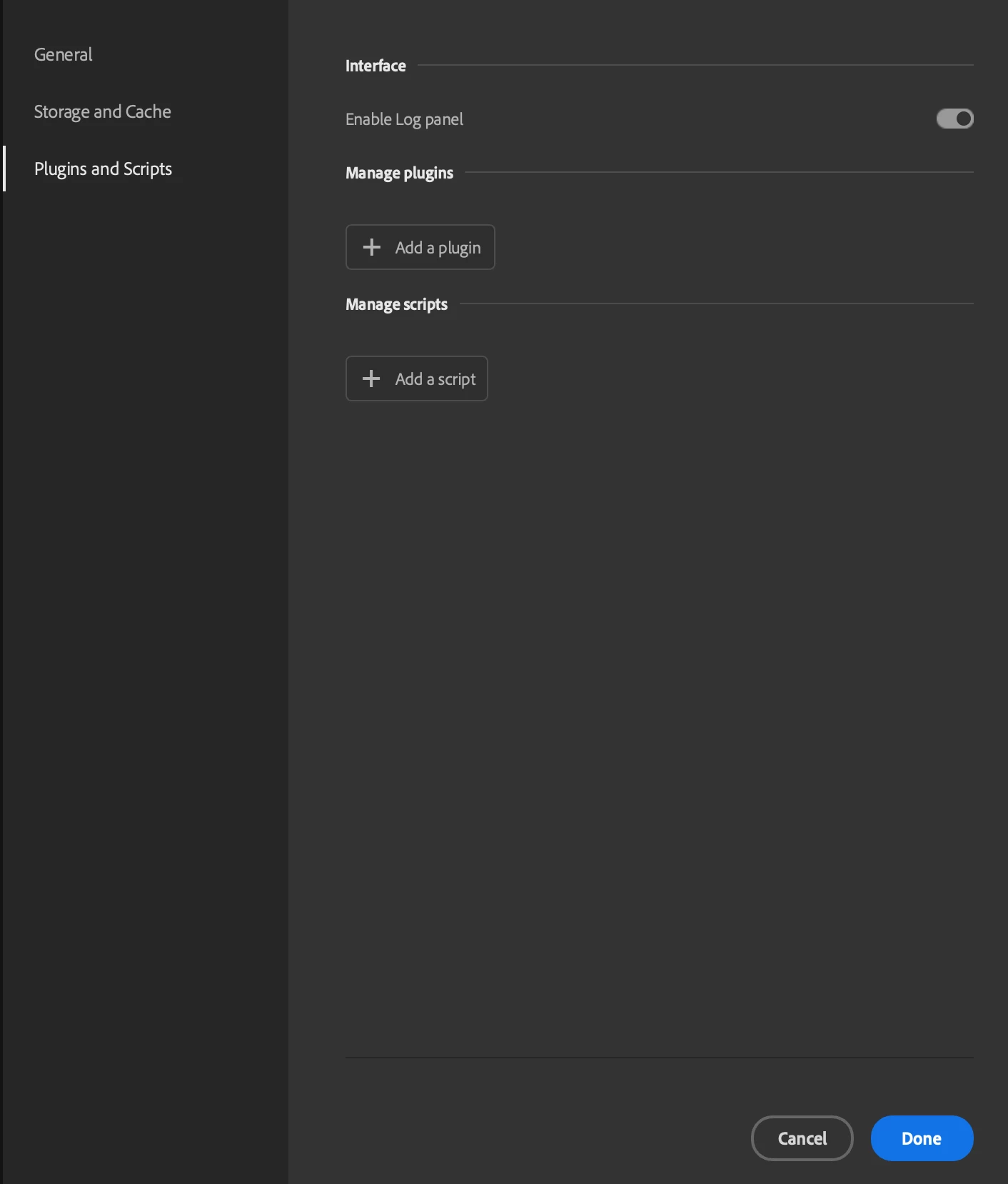
 

For example, in Substance Designer, you can copy the plugin to the appropriate plugins folder and Designer recognizes it automatically and loads it without requiring any user intervention.


Thanks!

This topic has been closed for replies.

1 reply

Baptiste_Substance_3D
Community Manager
Community Manager
February 22, 2024

Hello,

There are two environment variables:

  • SAMPLER_PLUGIN_PATH
  • SAMPLER_SCRIPT_PATH

By defining those paths, you can add your plugins and scripts automatically there.


Thanks

Inspiring
February 22, 2024

thanks for the quick response! that works if I set the env variable in a terminal and run Sampler directly from the command line but doesn't seems to work if I launch Sampler through the normal method of opening it in Finder or through the taskbar.

Inspiring
February 23, 2024

Update: I was able to set the env variable in mac globally for all apps following this stackoverflow post. However, it would be nice if the Sampler already looked at ~/Documents/Adobe/Adobe Substance 3D Sampler/python/plugins by default, or even if you could adjust/add paths from within the Sampler settings, or through the python API.


I also noticed that if the zip file is still in the SAMPLER_PLUGIN_PATH folder when you start Sampler and the plugin has already been installed, Sampler crashes (see attached crash report).


Will these issues be addressed? 


Thanks