Inspiring
September 9, 2023
Question

Issues with Exporting Displacement to Blender

  • September 9, 2023
  • 1 reply
  • 356 views

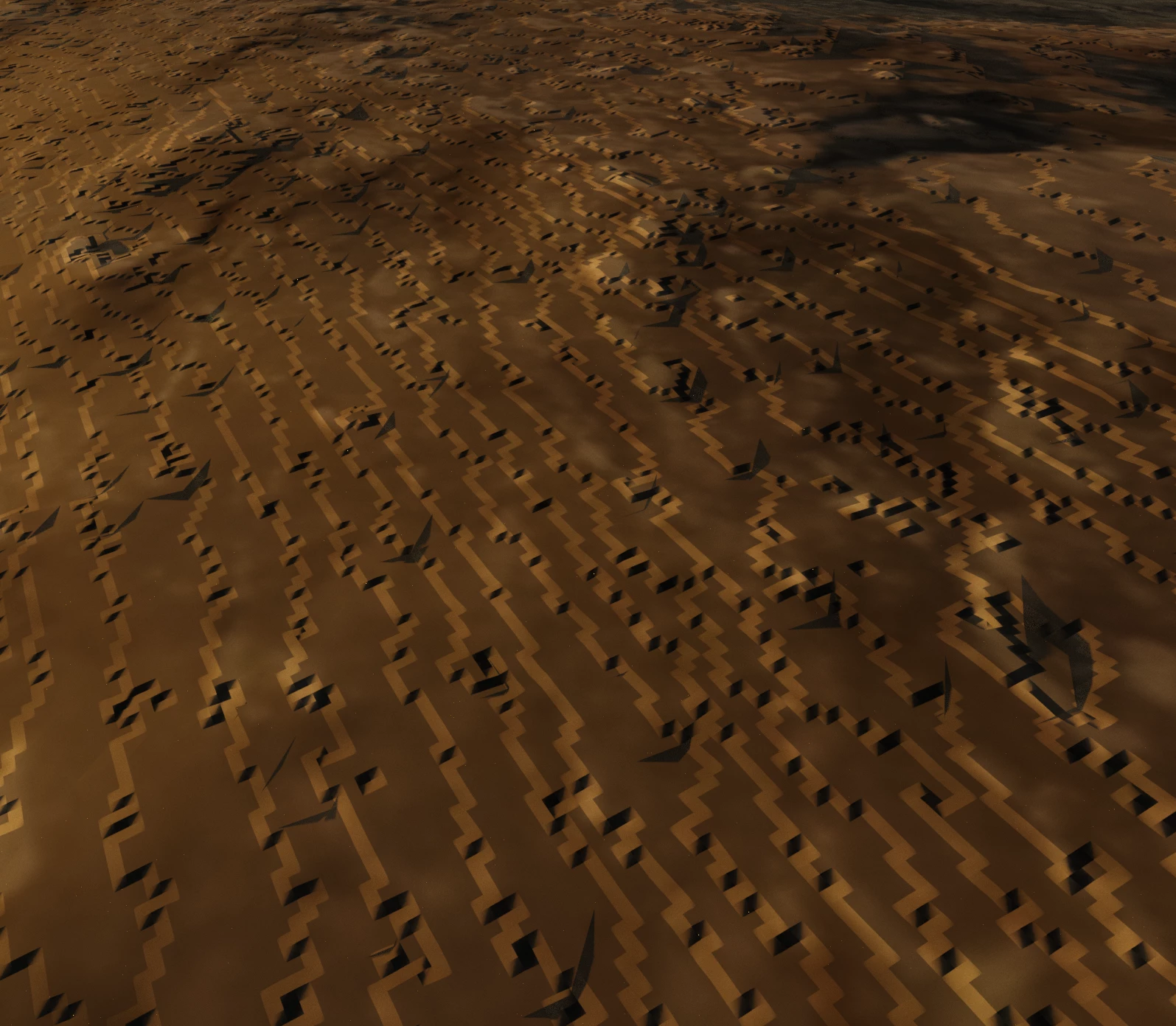
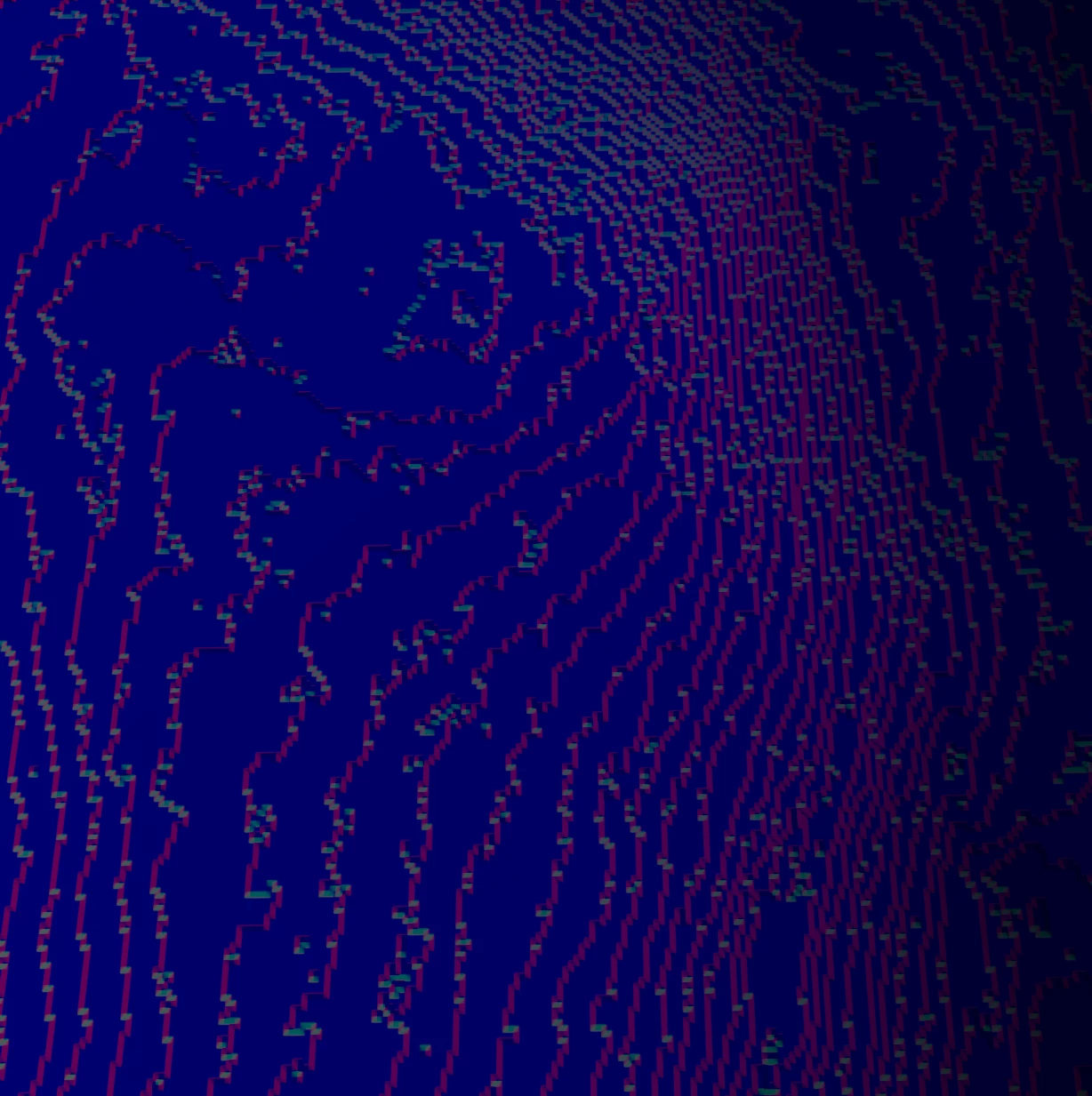
Hi, I am creating material from Image using substance sampler and exporting the textures. Once I import them into Blender I have issues with the Displacement map. The results look pixilated. I have also tried exporting both in PNG and EXR format and same issue. Attaching some screenshots...

Please let me know how that can be fixed.

Thanks!
  

Edgar

This topic has been closed for replies.

1 reply

Inspiring
September 12, 2023

I seem to be getting this issue with every 'image to material' that I do. Is that normal? 

The issue comes from the displacement and I export it in EXR format so the bit rate shouldn't be the issue....

Wondering if anyone has a solution for this.

Cyril Dellenbach
Community Manager
Community Manager
September 12, 2023

Hi @edgarb99014018,


This definitely looks like a bitdepth issue.


What export preset are you using? Is it a custom one or a preset native to Substance Sampler, and if so, which one?


Could you share the height map in this thread, so we can make sure this is a 8bit map?


Best regards,


Cyril Dellenbach (Micro) | QA Support Artist | Adobe
Inspiring
September 12, 2023

 This is the preset I am using. I don't see much options for export. Preset = Blender Cycles/Evee

https://www.dropbox.com/scl/fi/oaiyndxscimy0j3cj1gr1/Untitled-material_Displacement.exr?rlkey=8p4f1d...


Here is the link the EXR file on drop box