


pack of photos of "simple wall" to tileable texture.
sorry If I'm asking basic question...but I've been trying to make this happen from couple of days, readed help, watched couple of tutorials but seems I've been missing some basic step.
If I go 3d object, import data set, there I will give some photos of object. My 3d geometry is made and I have nicely previeved texture of bricked wall. On other side UV of my scann is messed but I am aware that this is the part of scan process.
Can I crop somehow my 3d object to focus just on part that came out nicealy and would be good for trying tileable step ? or maybe I should somehow arrange my UV properly, then I would be able to just crop it with square and then I would have what I am trying to achieve... I'm really confused but maybe this is a part where painter or designer come in ? 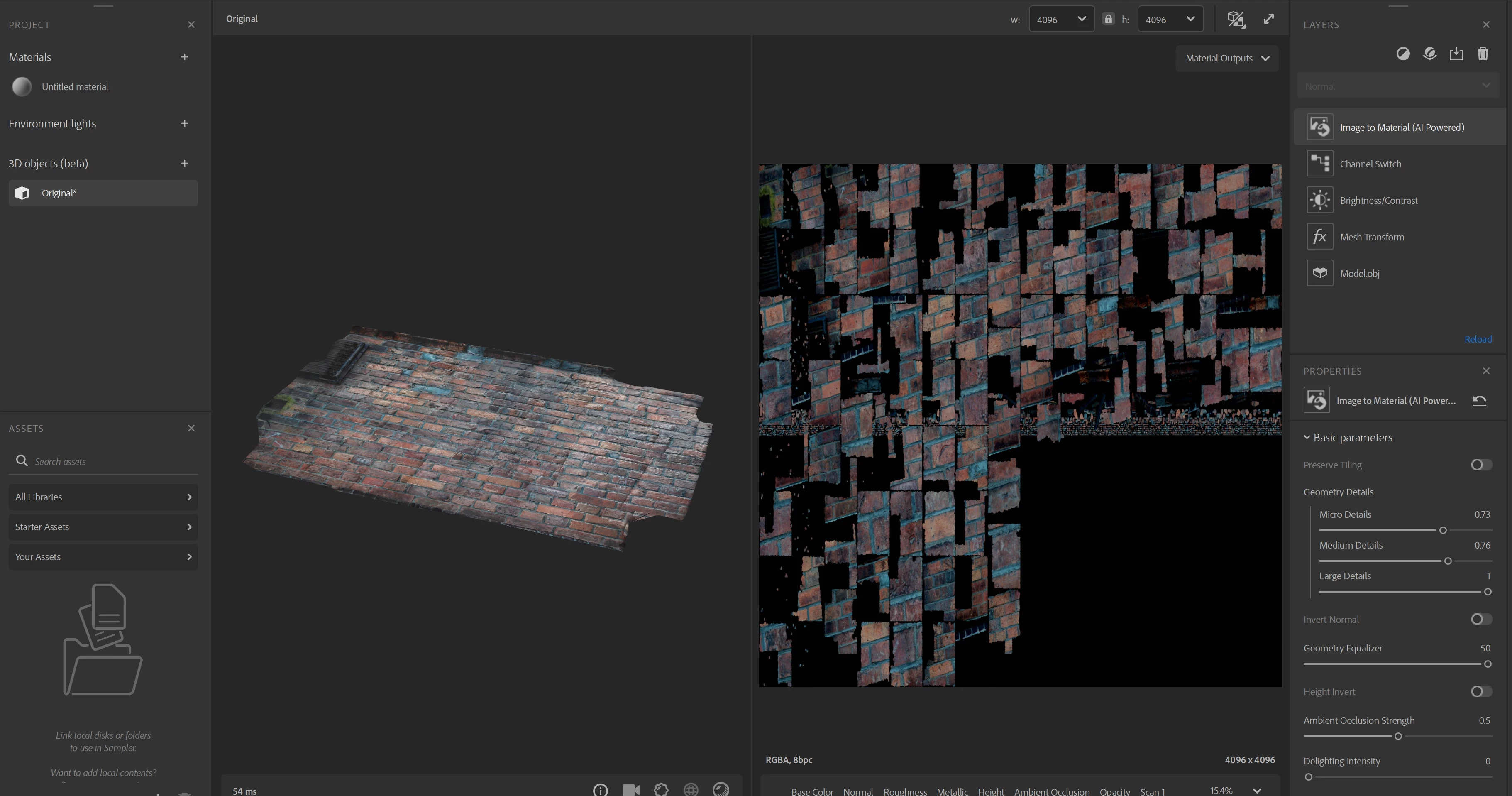
 AdChoices