



PBR Validation and applying values
I'm using PBR Validate to validate my Base Color, most of the Base Color is Green except a small area which is yellow and red. Therefore it is suggested to use either Hue\Saturation or Brightness to adjust the yellow and red areas as so they change to green.
I've done just that, having PBR Validate at the top of the stack and Hue\Saturation immediately following; I got it to look all green as for the PBR validate. Although, when I disable PBR validate and Hue \ Saturation the yellow and red areas reappear ?
As well the Base color looks washed out when PBR validate is disabled. How do I remove the yellow and red areas as to acheive an all green PBR validate but not wash out the color map as suggested for the documentation for PBR validate ?

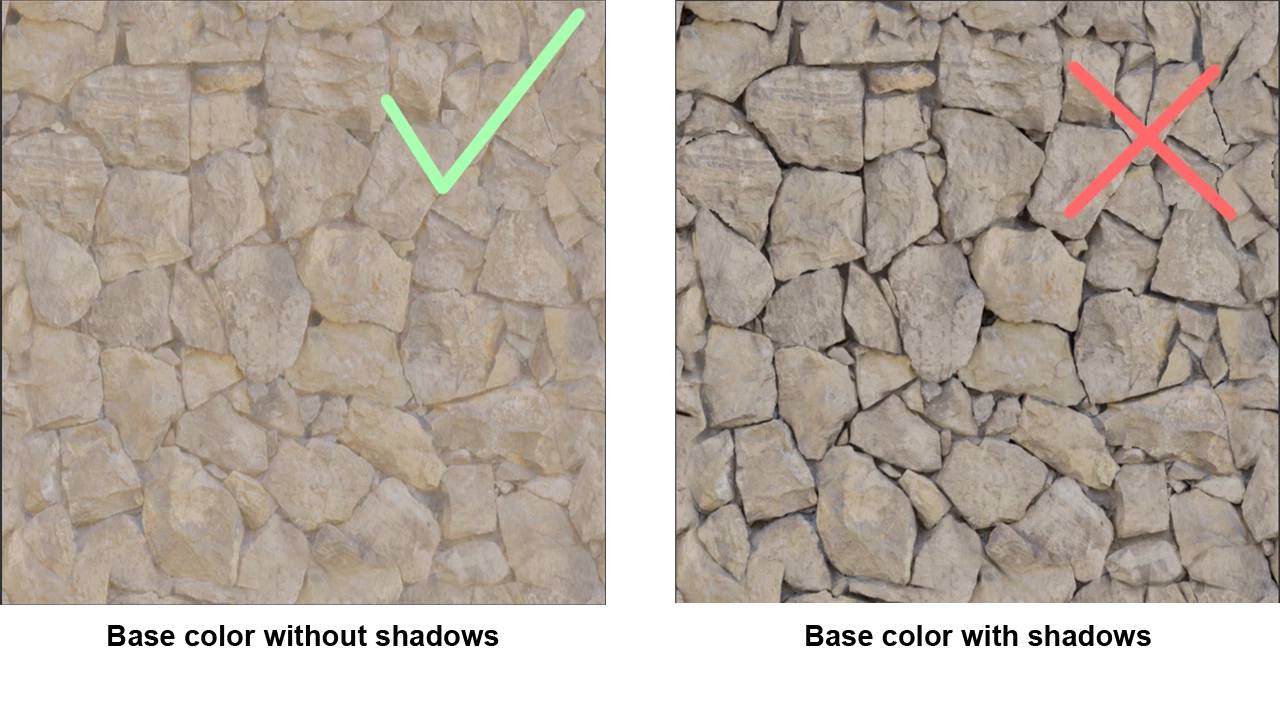 Therefore, Sampler advise you to wash out the colors in order to keep a more neutral map.
  AdChoices