


Participant
December 27, 2022
Question

Porblem while using the "perforate" filter (With hole) on a "Floor Tiles" filter.

  • December 27, 2022
  • 1 reply
  • 247 views

Version of the app: 3.4.0

Windows 11


Hi!

I ve just stumbled accros a problem (likely a bug) while using the perforate filter.

So, everything work fine while using the perforate filter as shown in the image below: 
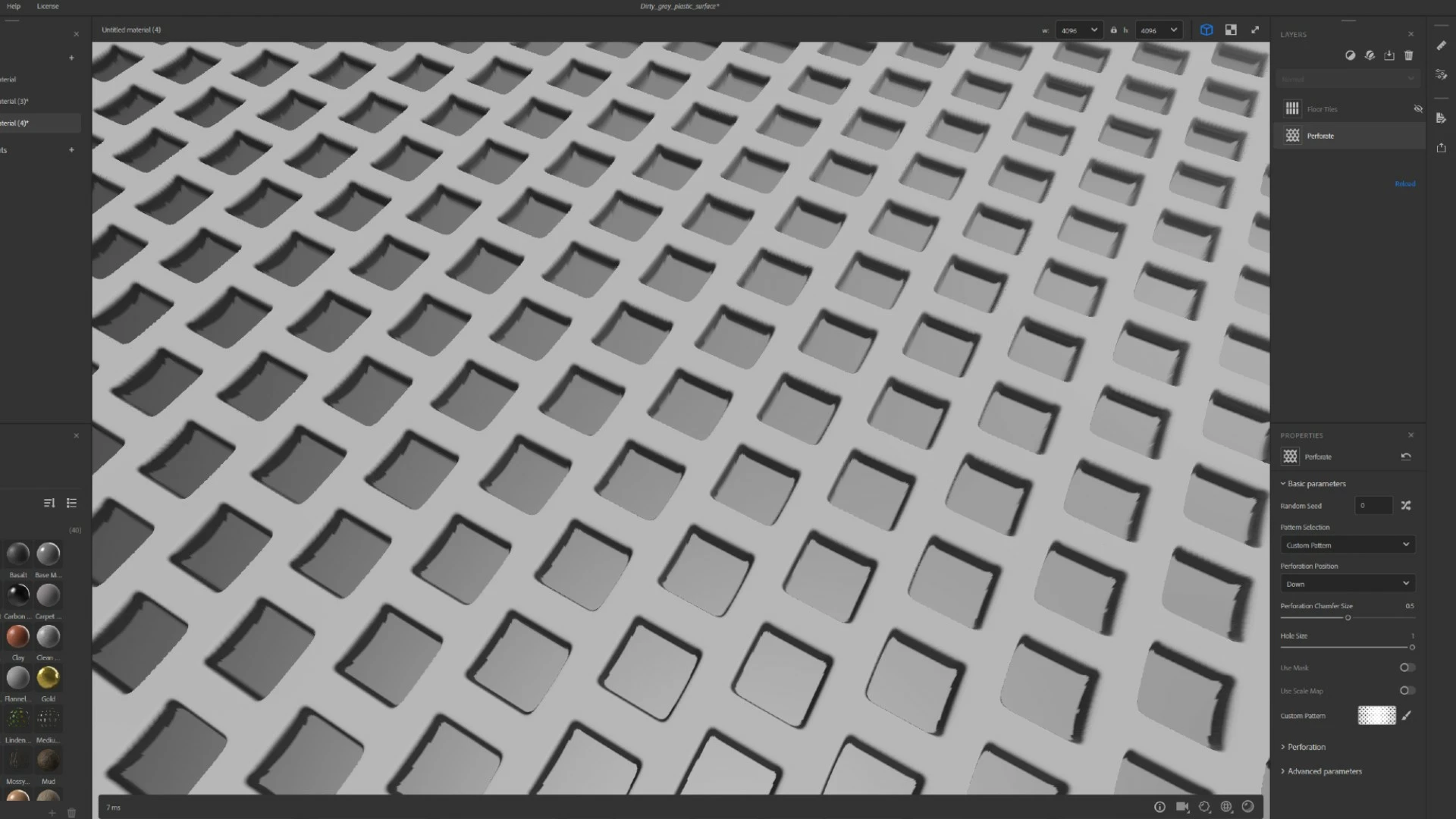


But, Once I add a Floor tiles filter over it, the pattern is ajusted to the foor tiles but the hole pattern is kept the same as shown in the image below (Floor tiles filter has the material scale set to 4 and the rotation mode set to randomized):
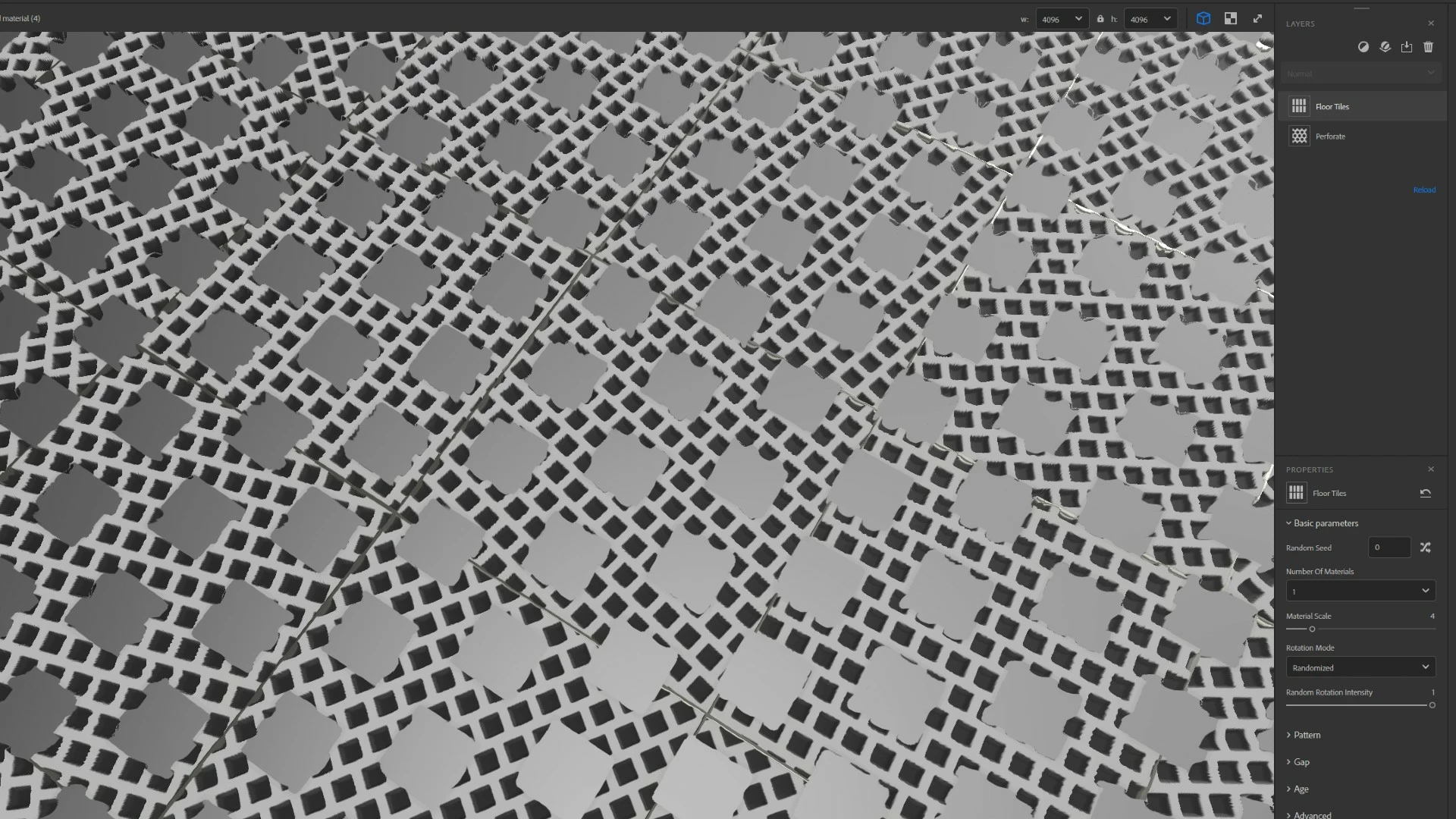


Is this is a Bug or do I have to change some settings?


Thanks in advance.

This topic has been closed for replies.

1 reply

Ares Hovhannesyan
Community Expert
Community Expert
December 29, 2022

IMHO you need to customize Rotation. 


Participant
December 30, 2022

Hi Ares!


Hmmm... no. I can see that the problem persists in the screenshot that you sent. I did try to customize rotation but with no changes. The hole and the circle have both inconsistent patterns.

LoryAline
Community Manager
Community Manager
January 10, 2023

Hi,
Are those artefacts on every maps or only specific ones?
Did you try to use the filter "Panel" instead? It might also suit your needs.

Regards!