


Re: Correct graph configurration for creating sampler filter
Just realised these forums break the default browser spell checking and no way I can see to edit my previous post with all the spelling errors so sorry about that.
Finally figured it out if anyone else runs into this, the instructions on Custom Filters | Substance 3D Sampler (adobe.com) say to do the following.
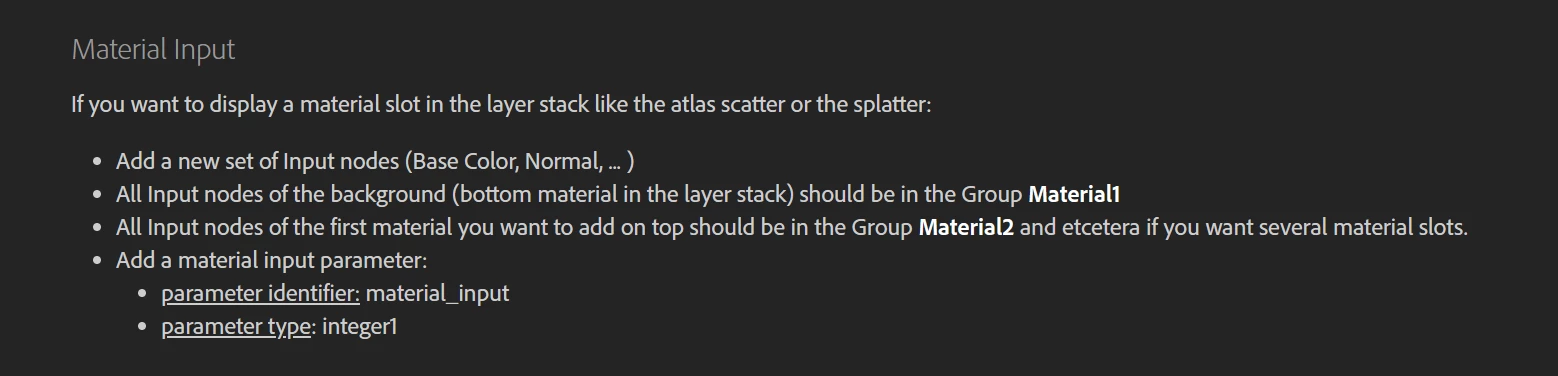
Which is what I did however by default that does nothing because unless you reference material_input somewhere it won't get exposed and therefore wont expose the material slots.
You need to reference it for it to start working so I ended up doing this.
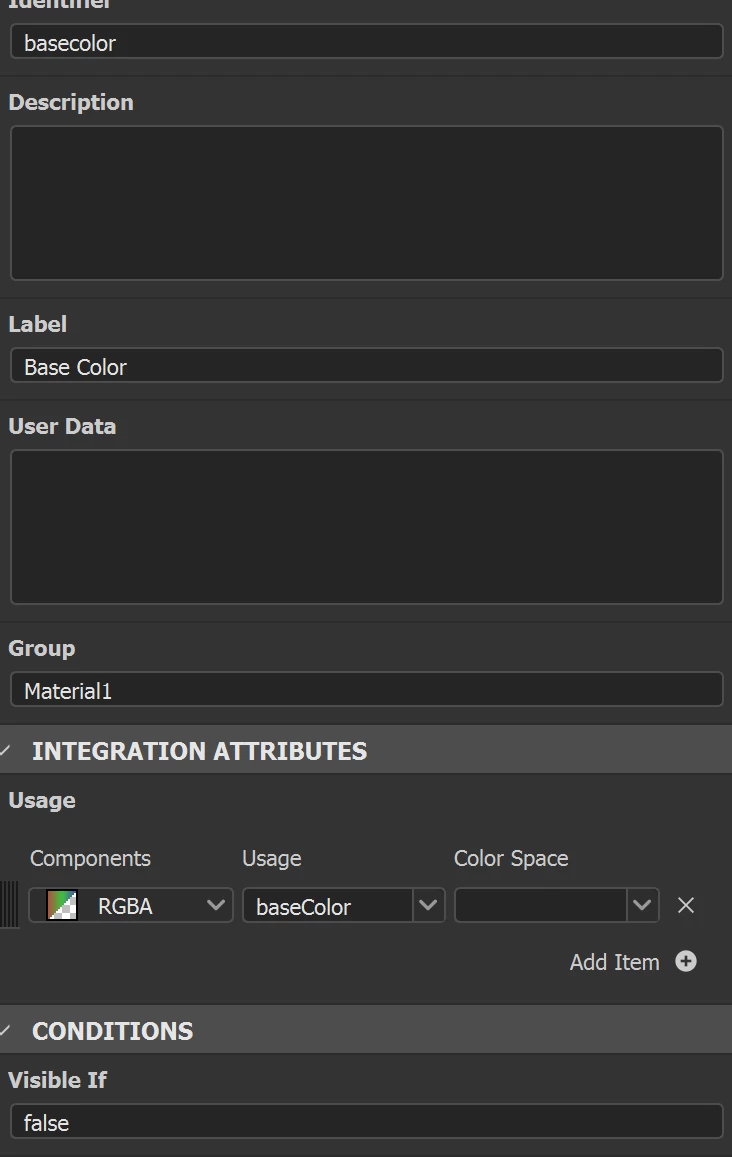
For Material1 group I explicitly set the visibility to false as a reminder because Material1 refers to the Material in the stack below the filter so that's where you put your base material then the filter on top. You can then reference that base material through all the custom inputs you have added.
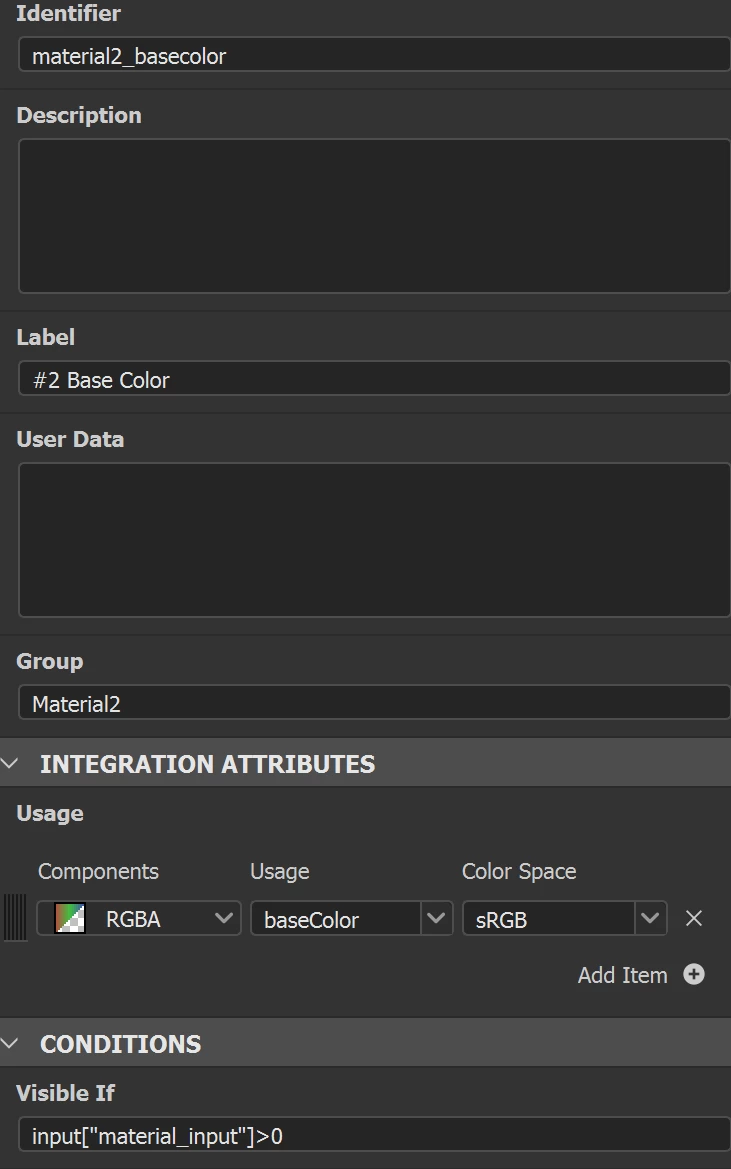
Then for the additional slots where I want to be able to add materials into the filter I added a check to see how many and set visibility to true as required. I also changed my code to reference material_input instead of the separate slider I had in the purely designer version so it all works nicely.
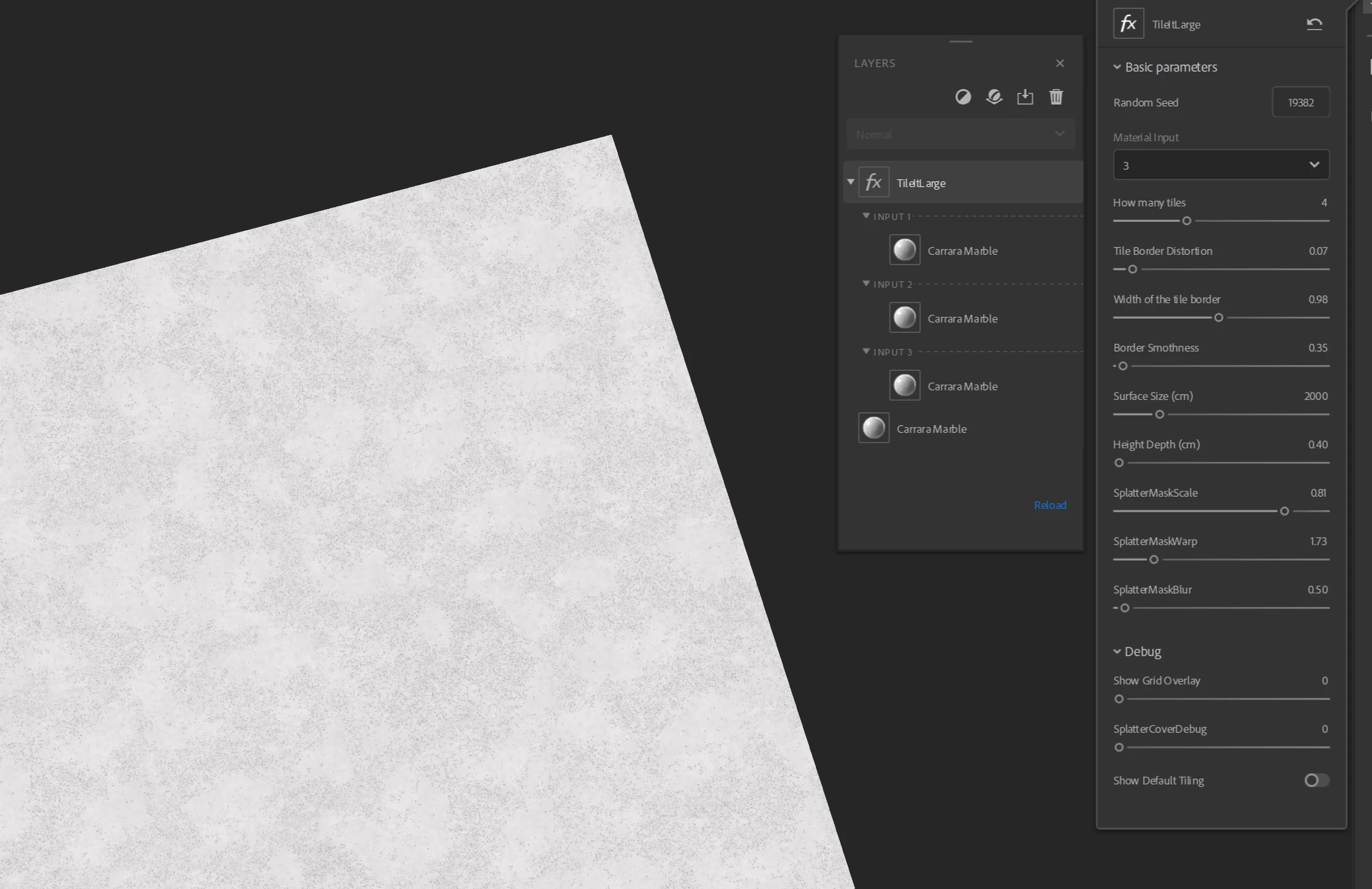
Now it's really cool and working as designed but it was pretty painful getting there.
 AdChoices