Participant
September 17, 2025
Answered

Sampler - red overlay to all my materials

  • September 17, 2025
  • 2 replies
  • 107 views

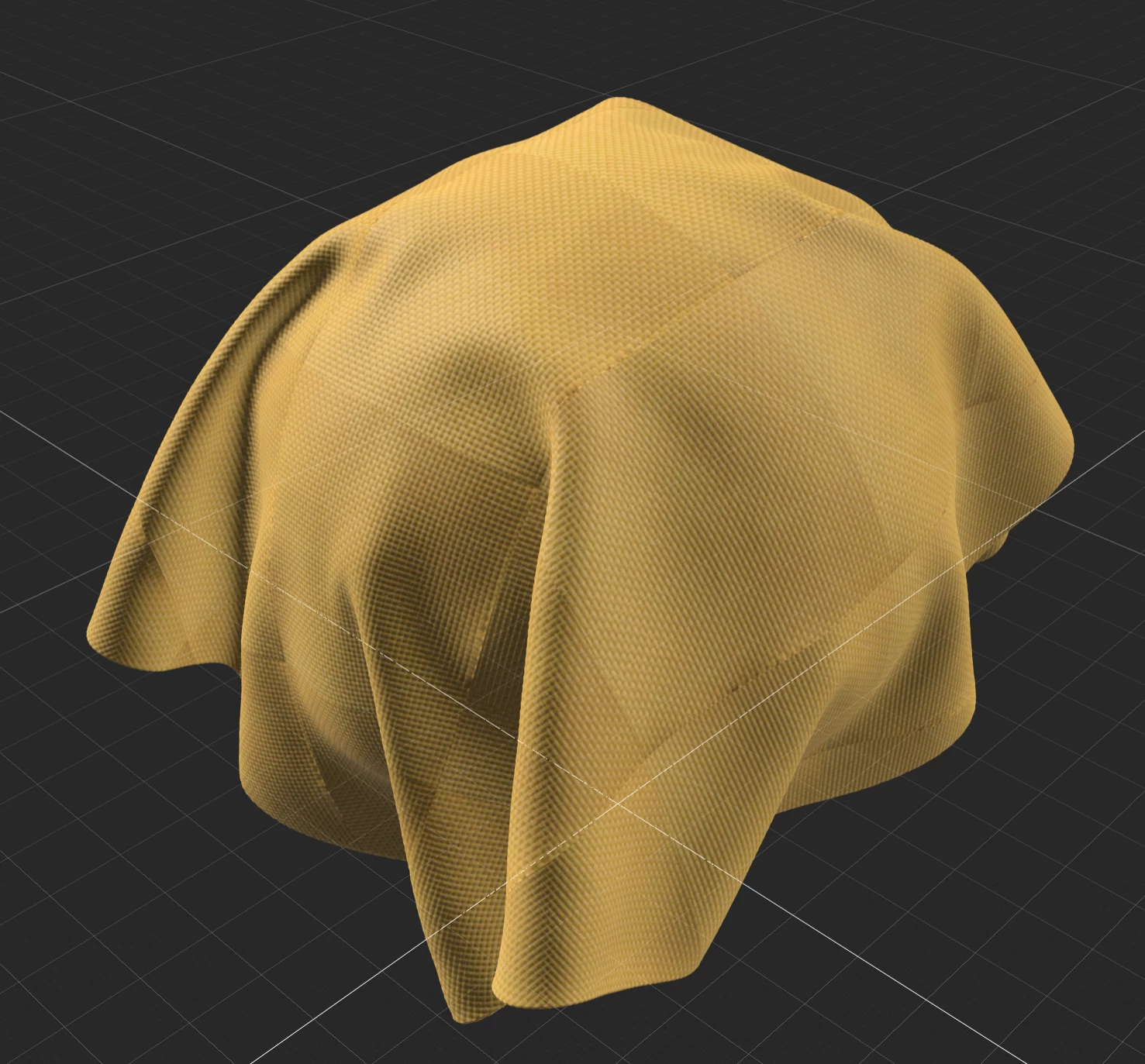
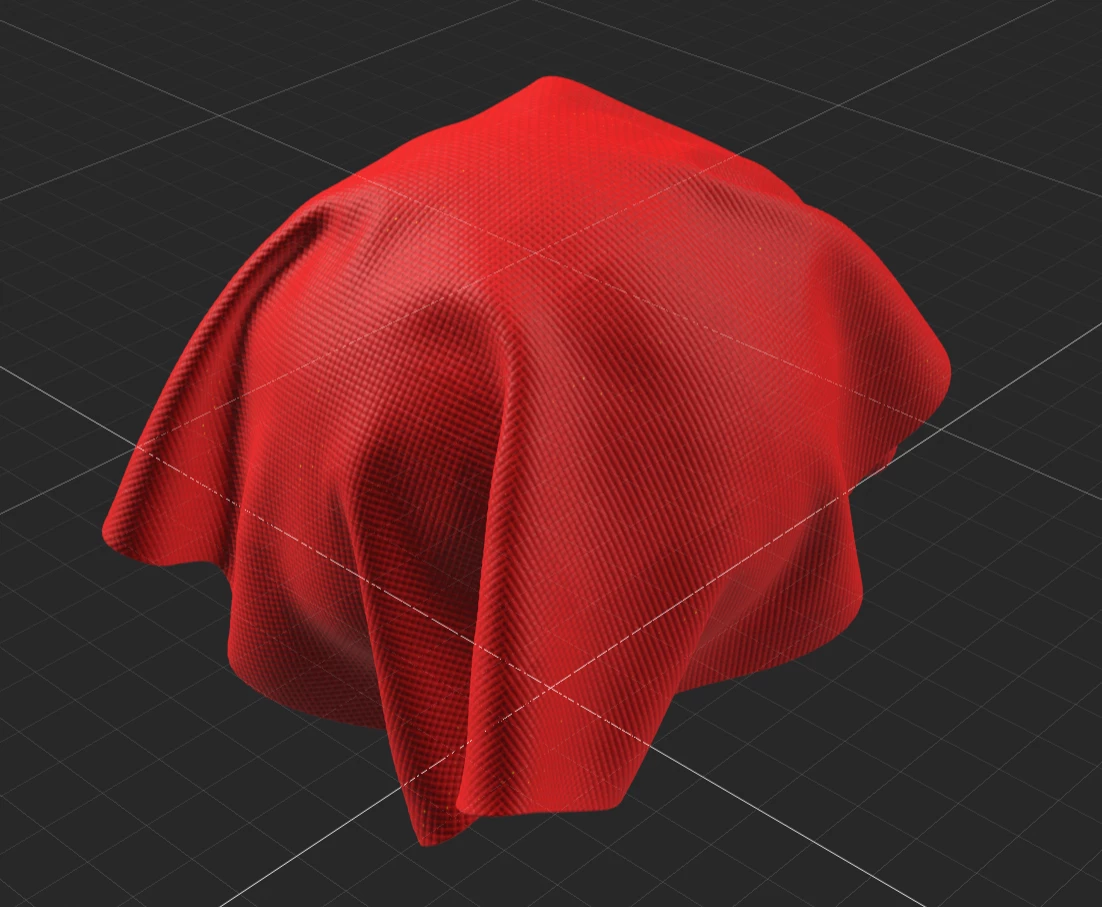
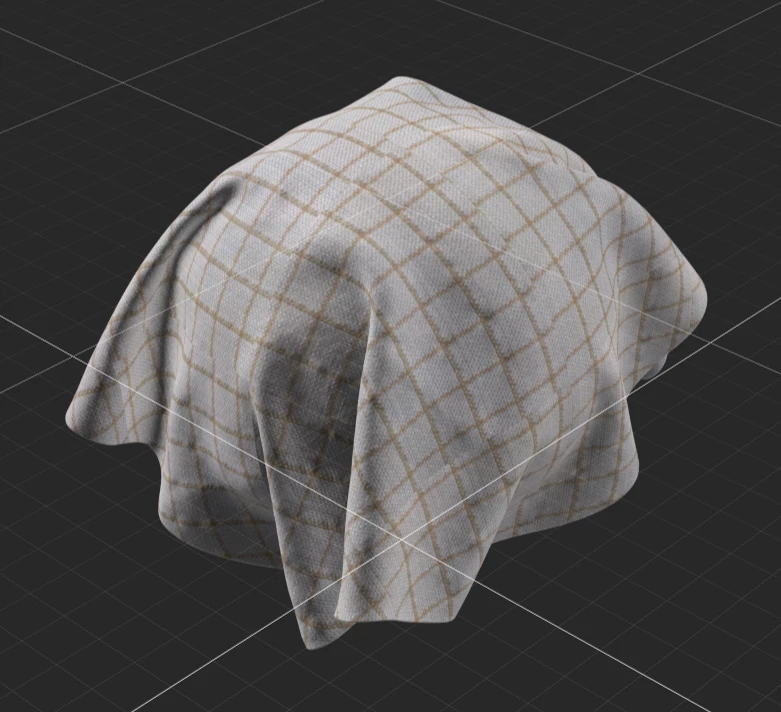
I have been capturing materials with the z captis scanner.  While I dont have a lot of experience with sampler, I have been using substance and designer for a few years.  I get this extremely odd error when I try applying the auto tiling feature to my scanned materials - all colors are converted to red in some way (attached examples)

I cant tell if this is an issue with captis, sampler or maybe even my graphic card.  Im using the latest version of sampler and I checked that I have the latest updated drivers for my graphic card.
Correct answer Wile E Painter

Guillaume,

the HP Captis team reached out to me, and apparently this was a bug that was since corrected in the latest update.  Its working well now thank you!

2 replies

Guillaume_Substance3D
Community Manager
Community Manager
September 22, 2025

Hello,

Is it possible to share the project with me?

You can contact me in DM if you can't share info publicly.


Regards,

Guillaume

Wile E PainterAuthorCorrect answer
Participant
September 22, 2025

Guillaume,

the HP Captis team reached out to me, and apparently this was a bug that was since corrected in the latest update.  Its working well now thank you!

Luca Giarrizzo
Community Manager
Community Manager
September 18, 2025

Hello @Wile E Painter!


Thank you for reaching out to us, I have shared your message with the Sampler team so they can investigate this issue.


Best regards.

Luca Giarrizzo | Quality Engineer - Substance 3D Designer | Adobe