


Participating Frequently
October 16, 2025
Question

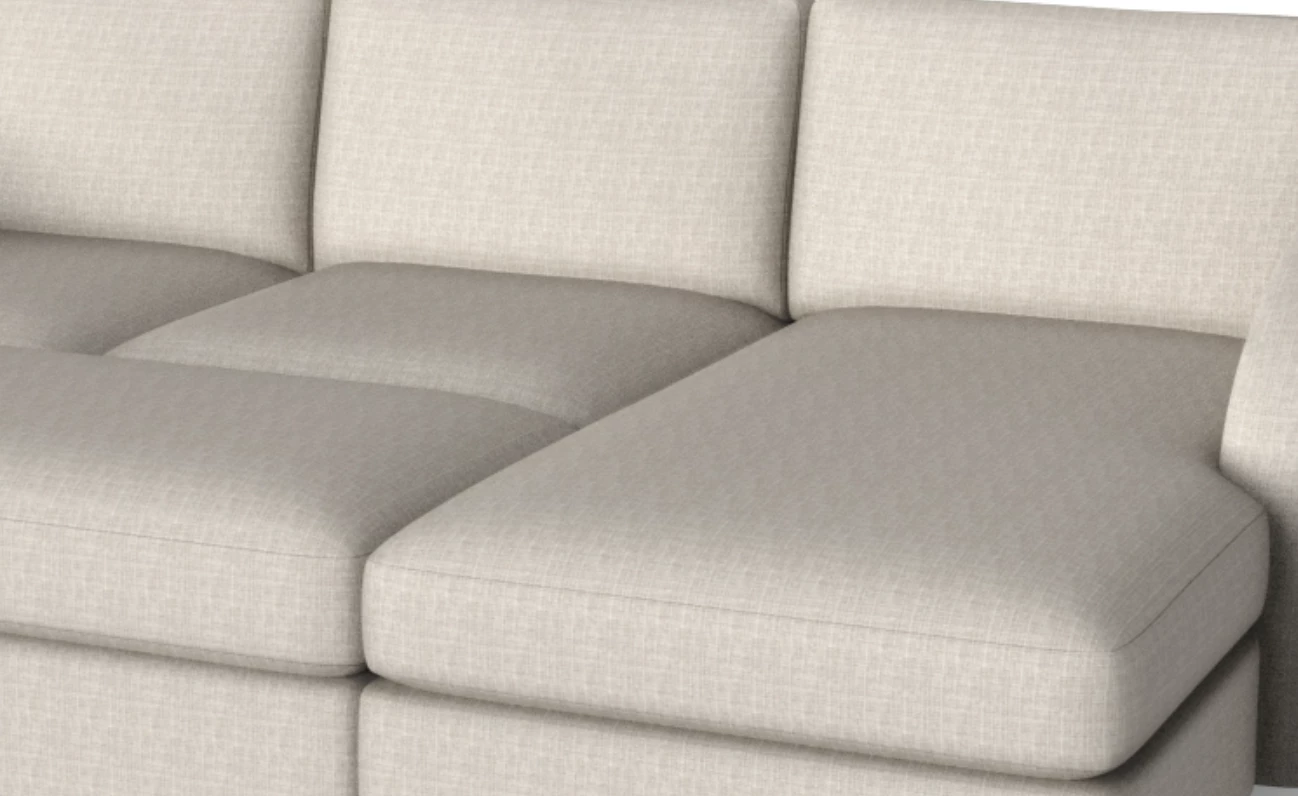
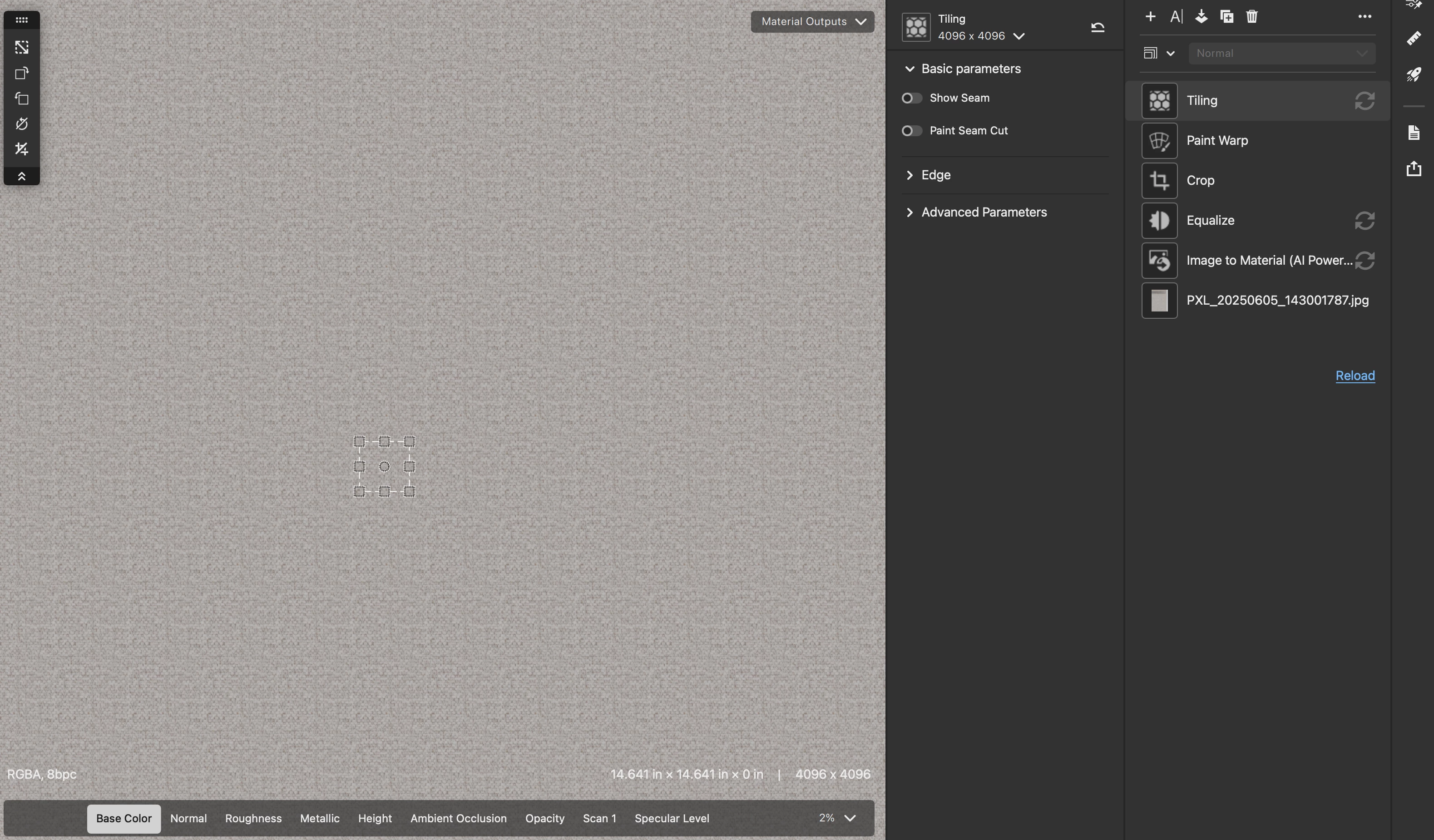
Struggling to get rid of visible repeat with simple fabric materials. Image to texture.

  • October 16, 2025
  • 2 replies
  • 234 views

Im creating basic image to texture fabrics for renderings of furntiure. Really only need diffuse, specular, roughness and normal.


I think im missing something. I can't ever seem to get the vivible pattern to go away. 


Tech notes:

- Mac studio with M1 Sonoma 14.6.1.


Any tips?


Thanks,

MDW
2 replies

Participant
October 18, 2025

I’ve run into a similar issue while making seamless textures for Minecraft mods and game skins. The visible repeat usually happens when the base image has uneven lighting or contrast.

Try offsetting the texture (Filter → Other → Offset) and then fix the seams manually using Clone Stamp or Healing Brush.

Also, make sure your original fabric image is evenly lit before turning it into a texture — that helps a lot in reducing the visible pattern.

GameTextureGuy
Marion3D
Community Manager
Community Manager
October 16, 2025

Hi MDW, any way you could share the original image so we could have a look?


From what I see, if the physical size of your sample is correct, your texture is around 14 inches. It looks like it is much smaller than this on your couch render, which increases the visible repetition

Participating Frequently
October 16, 2025

Thanks.


I dont seem to have the original. But i retook some photos of the fabric. (I shoot with my pixel 10 pro xl.)


We're not really super concerned on the photo being perfect colorwise as we end up tweaking that in the material creation or in the rendering software. But maybe someday.


The most important thing to us is having it be the actual fabric and it not looking tiled.

Participating Frequently
October 16, 2025

each photo is using one of the lenses on the camera. i dont know enough to know if using one over the other is better.