Participant
July 2, 2026
Question

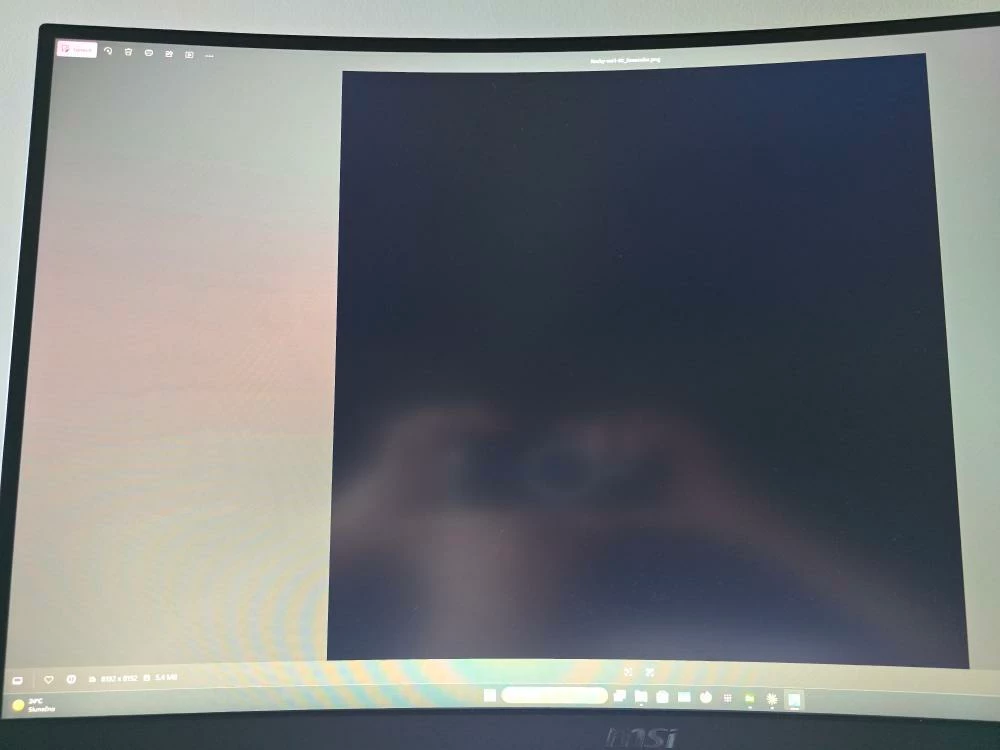
When exporting PBR set, BaseColor always renders Black

  • July 2, 2026
  • 1 reply
  • 31 views

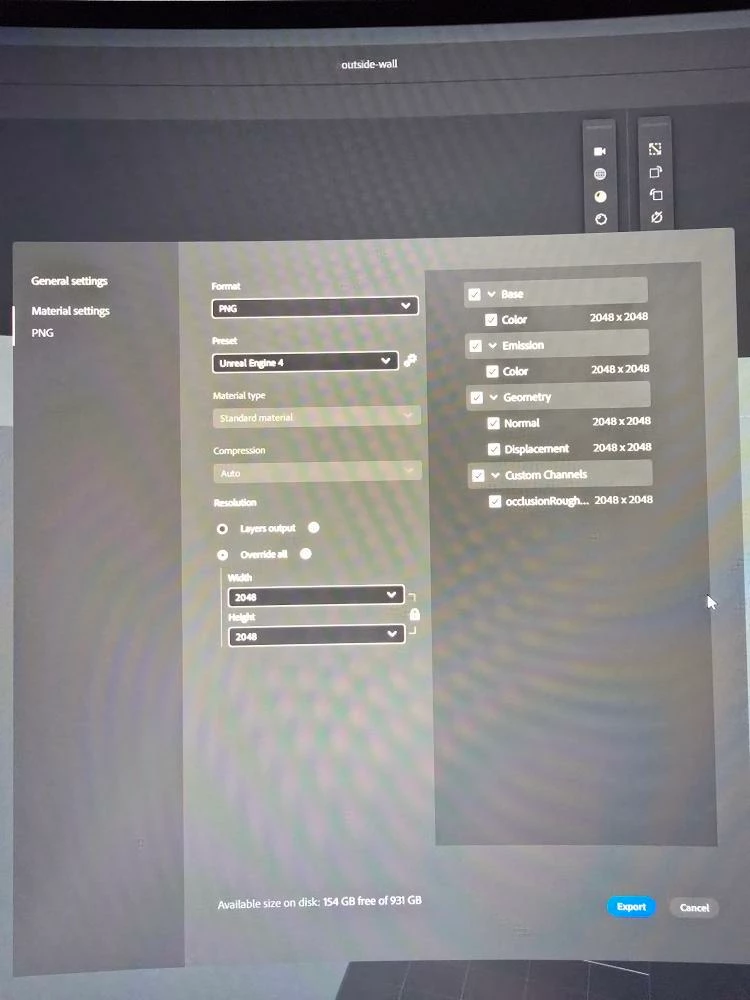
Whenever I try exporting a texture in the UE4 format - PNG (though it happens for any format) (for example a white wall) in preview it shows correctly even in the “BaseColor” tab. But when exported it ALWAYS no matter the setting exports a black square according to the resolution. The rest of the PBR set is correct tho (Basemetalness, Height, Normal, Specular roughness). 


So when I end up connecting it up in UE, its all grey-black-ish for any texture.
 

    1 reply

    Marion3D
    Community Manager
    Community Manager
    July 8, 2026

    Hi ​@K0t4tkoo ,

    Can you please let me know which version of Sampler you are using and if you can send your logs?
    I can’t reproduce at the moment, so any additional details would help (does it happen for every material exported of just sometimes? could you share your sampler file with us?)

    Thanks,

    Marion

    K0t4tkooAuthor
    Participant
    July 8, 2026

    Hello, im using version 6.0.2. Yes it happens for every orthophoto I import, everything is perfect except base color. Here is the Raw orthophoto I import + the exported UE format PBR set, with the broken base color. (since the files are too large im gonna give share you OneDrive)

    Link to project

    Marion3D
    Community Manager
    Community Manager
    July 9, 2026

    Thanks for sharing the project!
    Indeed with your project I can reproduce, we’ll look into it and I’ll come back to you as soon as we have updates!