Participating Frequently
January 24, 2024
Question

workflow queries

  • January 24, 2024
  • 1 reply
  • 458 views

Hi All,

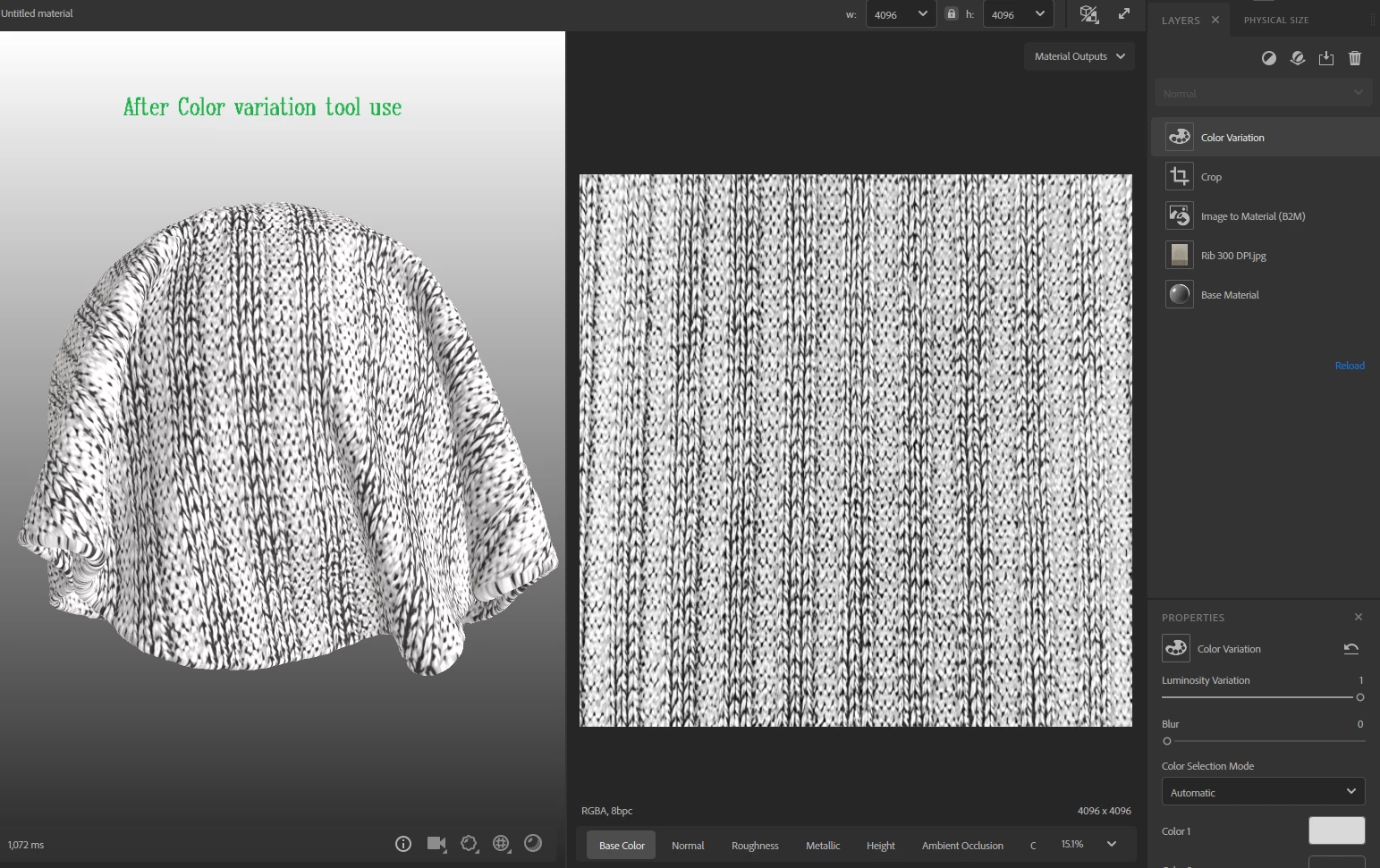
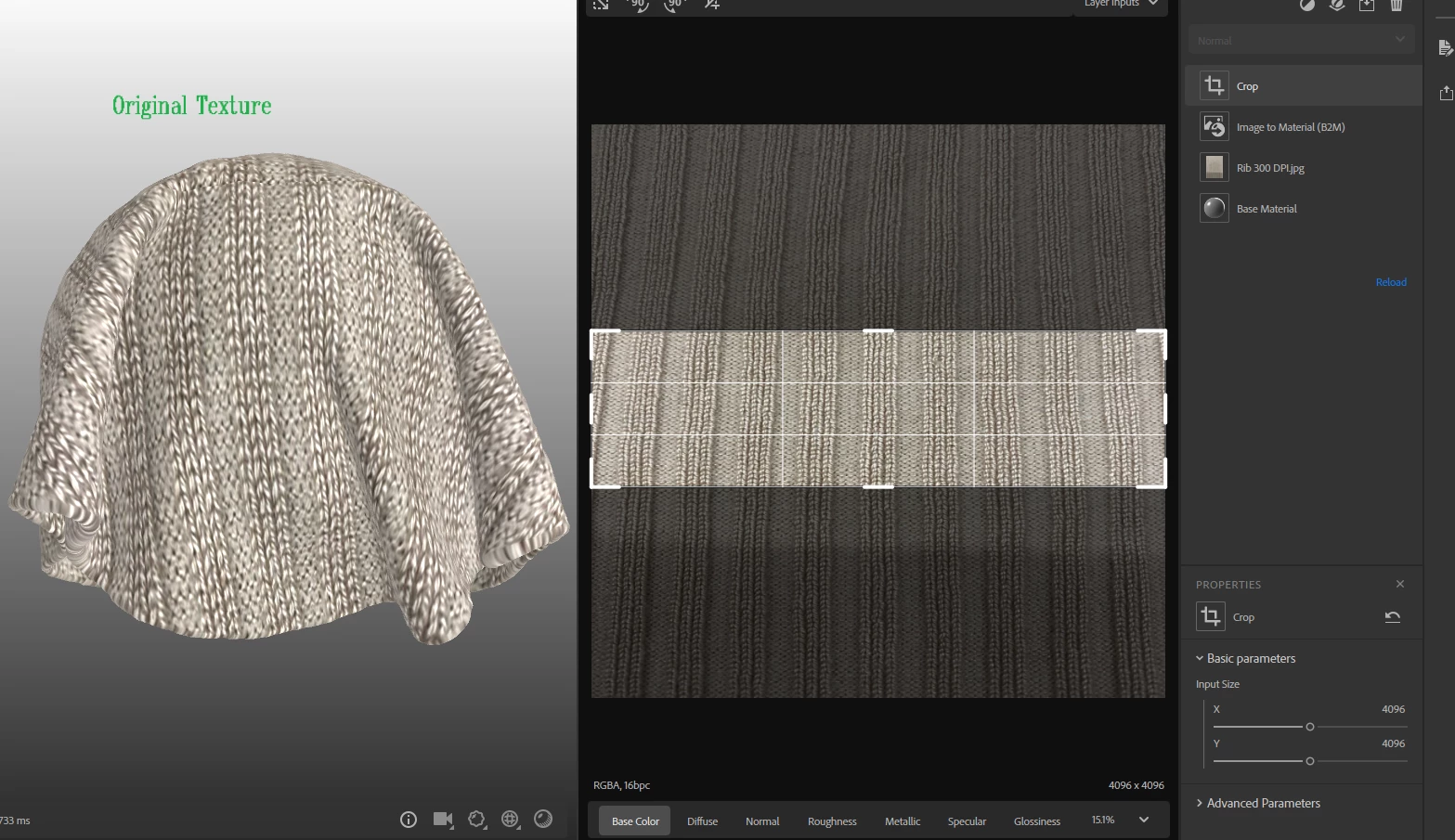
1. I want to re color the texture but once i do in sampler its pixlate and loss the deatails. any solution for the same (must  need fabric details). I used COLOR VARIATION filter in layer stack top.  (See ref image)

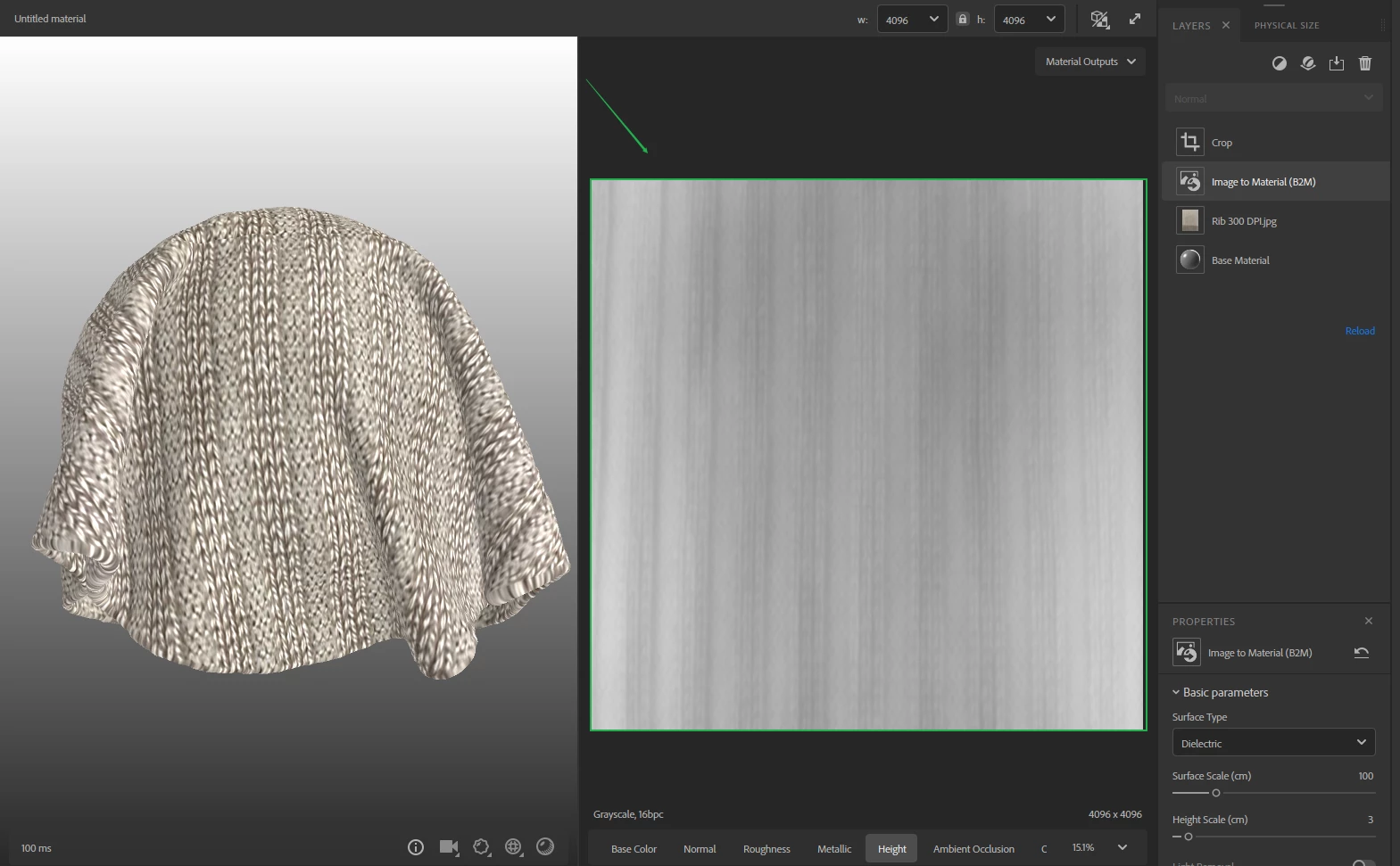
3. How to edit auto generated height map and normal map inside sampler it look all gray when I import scanned image? 
 

This topic has been closed for replies.

1 reply

Cyril Dellenbach
Community Manager
Community Manager
January 24, 2024

Hi @Minnat25468735z8qy,


You can edit the Height parameters inside the Image to Material layer, and this will also affect the Normal (which is built from the Height).


For the color of your material, the Color Variation is a layer that will divide the current base color into several inputs, and let you replace these inputs. From my point of view, for such a "complex" Base Color, I advise you to use the Hue/Saturation filter with (if needed) a Brightness/Contrast filter.


Best regards,

Cyril Dellenbach (Micro) | QA Support Artist | Adobe
Participating Frequently
January 26, 2024

Hi Cyrill, 
Thaks for the reply its helps lot.
I am also curious to know that can we edit manually in height map. 
for example : some time we need gray and dark gray color and some some time we need solid black and white color at perticular area.

Participating Frequently
January 31, 2024

Hi @Cyril Dellenbach  Pleas help on above matter.