
Participant
May 24, 2023
Question

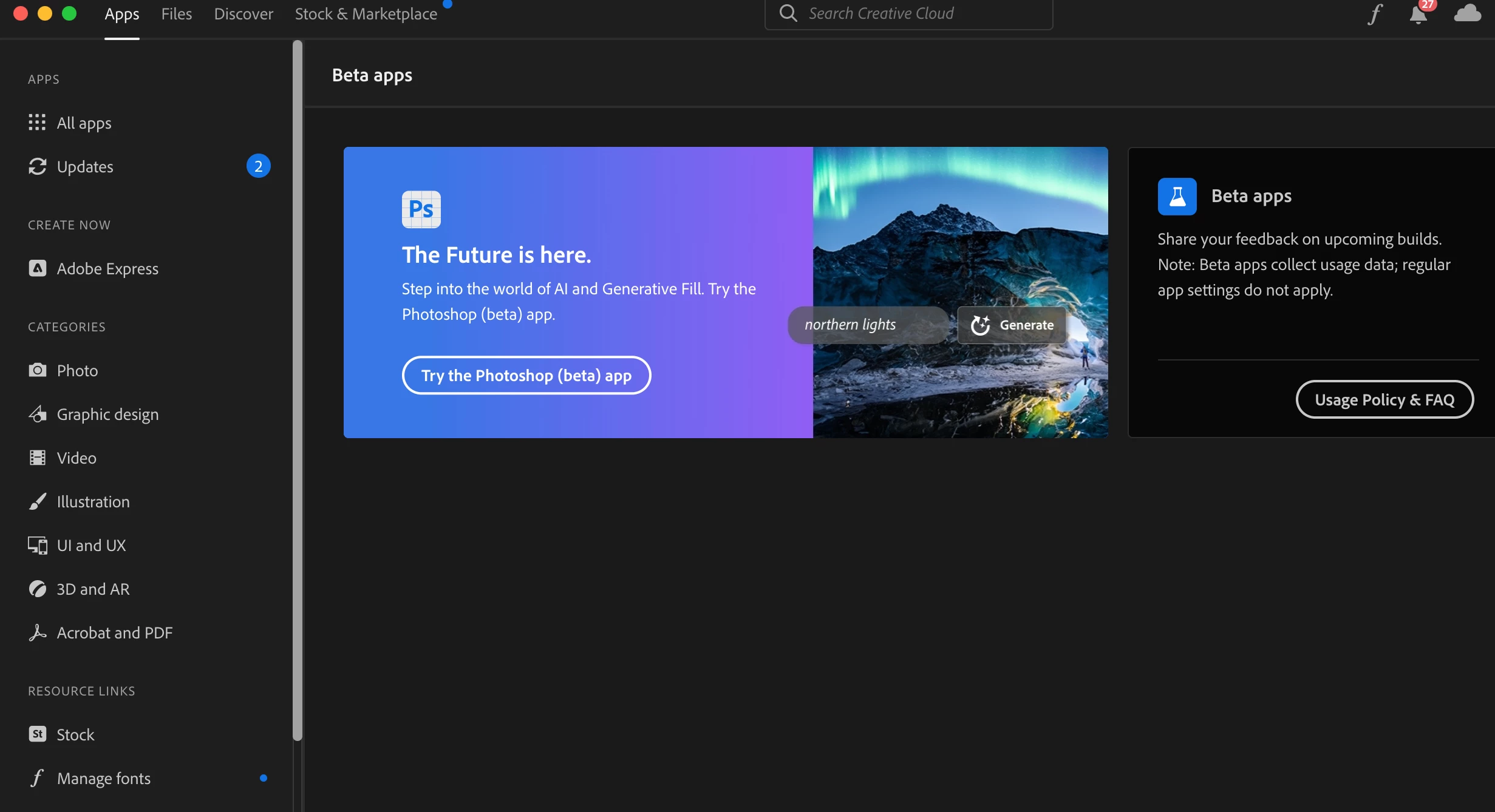
Can't click "Try the Photoshop (beta) app" in Creative Cloud installer

  • May 24, 2023
  • 36 replies
  • 13113 views

When I try to click the "Try the Photoshop (beta) app" button in the Creative Cloud installer under the Apps tab, it doesn't do anything. A hand icon appears when I hover over it, but clicking on the button itself does not result in any action. Please advise. Or, if there's another way to access the beta, please let me know. 
 

This topic has been closed for replies.

36 replies

Participating Frequently
May 25, 2023

HI @Kevin Stohlmeyer - my account is a non-profit account and I think I am the only one at the organization using Adobe products, so I am not sure how to get to any Team console or anything? Same non-functioning button issue. Thanks!

Kevin Stohlmeyer
Community Expert
Community Expert
May 25, 2023

@emirianal71290381 It does - check with your plan administrator to make sure they have allowed access to Beta software.

Participant
May 24, 2023

I believe teams managed. Is this relevant? 

CShubert
Community Manager
Community Manager
May 24, 2023

Hi @Leah30044010pzor and @emirianal71290381 make sure you have active accounts in CCD.


https://helpx.adobe.com/photoshop/using/generative-fill


Kevin Stohlmeyer
Community Expert
Community Expert
May 24, 2023

Are either of you on an Enterprise, educational or Teams managed account?

Participant
May 24, 2023

Same!