


Open for Voting
can't get rid of the popup tooltip
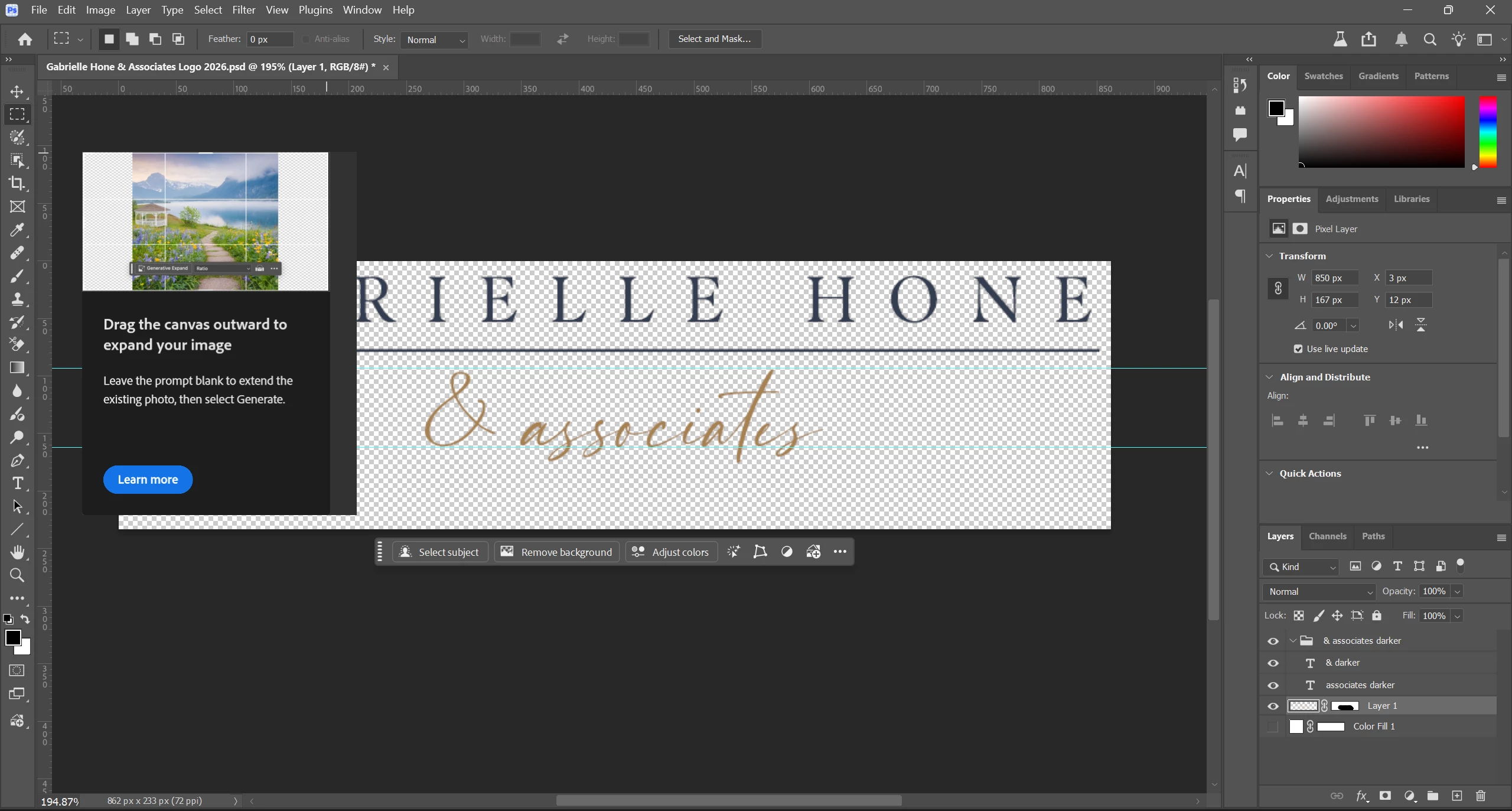
I wanted to simply crop and image so I clicked on the crop tool and a popup explaining generative expand showed up and there is no way to get rid of it or move it out of the way, so now I can’t see what I’m working on. I’m so thankful.
It’s not the one that shows up when you hover or a tool for long enough.
Where’s the X to close it? Right click: never show again? Timed close? Nothing. All I can do is click on Learn More. But guess what? I’m still not going to.
 AdChoices