
Participant
Jul 6, 2023 12:18 PM UTC
Question

does anyone have problems with the AI remove tool in photoshop
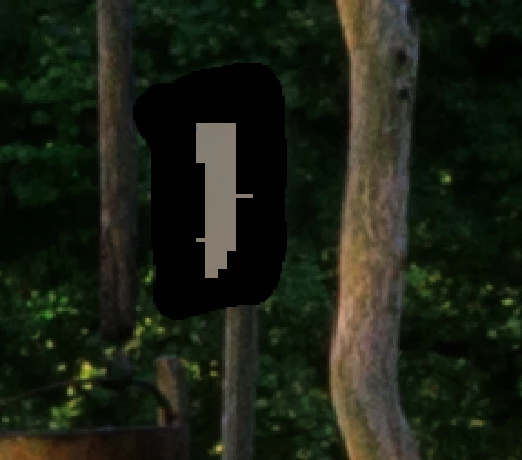
 

every time you try to remove the object with AI remove tool from the picture, the same thing always happens. It leaves a stain as in the picture


[Moved to the Photoshop Beta forum]

This topic is closed to new replies. Start a new post to keep the conversation going.

5 replies

Goran5C99Author
Participant
Jul 14, 2023 4:59 PM UTC

yes

Translate
Community Expert
Jul 6, 2023 1:38 PM UTC

That seems to be a GPU problem. Do you have installed the latest driver for your graphic card?

If you have installed a NVidia card please use the Studio driver version instead of the Game Ready version.


Translate
My System: Intel i7-8700K - 64GB RAM - NVidia Geforce RTX 3060 - Windows 11 Pro 26H2 -- LR-Classic 16 - Photoshop 28 - Nik Collection 9 - PureRAW 6 - Topaz Photo AI
Goran5C99Author
Participant
Jul 6, 2023 5:05 PM UTC
macOS 13.4.1
Processor 2,6 GHz 6-Core Intel Core i7
Graphics Intel UHD Graphics 630 1536 MB

updates are made regularly. In the beginning, everything worked normally,
and then it started causing problems. I think everything started after a
macOS update, but I can't say for sure that it was after that. It happens
that he takes a few steps and then starts causing problems again
Translate
CShubert
Community Manager
Community Manager
Jul 6, 2023 5:40 PM UTC

Hi @Goran5C99 let's make sure you GPU is up to the task...


https://helpx.adobe.com/photoshop/kb/troubleshoot-gpu-graphics-card.html#multiple-gpus


Translate