
Known Participant
May 17, 2025
Question

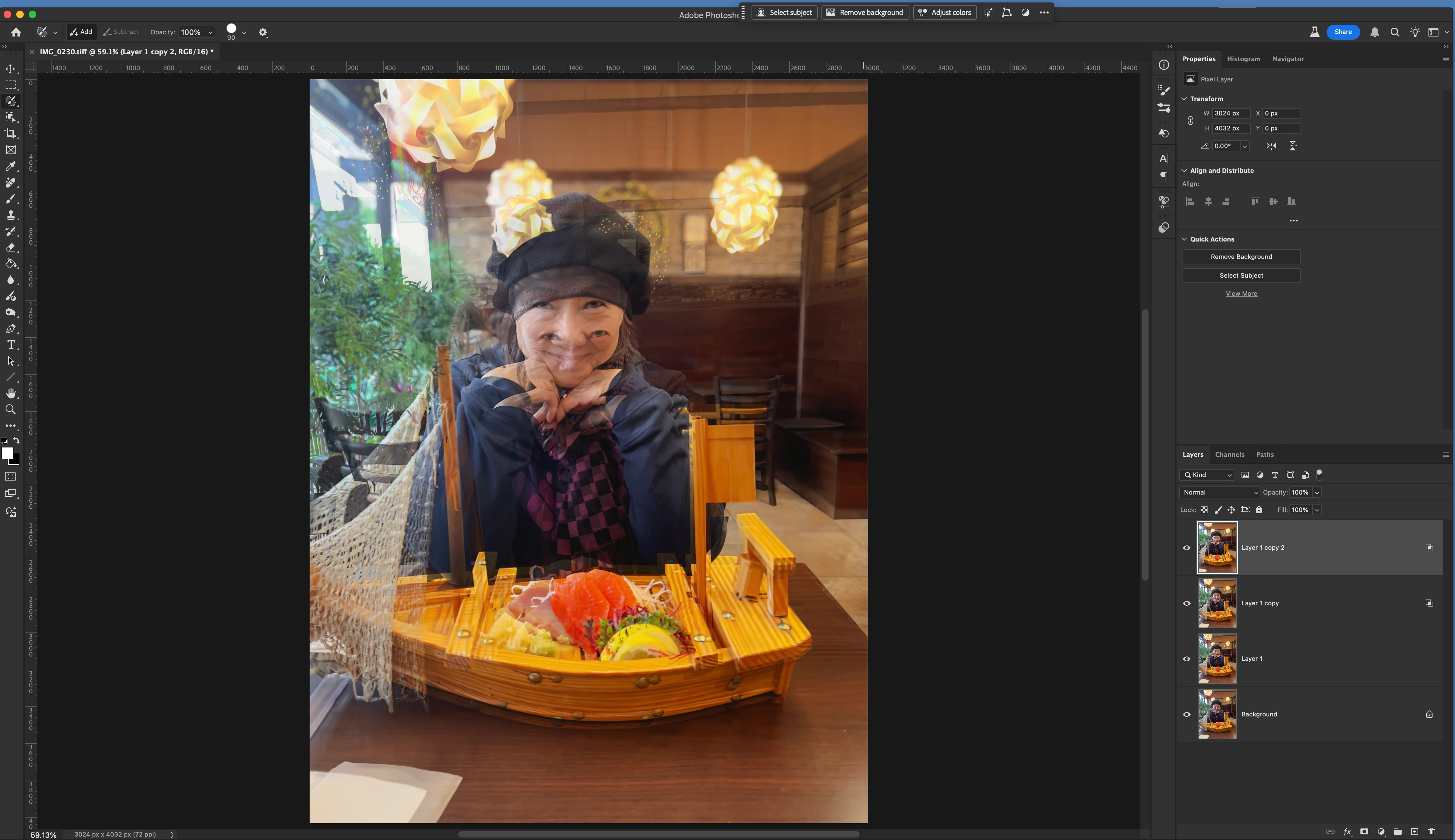
double image?

  • May 17, 2025
  • 1 reply
  • 130 views

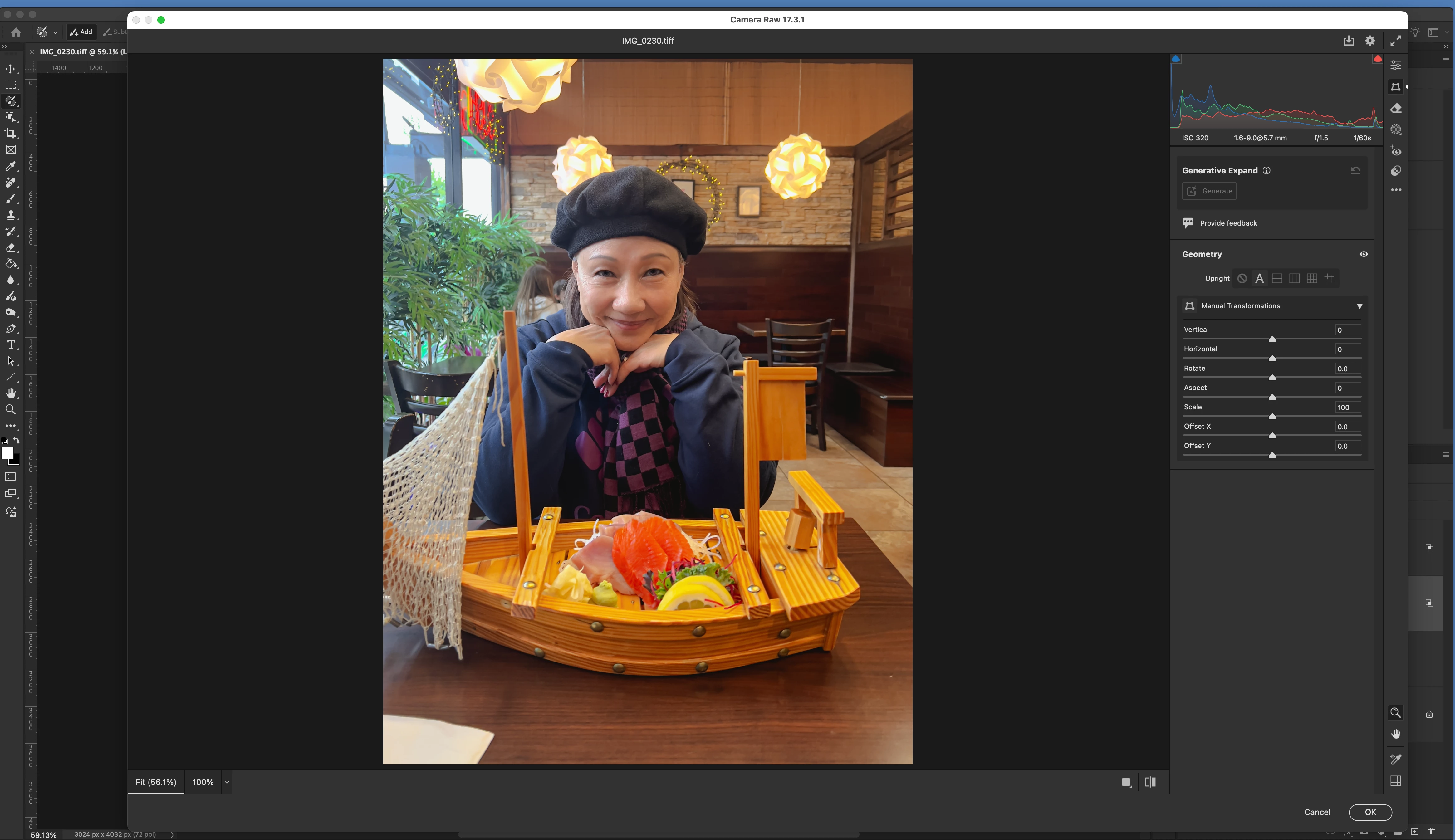
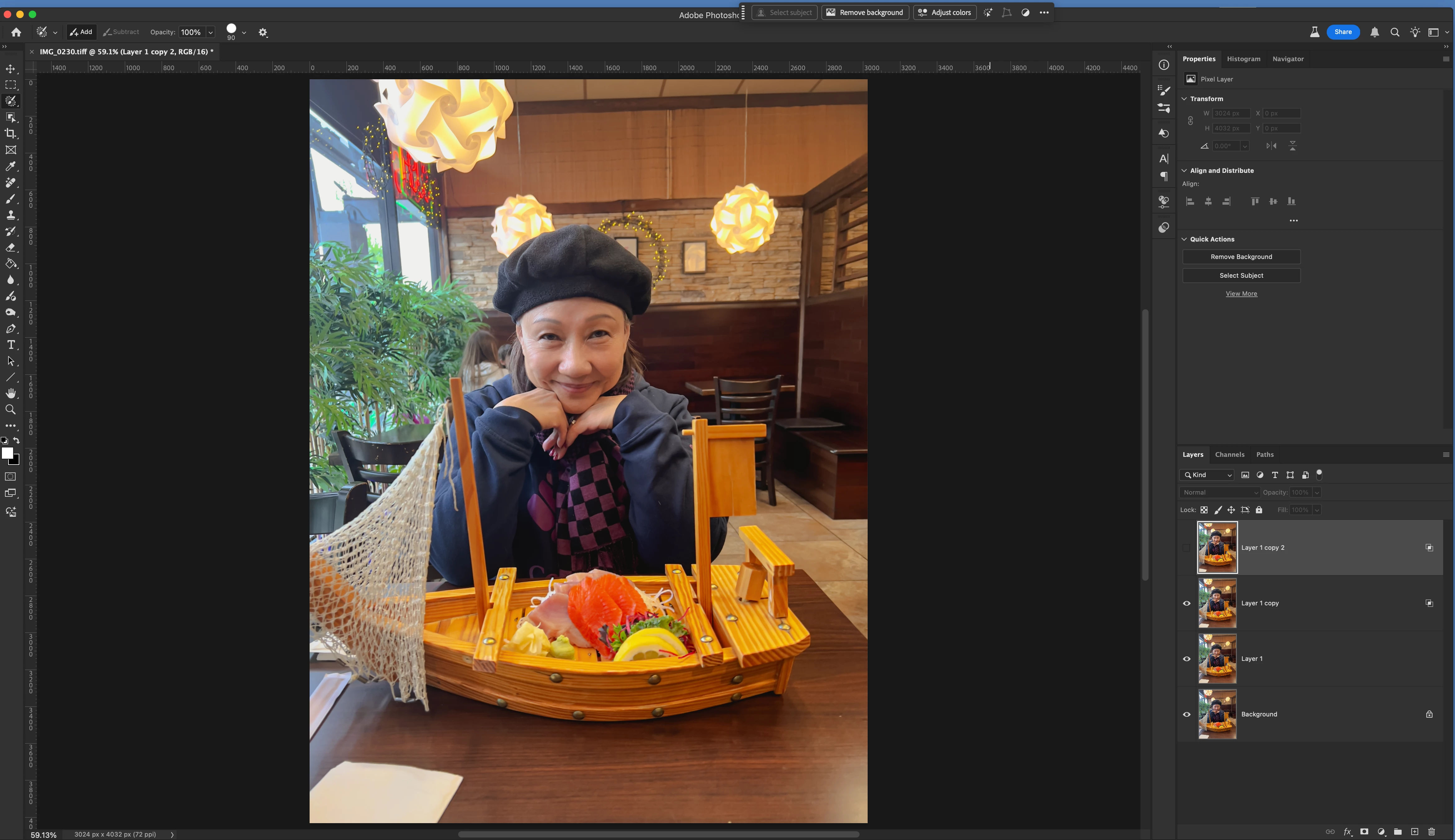
I opened the photo in the Camera Raw Filter, went to the Geometry panel, and used the straighten tool. After returning to Photoshop, I saw a double image. When I disable the layer, it goes back to the original unedited version without the double image. What did I do wrong?
1 reply

Trevor.Dennis
Community Expert
Community Expert
May 18, 2025

The clue is in those symbols on two of the layers.


That suggests that one or more of the layers has been moved, and that the Blend If sliders are not in their default positions.

If you double click the top most layer to open Layer Styles panel, and move the Blend If sliders as far to the left and right as they'll go, the ghosting will disappear.