




Enhance Detail for Sharper Generative Fill Results in Photoshop (beta)
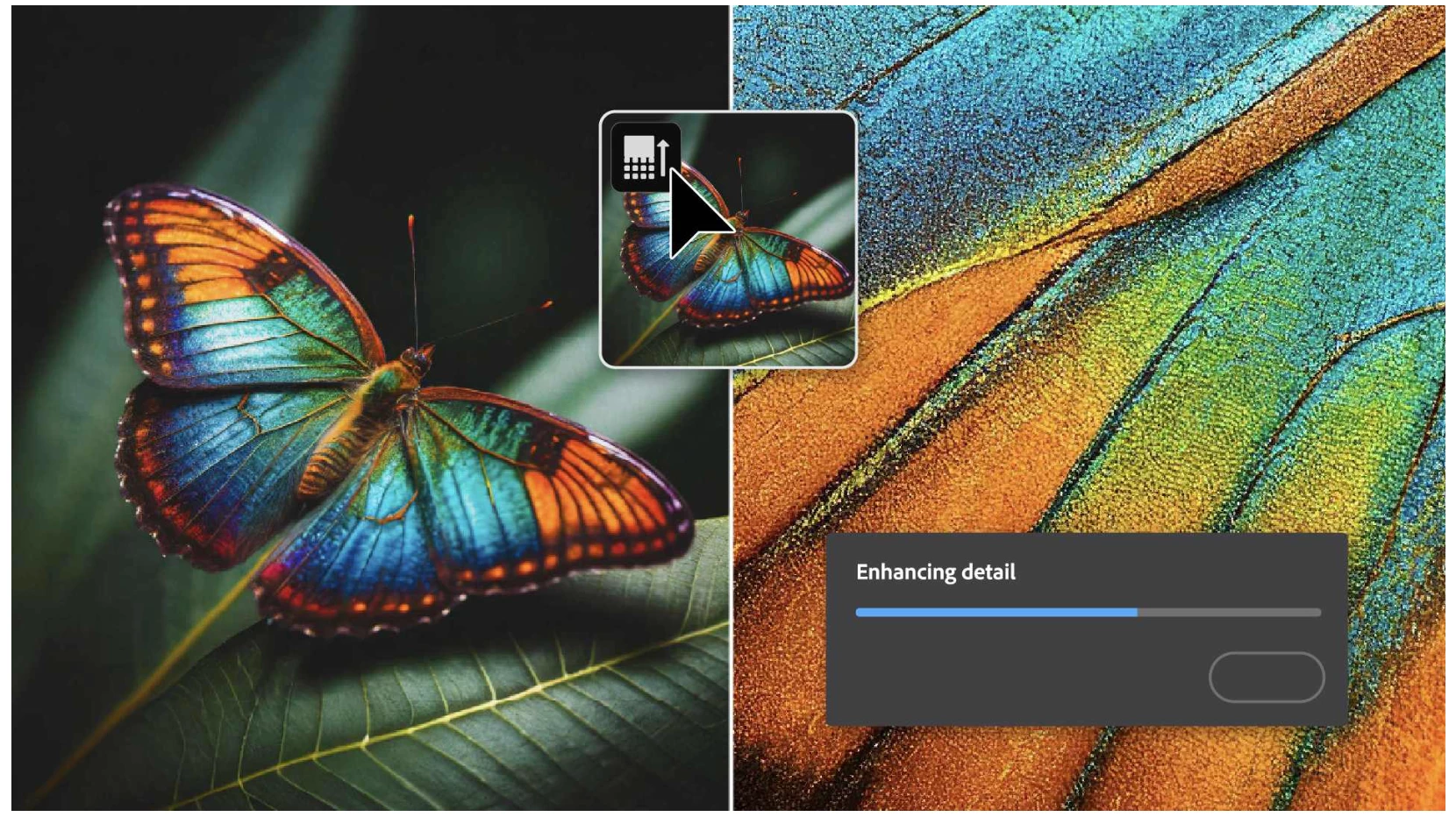
Enhance Detail (Photoshop beta) improves the sharpness of variations generated by Generative Fill. With this improvement, variations can have greater detail clarity and blend more seamlessly with the existing image.
This feature is still under development and we are looking forward to your feedback.
Feedback request:
- Please provide feedback on the up-sampled results.
- Performance: please include your hardware specifications.
- Tell us what circumstances you would use this feature.
- We’d also like to hear about UI/user experience, discoverability, convenience, and usability.
Respond in this thread or provide input via the Beta Feedback Panel; click the beaker, next to the blue Share button, in the Photoshop Options Bar.
Follow these steps to start using Enhance Detail:
1. Generate an object using Generative Fill.
2. Navigate to Properties panel > Variations to select your preferred variation.
3. Hover the cursor over the variation in the Properties panel to reveal the Enhance Detail  icon, then click on it.
- The results will be refreshed with increased sharpness and detail visible in the document.
- The Enhance Detail icon will dim to indicate the enhancement has been applied.
- Generative Expand: This feature is designed to work best for Generative Fill. However, in the Beta we have enabled it for Generative Expand and Background Replace.
- Generate Image: Enhance Detail is not supported on text to image layers.
- "This result is too small to enhance" is returned when the area selected for Generative Fill or Generative Expand is less than 1000 pixels in both dimensions. This is because the Enhance Detail feature will not have an impact .
- Unsupported systems: If you try to enhance a variation and your system is not supported, you may see one of the following messages: "Your system must have at least 8 GB of RAM to use this feature.", "You need macOS 12 or higher to use this feature.", or "Can't use the feature because your system is running Rosetta."
- The Enhance Detail feature runs locally on your system, so you do not need to be connected to the Internet to upscale an existing variation
- Undo: In the 4/23/2024 Photoshop beta, a nondestructive workflow has not yet been implemented. Users have the ability to Ctrl + Z to Undo the enhancement while available. Afterwards, the Enhance Detail is permanent.
- Noise & Grain: is not added/matched with this feature.
Thank you!
 AdChoices