
Inspiring
Jan 7, 2024 6:48 AM UTC
Answered

Error when saving a smart object (Photoshop Beta 25.4)

Perhaps someone knows how to solve this issue, preferably without rolling back the Photoshop version?

The problem is that when I try to save a smart object, the program gives an error and does not respond to any clicks or actions except for closing Photoshop.

Here is a video showing how it happens: https://drive.google.com/file/d/1MbwXjwarREAzSuYwrPjKCTGn3mtU_LCv/view?usp=sharing

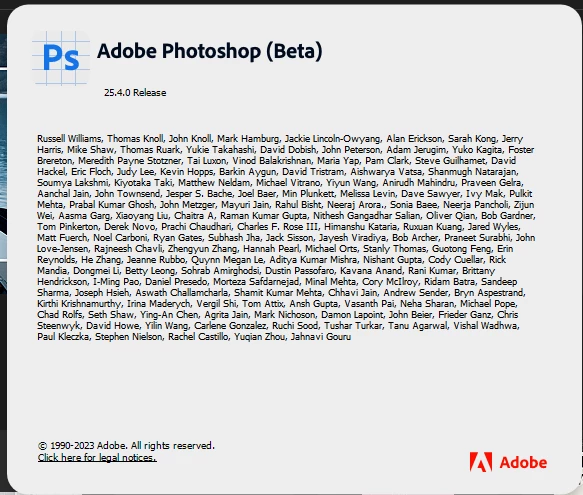
My Photoshop version: 25.4
 

This topic is closed to new replies. Start a new post to keep the conversation going.
RR-179Correct answer
Participant
Feb 13, 2024 9:16 AM UTC

Can confirm, for me... that error has gone in latest release

6 replies

RR-179Correct answer
Participant
Feb 13, 2024 9:16 AM UTC

Can confirm, for me... that error has gone in latest release

Translate
CShubert
Community Manager
Community Manager
Feb 12, 2024 10:24 PM UTC

Hi @ValeriiN if you update to the latest Ps beta does this still persist?


Adobe Photoshop Version: 25.6.0 20240211.m.2498 27d87a6 arm64


Thanks,

Cory - Photoshop Product Manager

Translate
ValeriiNAuthor
Inspiring
Jan 18, 2024 5:49 AM UTC

Same... And this link don't help 🤷

Translate
jane-e
Community Expert
Community Expert
Jan 16, 2024 6:27 PM UTC

@ValeriiN 


What is the URL of the help page when you click on "Learn how to fix"?


Jane

Translate
Participant
Jan 16, 2024 3:54 PM UTC

Have same issue, no change with latest 25.5.0 release

Translate