
Error with font and transform (file was not found) [Mac Monterey]
Hi everyone,
Error Font:
I have a problem with my font set when copying or creating smart object, the text will get font error.
This is error:

This is normal:

The font I use is Apple's Font SF Compact, downloaded directly from Apple's website and installed on the device.
I started getting errors when updating to the latest version of Photoshop Beta.
Error Transform:
I just copy a group of layers from one document to another, in this group include text, but when transform it will say like this:
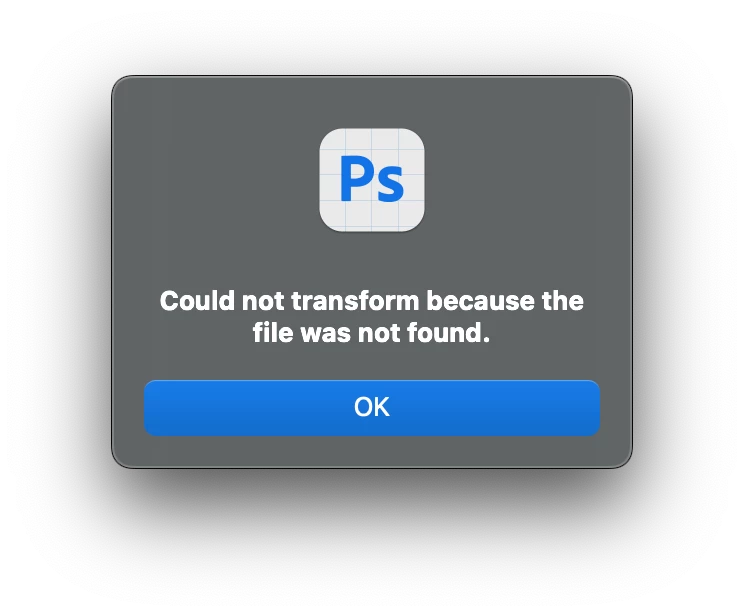
This doesn't always happen, it happens often. There is a period of time without the above condition.
But the above errors I am having since updating to the latest version.
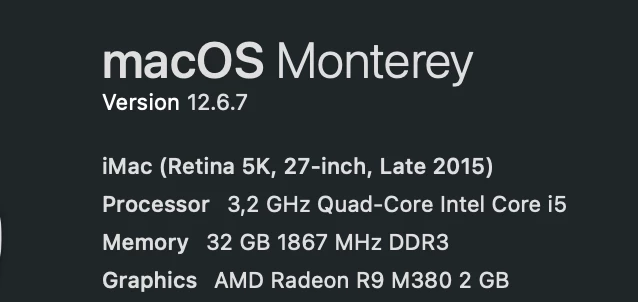
My Computer Info:
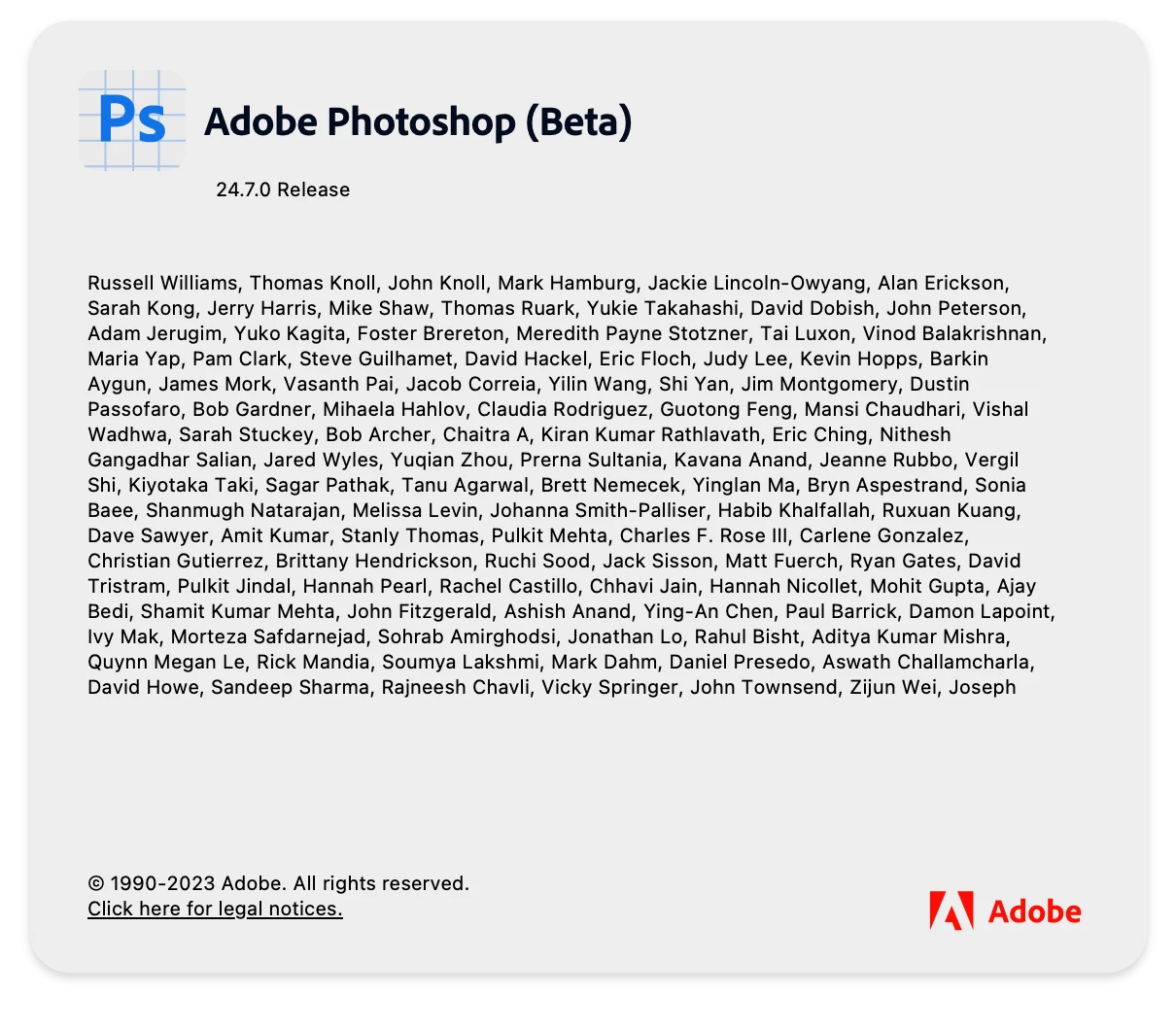
Photoshop version I'm using:
If anyone knows how to fix it, please let me know, thanks.


 AdChoices