
Participating Frequently
May 16, 2024
Question

False beta update notification

  • May 16, 2024
  • 2 replies
  • 227 views

I have updated Photoshop Beta through Cloud to the latest:

'Photoshop Beta Adobe Photoshop Version: 25.8.0 20240411.m.2581 c235e07 x64'


But I keep getting the brown update box telling me to update
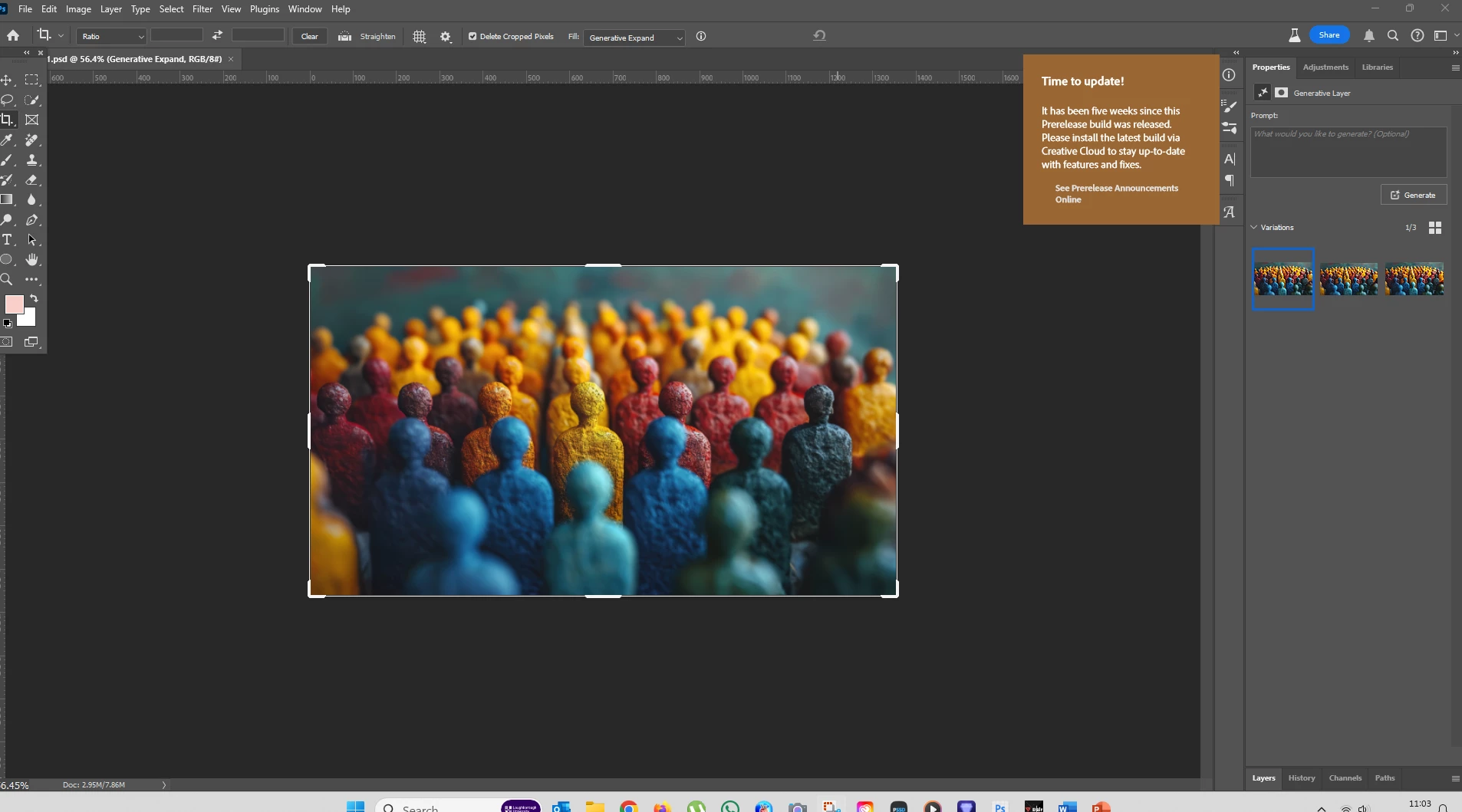


How do I stop that from appearing? 

This topic has been closed for replies.

2 replies

Kevin Stohlmeyer
Community Expert
Community Expert
May 16, 2024

@docrob9000 with all the PS Betas I've had to uninstall the current install via the CC desktop app then reinstall adds the new one. Keep your preferences.

CShubert
Community Manager
Community Manager
May 16, 2024

Hi @docrob9000 the current Ps beta version is: Adobe Photoshop Version: 25.10.0 20240512.m.2617 2b82010 arm64


You may need to quit CCD and then relaunch, or log in and out of CCD to make it show you the latest version.


Thanks,

Cory - Photoshop Product Manager