

Resuelto
Fill Keyboard Shortcut
Setup
- Photoshop on the web (Beta) Version 202206.12.0
- macOS Monterey 12.4 (MacBook Air, M1 2020)
- Microsoft EdgeVersion 103.0.1264.51 (Official Build) (arm64)
- Google ChromeVersion 103.0.5060.114 (Official Build) (arm64)
Description of Problem
The keyboard shortcut for Fill is displayed as ⌥ + ⌫ in the Edit > Fill menu:
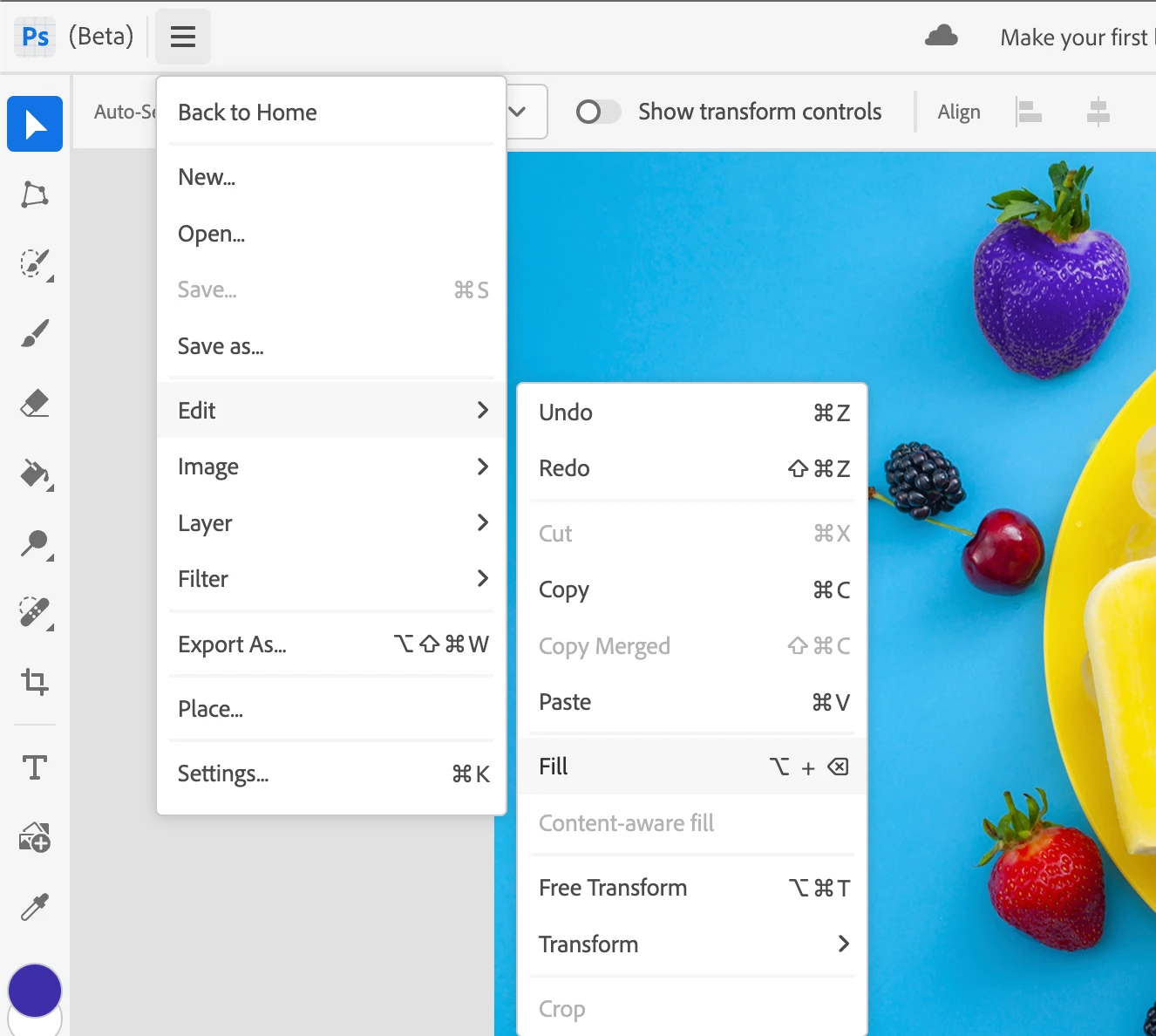
The convention for keyboard shortcuts displayed in menus in Photoshop on the web (Beta) is not to use the + (plus) symbol between the keyboard characters.
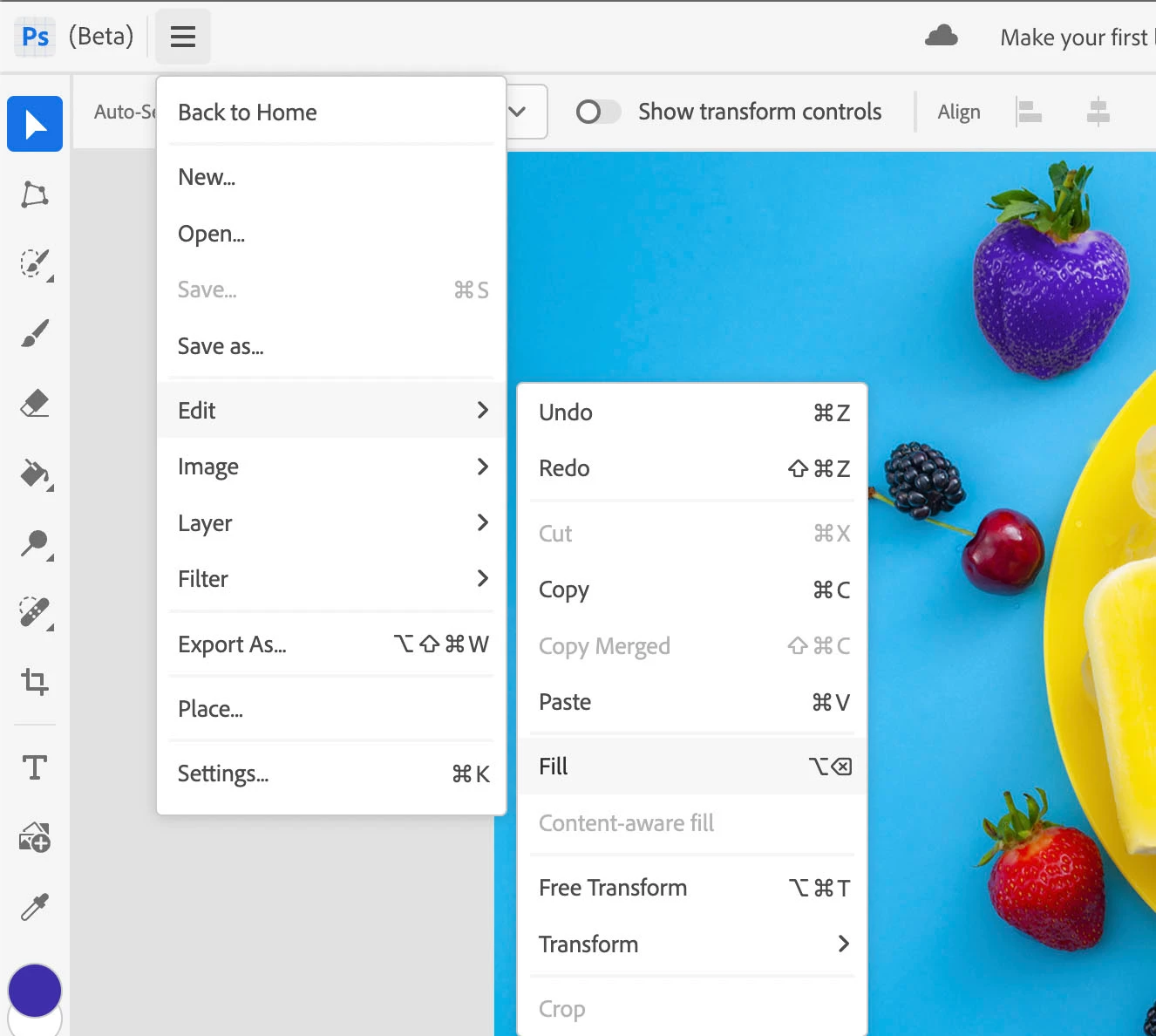
As such, the keyboard shortcut for Fill should simply be displayed as ⌥ ⌫


 AdChoices