Question
Generative fill criterium
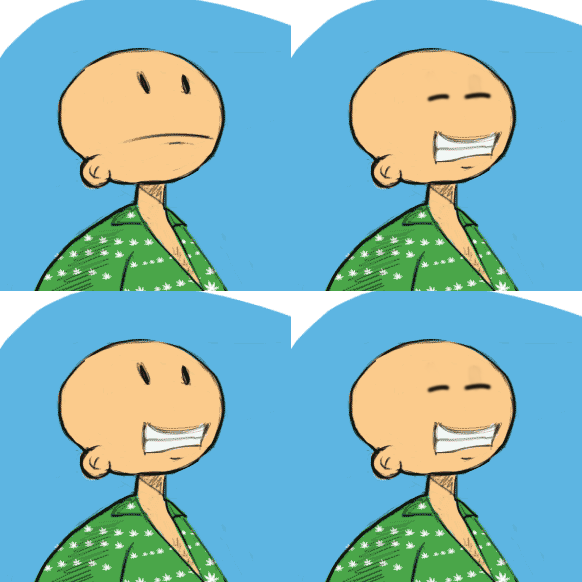
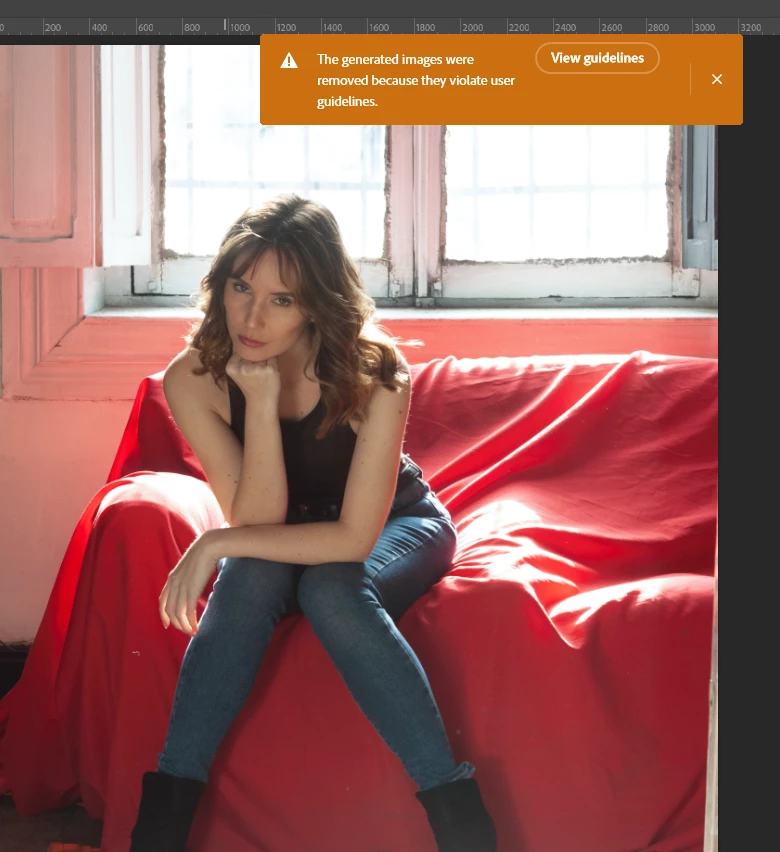
Im trying to fill some areas of the border of this photo: at right and botto (photo1).
Then after hir "generative..." I get this (photo 2).
Any idea how to fix this?
1)

2)
[Moved to the Photoshop Beta forum]

Im trying to fill some areas of the border of this photo: at right and botto (photo1).
Then after hir "generative..." I get this (photo 2).
Any idea how to fix this?
1)
2)
[Moved to the Photoshop Beta forum]
Already have an account? Login
Enter your E-mail address. We'll send you an e-mail with instructions to reset your password.
 AdChoices