



Question
Generative Upscale now in Photoshop Beta!
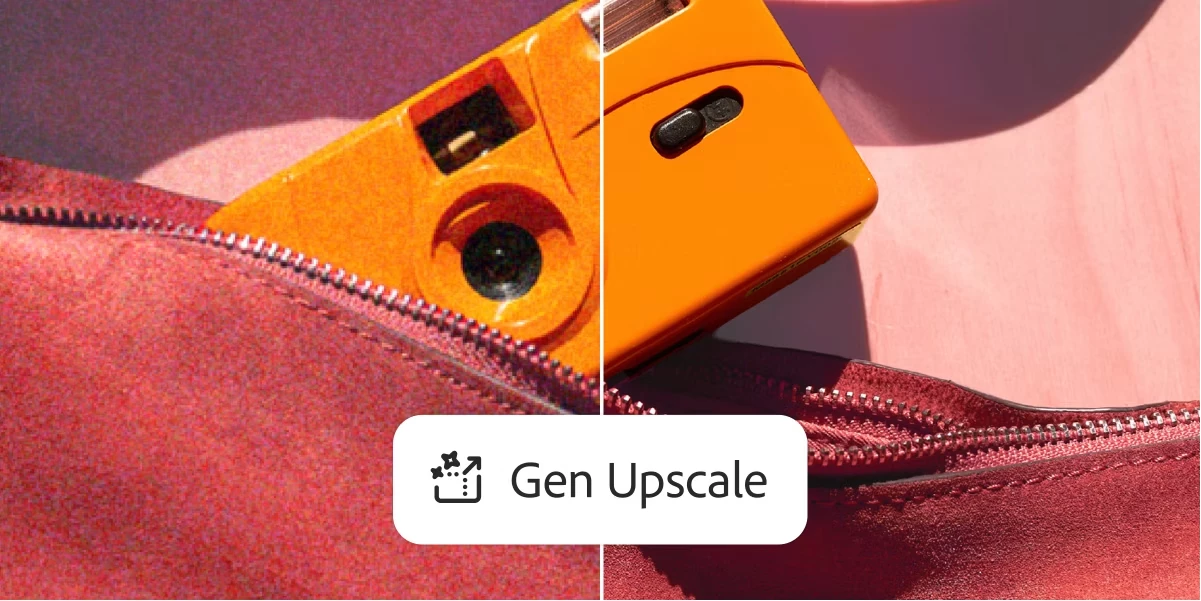
We are excited to share that Generative Upscale is now in Photoshop Beta! Powered by Firefly, you can now increase the resolution, preserve detail and remove artifacts while increasing the size of an image. Functionality is limited for this release as we continue to test and refine the model, but we are eager to learn from users early on! Some things to note about the feature:
- Size and ratio limitations: Max output is currently limited to 4096 pixels and/or a max 1:4 ratio for width and height.
- Low-resolution: This model is best suited for low resolution images
- Output: Output is limited by size and ratio. If your projected output exceeds these limits, the button to upscale will be grayed out. Otherwise, upscaled images will be output to a new document. Note that if an image’s projected output is beyond the max limit, try using Image Size (Image > Image Size) to reduce the original size of the image before upscaling
- Credits: in the Beta period, Generative Upscale will not deduct credits
- Incompatible Color Modes: Indexed, Multichannel, Bitmap, Duotone, Grayscale. If an image is in one of the non-supported color modes above, convert to RGB before using Generative Upscale. To do this, go to Image > Mode > RGB Color
- 32-bit is currently not supported (as with all Generative features)
How to test the feature:
- Download the latest beta application (Beta 26.10 or later)
- Open the feature from Image > Generative Upscale
- Select desired output scale (2x, 3x, or 4x)
- If output is within the limits of the feature, select upscale
- Upscaled image will be output in a new document
Let us know what you think!
 AdChoices