
Known Participant
February 21, 2025
Question

го

  • February 21, 2025
  • 1 reply
  • 133 views

After updating 2025.02.19, I found that the additional generative fill panel was missing. And the Select object and delete background buttons are gone
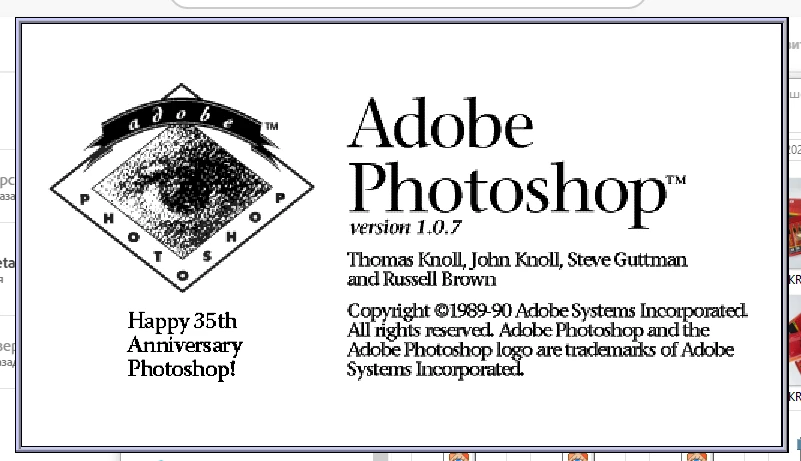
the screen saver at startup began to look like this
The panel that was saved in Adobe Photoshop version 2025 has been preserved



1 reply

CShubert
Community Manager
Community Manager
February 21, 2025

Hi @Vladimir31766861d38d do you have the same issue with Ps release version?


1. Try resetting Prefs for the Beta:
/Users/yourname/Library/Preferences/ Photoshop Beta Settings (Mac Ventura)
/Users/yourname/Library/Preferences/Adobe\ Photoshop\ \(Beta\)\ Settings (Mac)


C:\Users\user name\AppData\Roaming\Adobe\Adobe Photoshop (Beta)\Adobe Photoshop (Beta) Settings


Launch BETA Photoshop While Pressing The Keyboard Shortcut
With Photoshop closed, press and hold Shift+Ctrl+Alt (Win) / Shift+Command+Option (Mac) on your keyboard and then Launch Photoshop the way you normally would.
https://helpx.adobe.com/photoshop/using/preferences.html#Manually


2. It may help if we could see your Photoshop beta System Info. Launch Photoshop beta, and select Help >System Info...and copy/paste the text in a reply.  


Thanks,

Cory - Photoshop Product Manager