



Question
Gradients Context Bar available in Photoshop Desktop (BETA)
Hi Photoshop Beta Testers! We are so excited to announce the availabity of a new Gradients Context Bar. Let us know what you think or you run into problems!
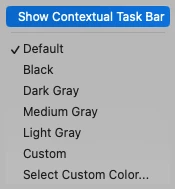
To test out the Gradients Context Bar, make sure you have Context Bars enabled (Window > Contextual Task Bar or right click on canvas areas > Show Contextual Task Bar).
Select the Gradient Tool and make sure you have "Gradient" selected in the Gradients Options Bar:

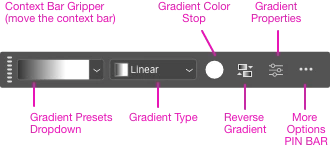
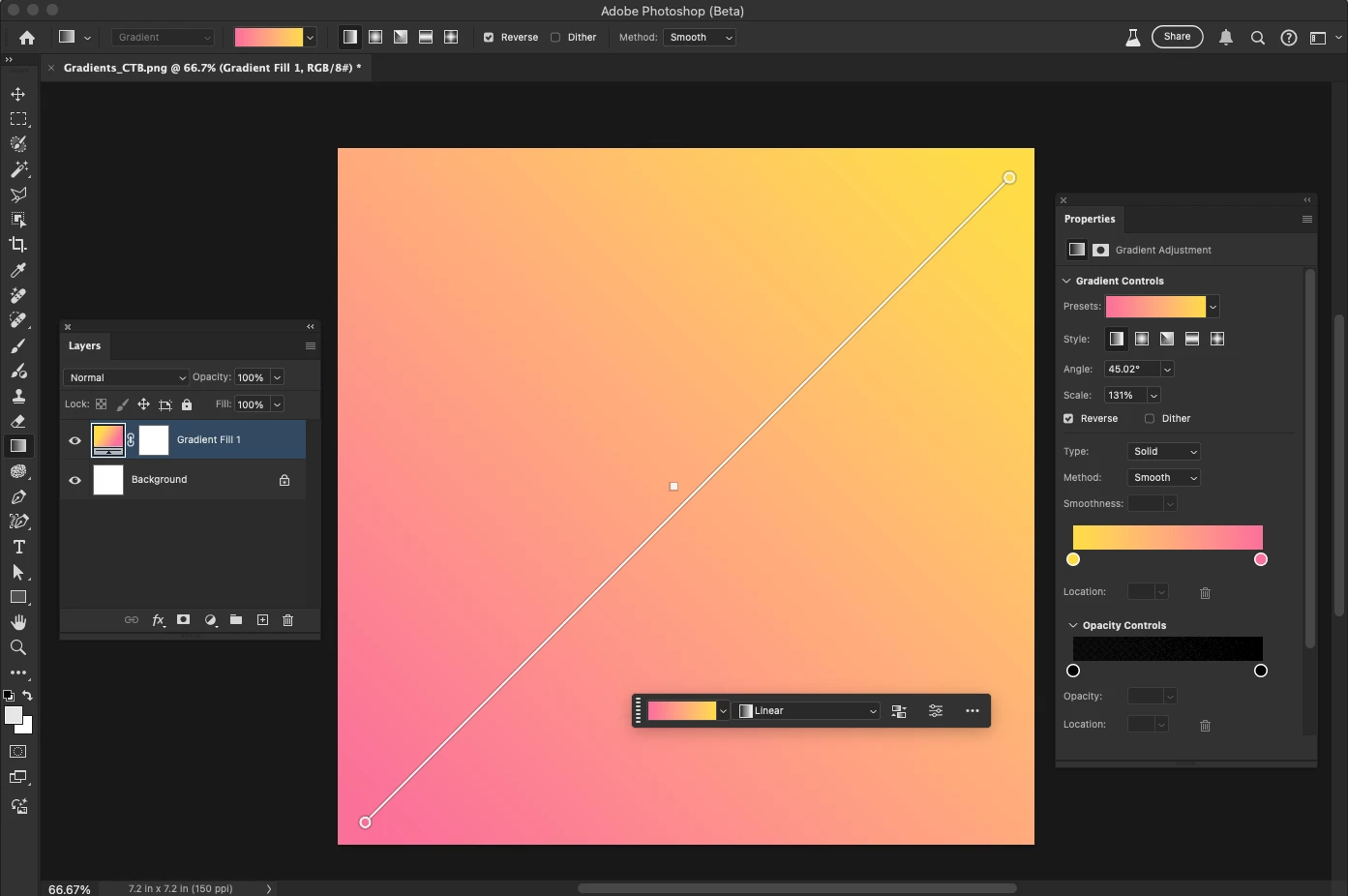
With the Gradient Tool selected, click and drag to create a gradient. A new Gradient Adjustment Layer will be created, a Gradients Contextual Task Bar is shown.


 AdChoices