This topic is closed to new replies. Start a new post to keep the conversation going.

1 reply

Community Expert
Sep 13, 2023 7:34 AM UTC

Logout from the Creative Dektop Client and relogin with the Adobe ID that you've used for the subscription.

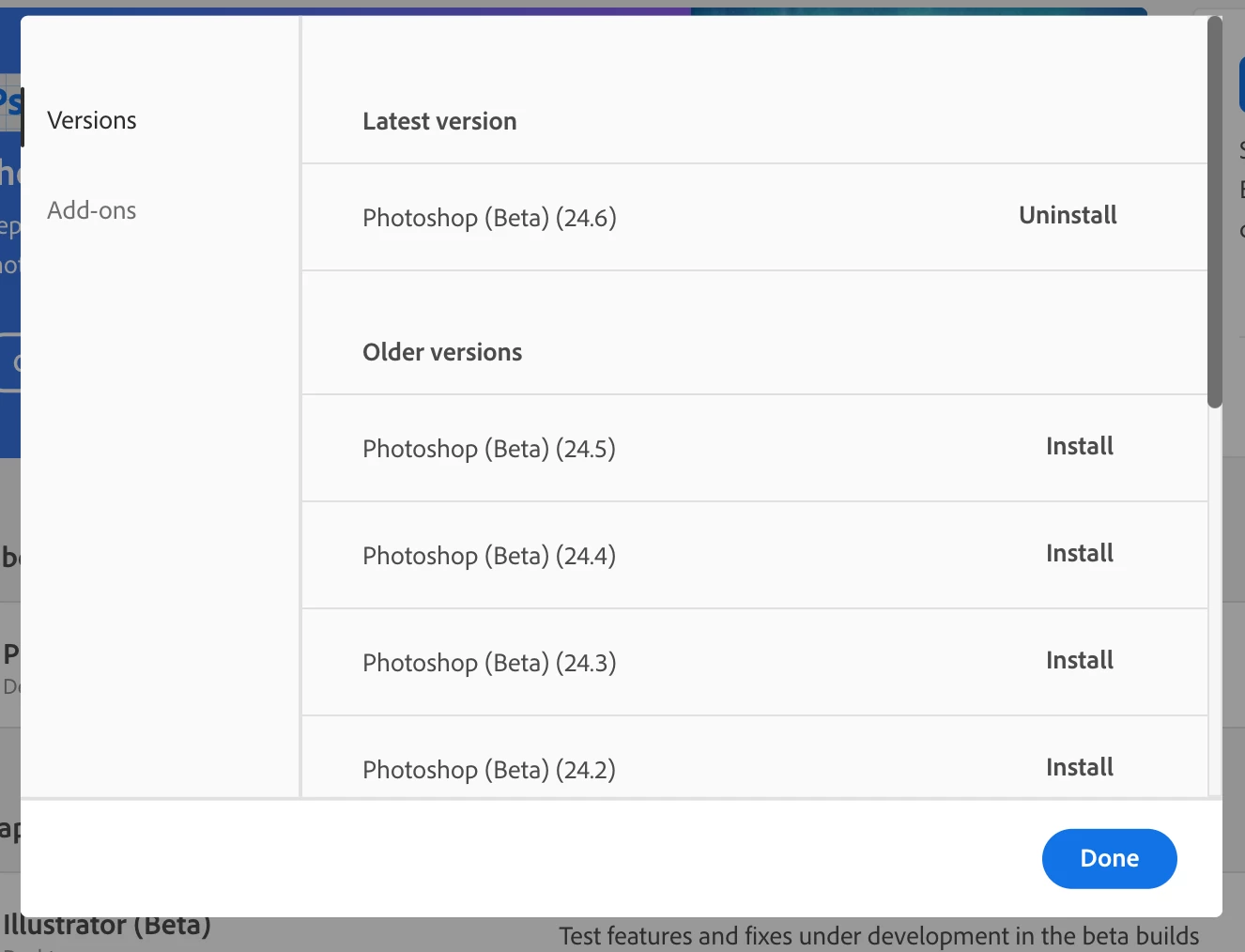
If this doesn't help try to uninstall and reinstall Photoshop Beta by using the CC Desktop Client.

If this failed reset the Creative Cloud desktop app. Make sure it's in the foreground, then press:

  • Win: Ctrl + Alt + R
  • Mac: Cmd + Opt + R


If this doesn't help, try to repair the client: https://helpx.adobe.com/download-install/kb/creative-cloud-install-stuck.html
If this also doesn't help go uninstall/reinstall decribed in the link above.


Translate
My System: Intel i7-8700K - 64GB RAM - NVidia Geforce RTX 3060 - Windows 11 Pro 26H2 -- LR-Classic 16 - Photoshop 28 - Nik Collection 9 - PureRAW 6 - Topaz Photo AI