
Question
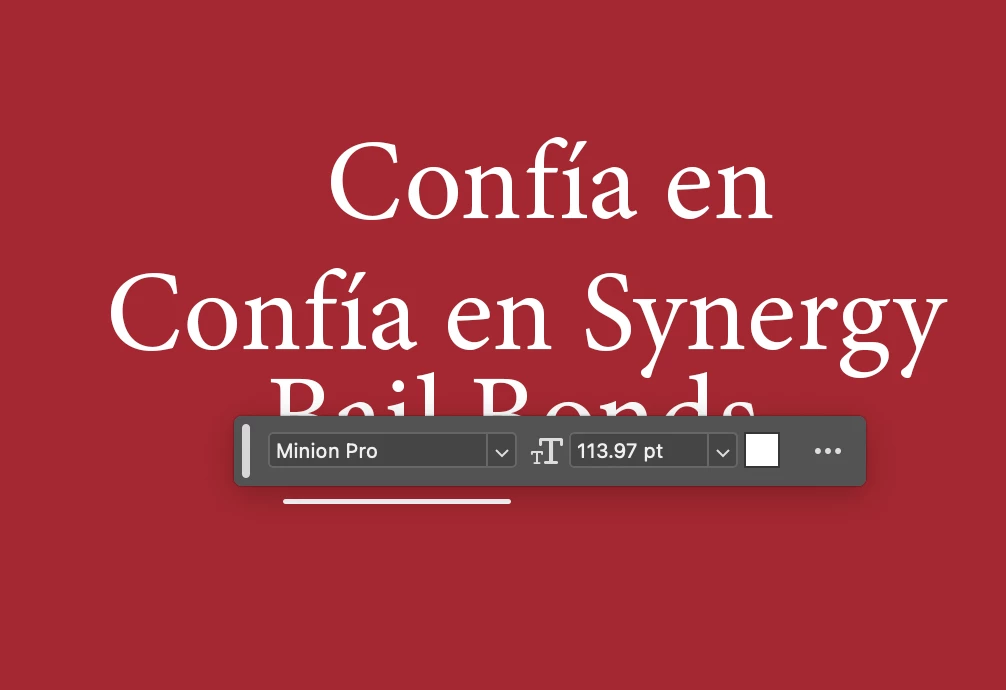
How do I change the distance between the cursor and the contextual task bar?
I've been working with Photoshop Beta for a while, and while it's convenient to always have the contextual task bar active in case I need to use the generating fill, it's becoming annoying that it's always super close to the area I click and it's time consuming having to click somewhere else o move the bar manually whenever I want to select what's underneath.
Is there a way to pin it somewhere so it doesn't move??


 AdChoices