
Imported images come with a higher saturation value to the program
Hi everyone, while at work I noticed that the images that I was making were exporting with a different saturation value. Turns out that when i import them to photoshop, the program for some reason changes the saturation of the image.
This only happens for images that did not have a color profile embedded previously. Then, as usual, photoshop shows me this dialog box:
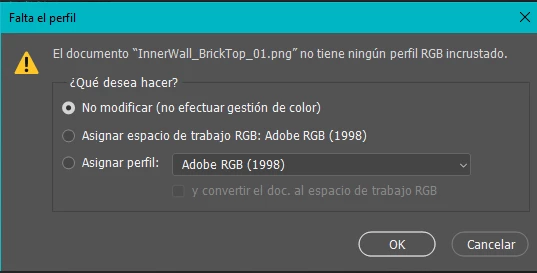
All 3 options end up changing the color of the original image. Here's a concrete example of what is happening:
This is the original image that I wanted to import

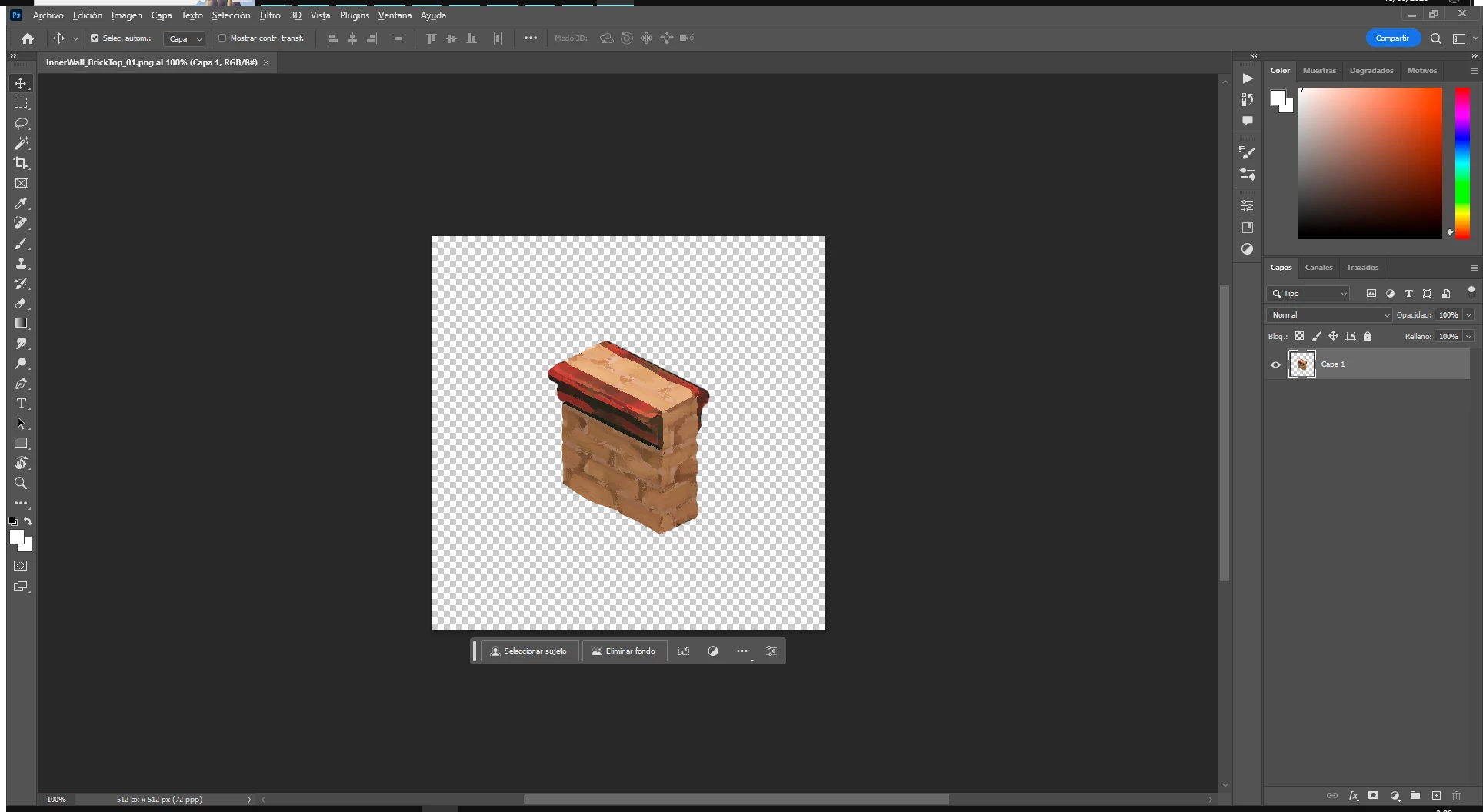
This is the one that shows in photoshop, It has a slight saturation increase even though no intentional color correction is happening to the image.
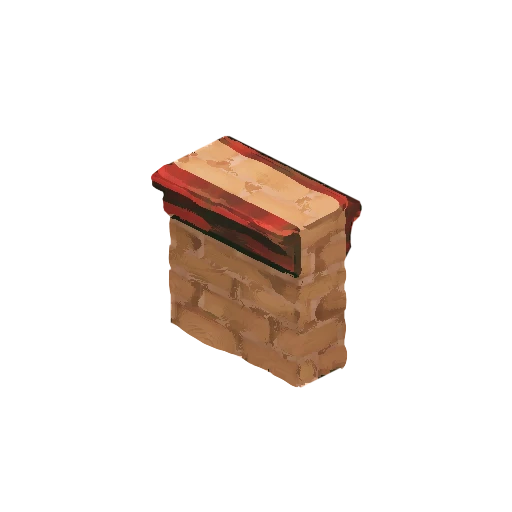
This is the exported result
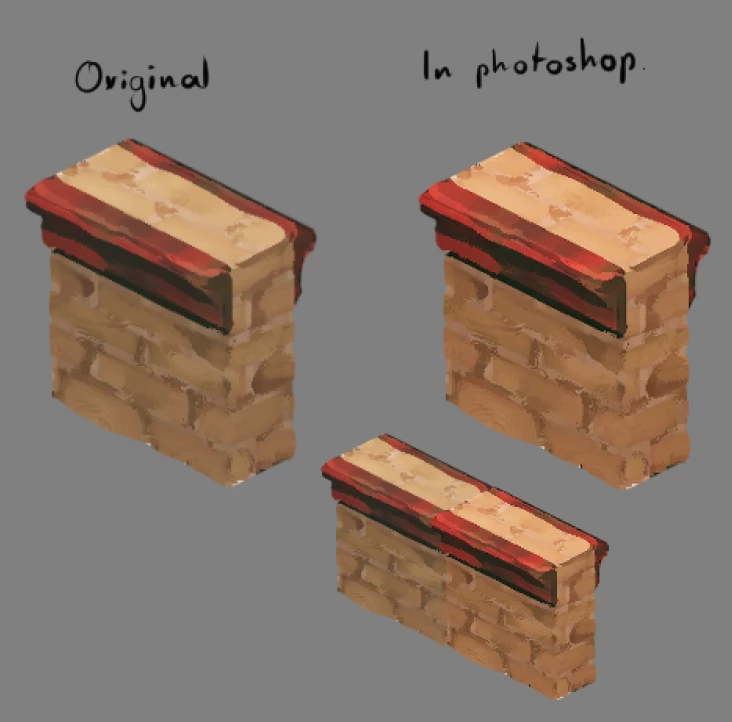
Here's a direct comparisson of both (Had to do it in another software)
This does not happen for images that had a color profile embedded before importing to photoshop, those keep their colors untouched.


 AdChoices