




Question
Improved Quick Sharing - Live in Photoshop Beta
Sharing your work just got way faster. With new & improved Quick Share capabilities via the Share button, you can now share your images without ever leaving Photoshop.
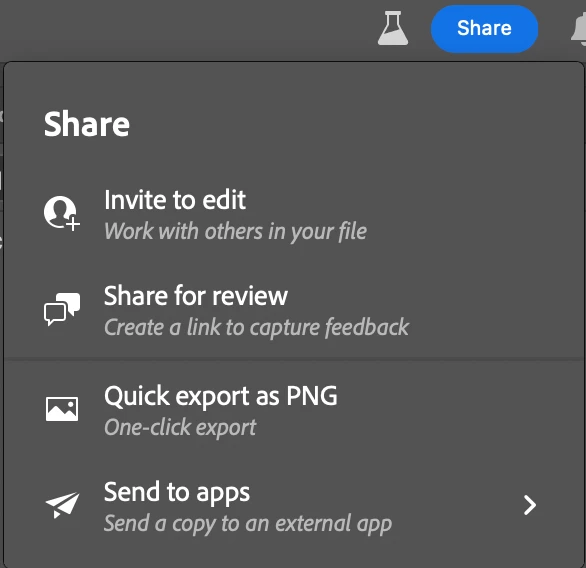
Quick Sharing
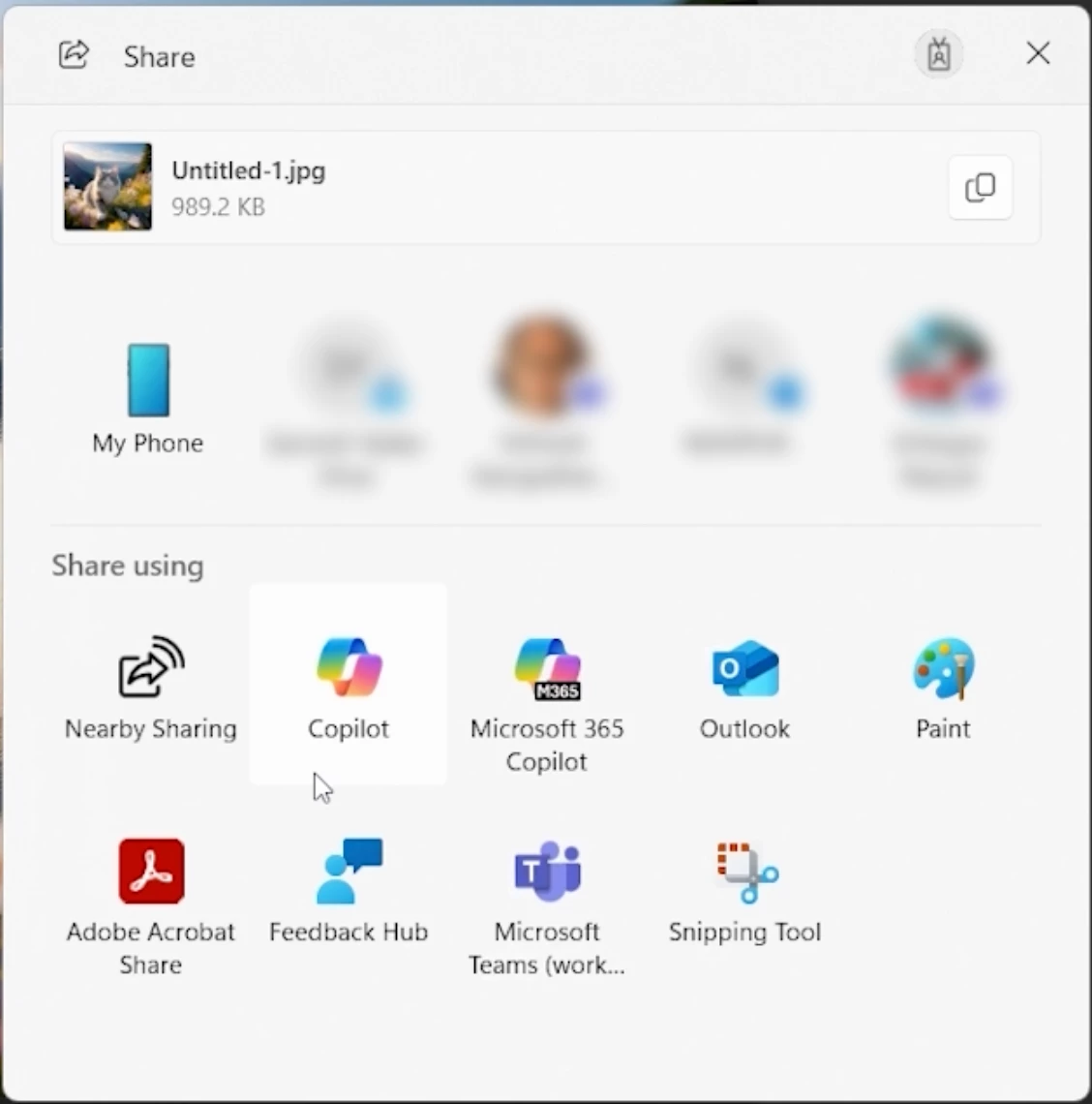
- Share your files directly using your Mac or Windows native share options, be it AirDrop, Mail, Nearby Sharing & a lot more. No need to export files to your system first. This is available for JPG, PNG & PSD formats.
- You can also just click & copy your images to the clipboard, perfect for quick pastes into chat apps, docs or presentations
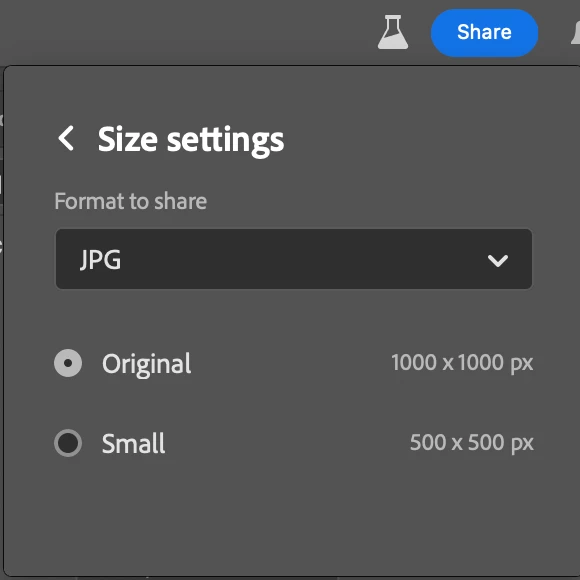
- Quick Export is now just a click away via the Share button. You can change formats (PNG, JPG or GIF) with custom settings via
Menu > Preferences > Export
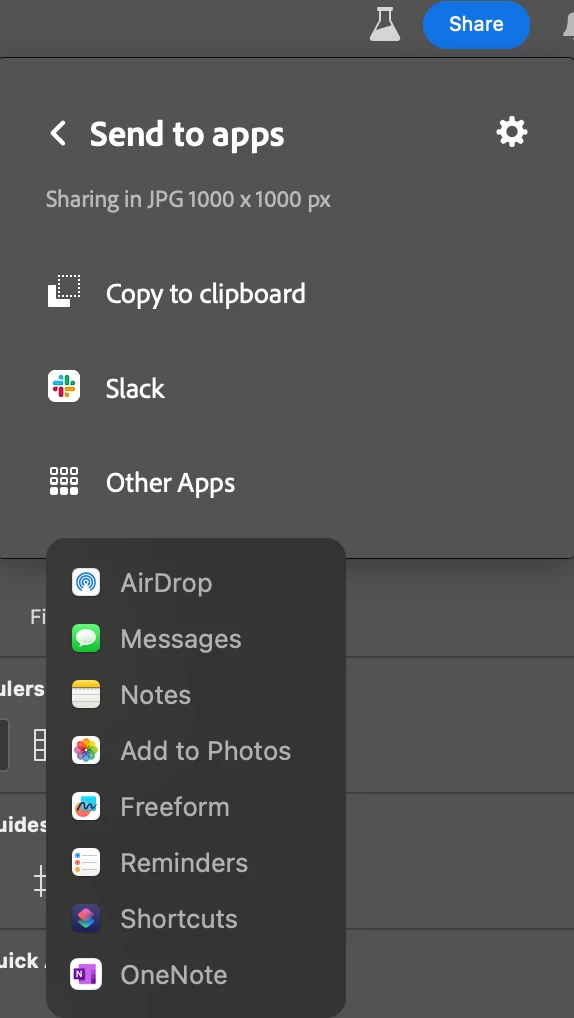
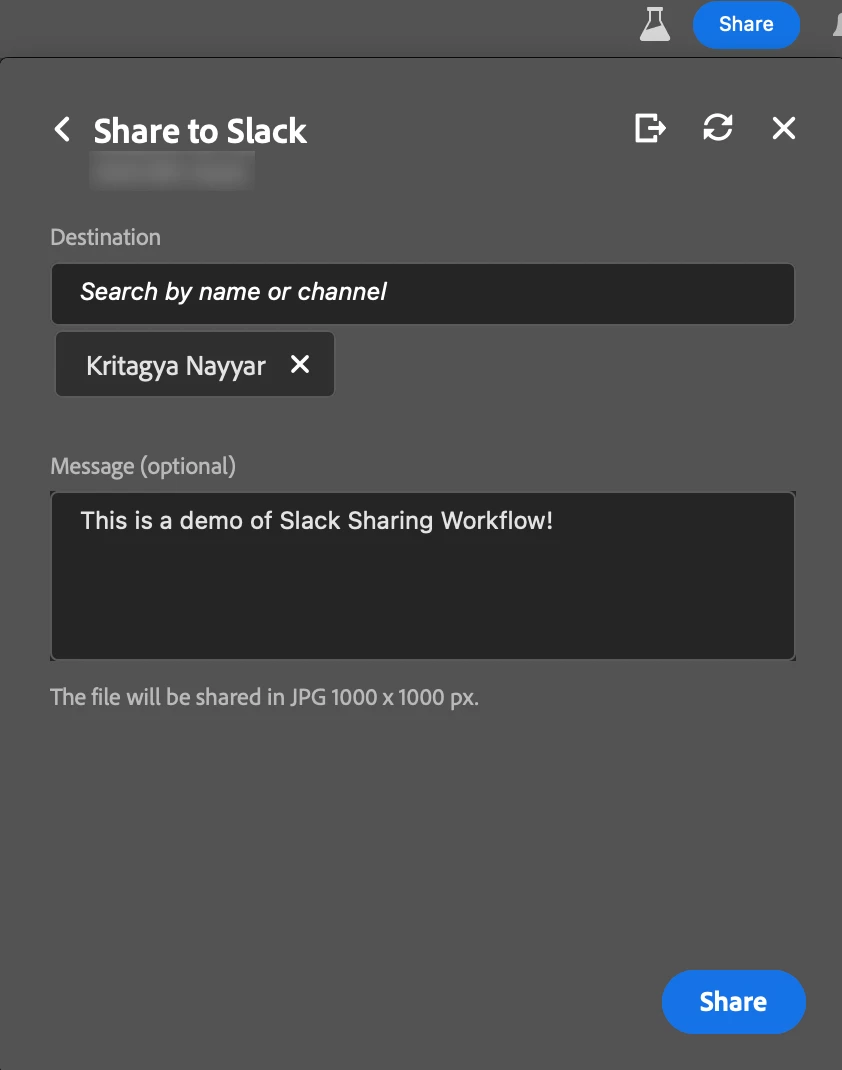
Share to Slack
Connect your Slack workspace & share images directly to channels, group chats or DMs, all without leaving Photoshop.
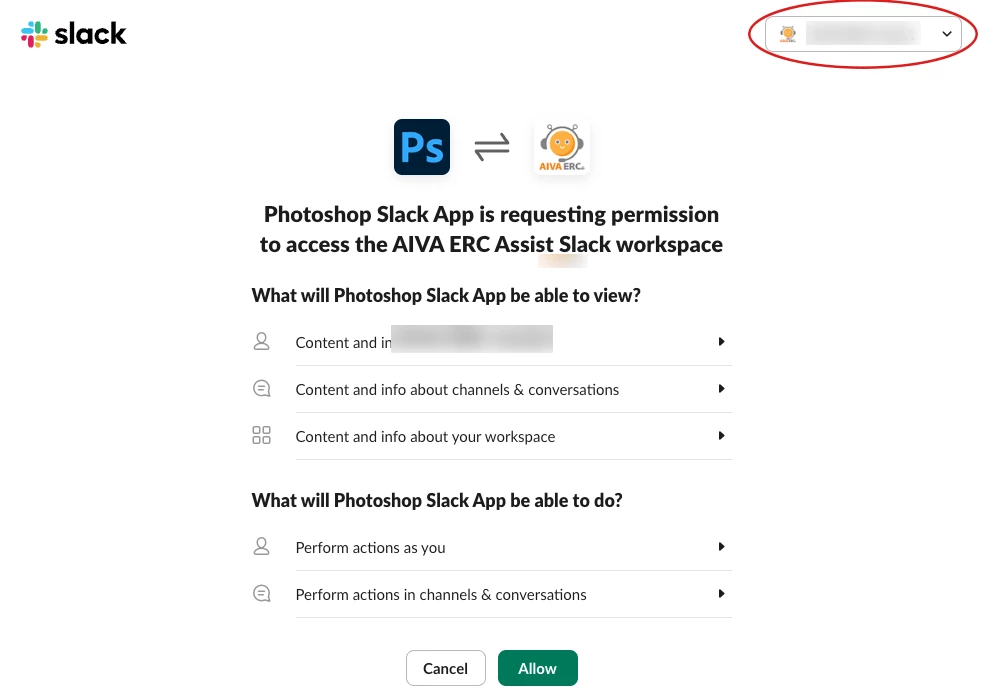
Note: During login, be sure to select your correct Slack workspace from the top-right in your browser window to avoid issues.
Try it out & let us know what you think in the comments.
Thank you!
 AdChoices