alvaro344194491yad
Participant
August 4, 2026

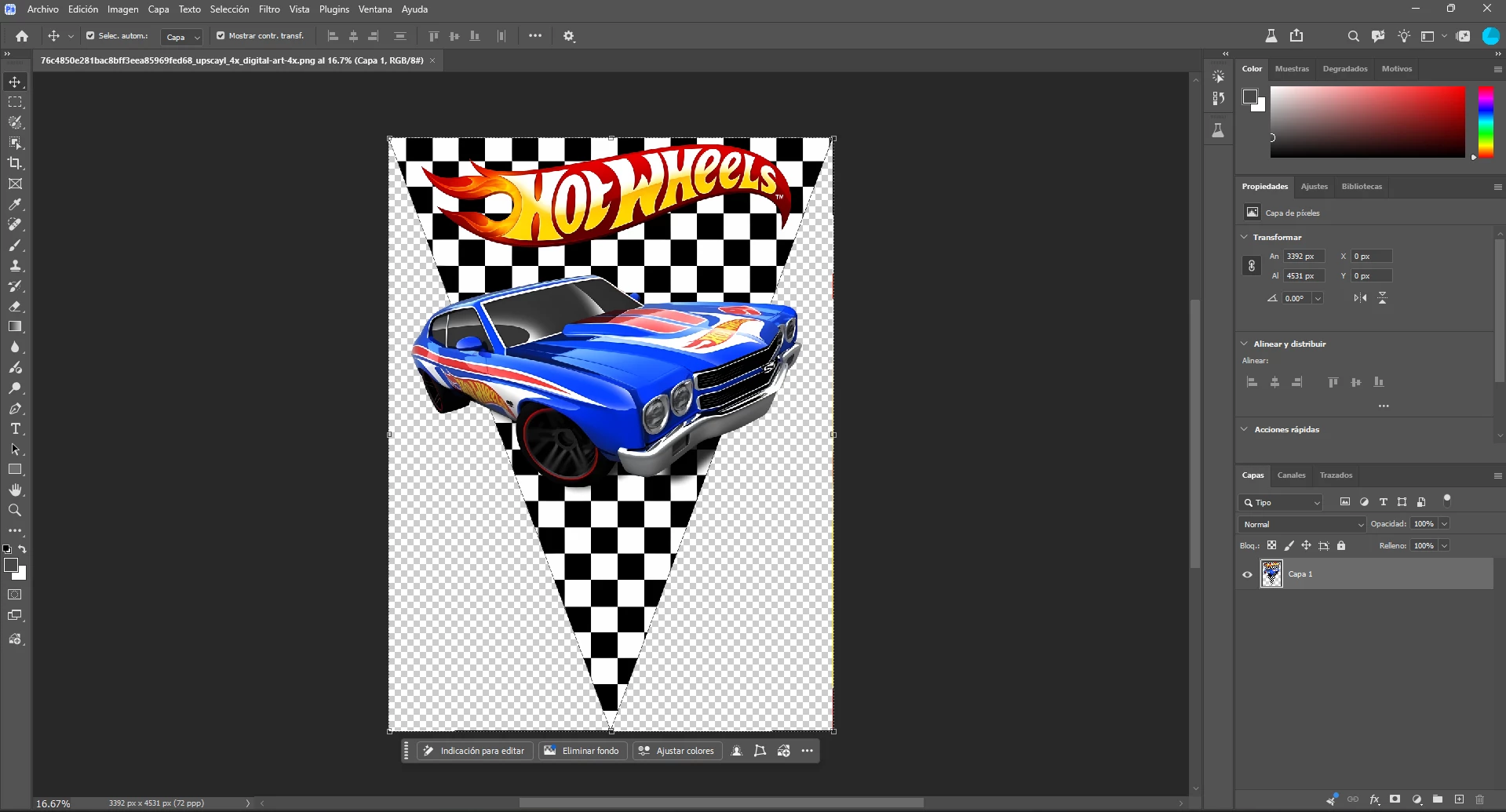
La mesa de trabajo se ve siempre opaco y el fondo siempre es blanco

  • August 4, 2026
  • 7 replies
  • 51 views

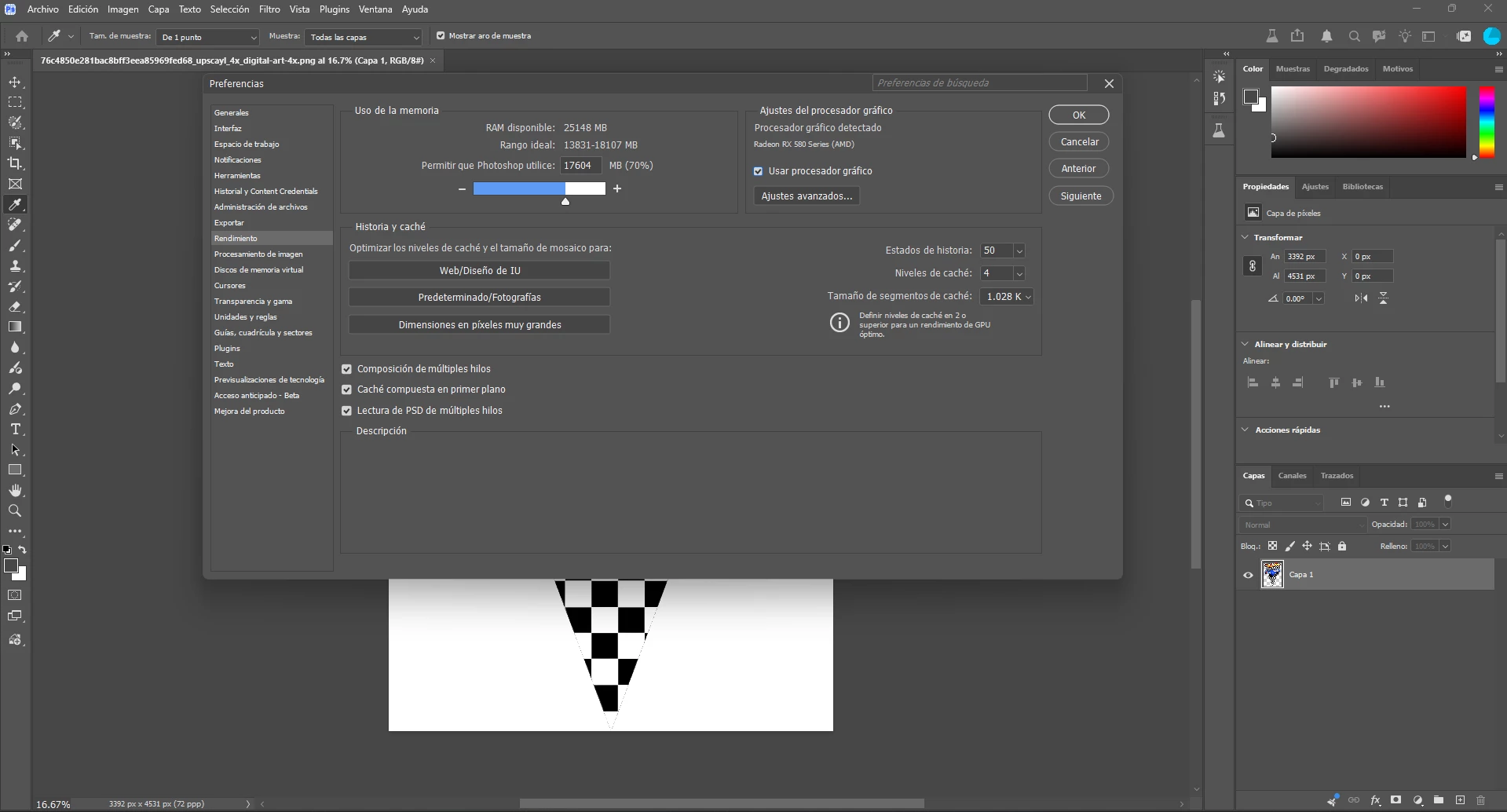
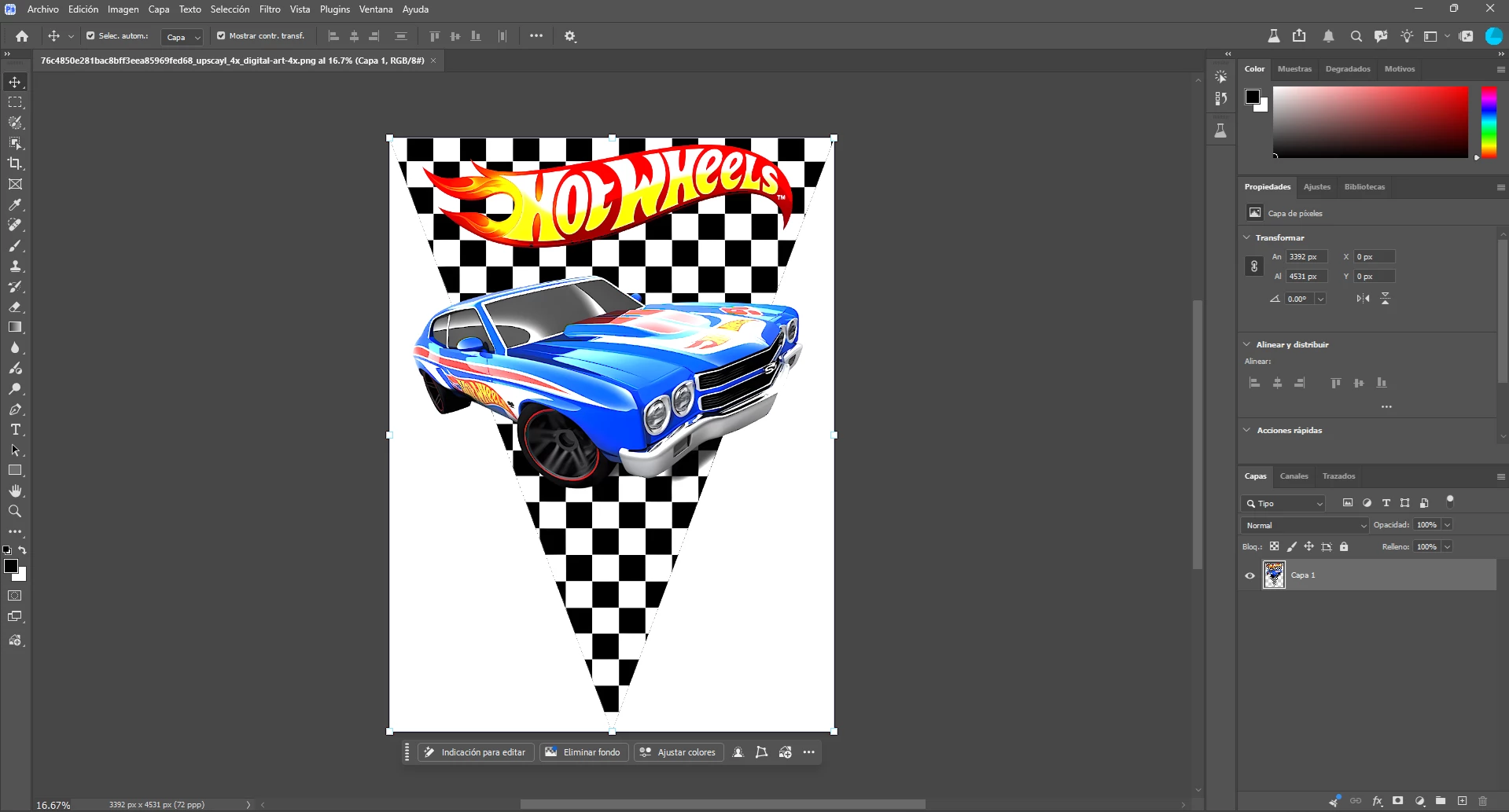
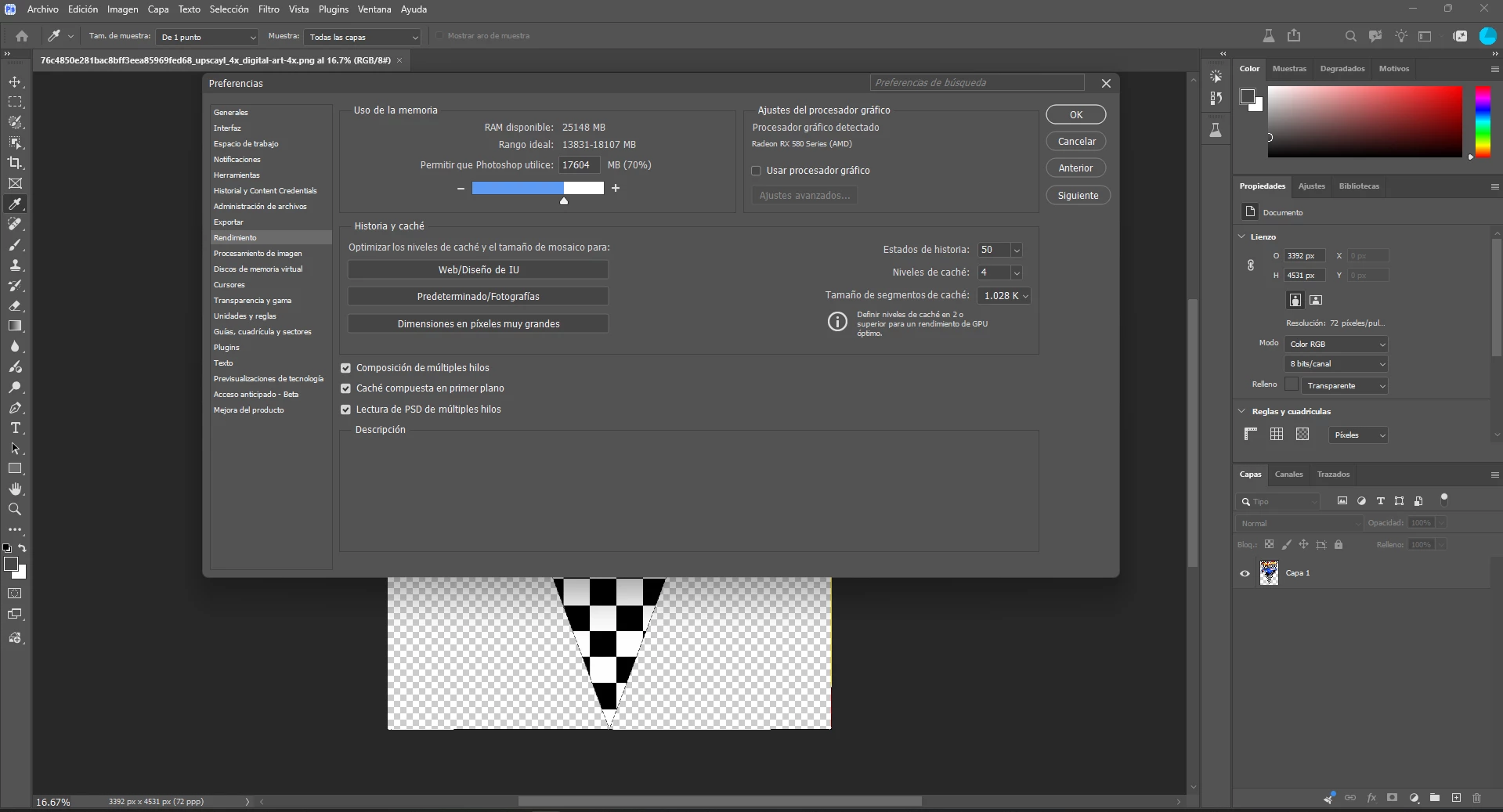
Cuando abro una imagen sin fondo en vez de aparecer el fondo tipico me aparece uno blanco opaco y cuando desactivo la opcion del procesador grafico se arregla, tuve que volver a la version anterior para que no aparezca ese error

adjunto capturas donde se ve el error
 

    7 replies

    CShubert
    Community Manager
    Community Manager
    August 10, 2026

    @alvaro344194491yad please update to the latest Ps Bet and let us know if this issue persists.


    Adobe Photoshop Version: 27.11.0 20260809.m.3632 2f38064  arm64 (beta, PublicBeta)


    Thanks,

    Cory - Photoshop Product Manager

    CShubert
    Community Manager
    Community Manager
    August 5, 2026

    @alvaro344194491yad testing here with your workflow, opening a file with a transparent background with the GPU setting both and off does not show what your screenshots do.  

    Did this happen with any file that your tried in Ps Beta (before you reverted to 27.9) or just this one image?

    Without any steps that we can follow to reproduce this it is hard to know what might be the issue for you.

    If you do update again to the latest Ps Beta and can share the steps to do each time that show this, please share and we will try to recreate the problem you saw.

    Adobe Photoshop Version: 27.11.0 20260805.m.3628 (beta, PublicBeta)

    Thanks,

    Cory - Photoshop Product Manager

    alvaro344194491yad
    Participant
    August 21, 2026

    Could it be a compatibility issue with the latest driver version for my graphics card? I have an AMD RX 580, and the latest version I can install is 26.5.2. This error started appearing after I installed that version.

    alvaro344194491yad
    Participant
    August 21, 2026

    It's definitely a problem with this version of the AMD driver. I reverted to version 26.1.1 and Photoshop works fine now.

    CShubert
    Community Manager
    Community Manager
    August 5, 2026

    Hi ​@alvaro344194491yad please update to Adobe Photoshop Version: 27.10.0 20260802.m.3625 8f8ccb9  arm64 (beta, PublicBeta) which should fix this problem.


    Thanks,

    Cory - Photoshop Product Manager

    alvaro344194491yad
    Participant
    August 5, 2026

    That was the version I had, and I had to revert to 27.9 to avoid that error appearing.