
Participant
Mar 8, 2025 11:12 PM UTC
Answered

Lasso Tool Does Not Make a Selection

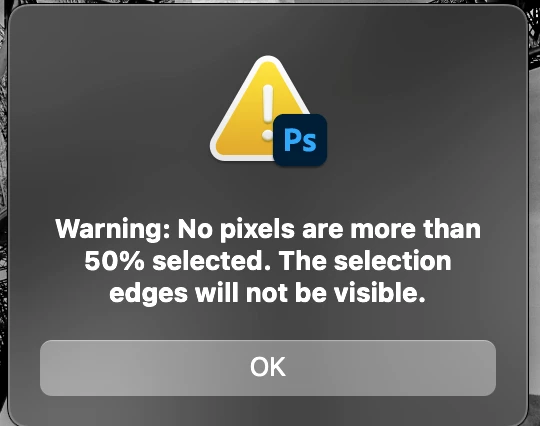
Using the lasso tool I’ll run into this problem:“Warning: No pixels are no more than 50% selected. The selection edges will not be visible.” So I cannot make my selection. Thanks for any help on this.  make my selection. Thanks for any help on this. 
jane-e
jane-eCorrect answer
Community Expert
Mar 9, 2025 10:32 PM UTC

@no_ne 


The first thing to check is the feathering.  Look in the options bar for the lasso tool and set the feathering to zero. 

  • if you don't currently have a selection, this will set the feathering for all future selections.
  • if you do have a current selection, it will change the feathering for this selection, but not for future selections.


If this isn't it, show a screenshot that includes your options bar for the lasso tool.


Jane


1 reply

jane-e
Community Expert
jane-eCommunity ExpertCorrect answer
Community Expert
Mar 9, 2025 10:32 PM UTC

@no_ne 


The first thing to check is the feathering.  Look in the options bar for the lasso tool and set the feathering to zero. 

  • if you don't currently have a selection, this will set the feathering for all future selections.
  • if you do have a current selection, it will change the feathering for this selection, but not for future selections.


If this isn't it, show a screenshot that includes your options bar for the lasso tool.


Jane


Translate
