Trevor.Dennis
Community Expert
Community Expert
April 6, 2024
Answered

Multi Image Content Aware

  • April 6, 2024
  • 1 reply
  • 128 views

I came across this feature in the Beta Feedback panel today, but can't get it to work.
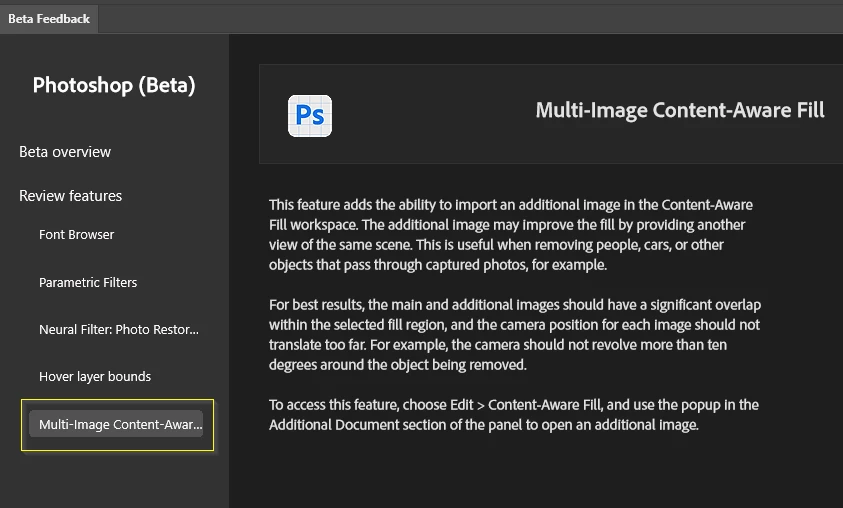


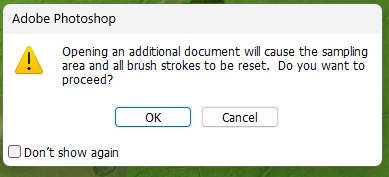
I start CAF and make a selection, and import a second image which brings up this warning dialog:
 

It tells you to use the Alignment tool to drop pins, which I have done...
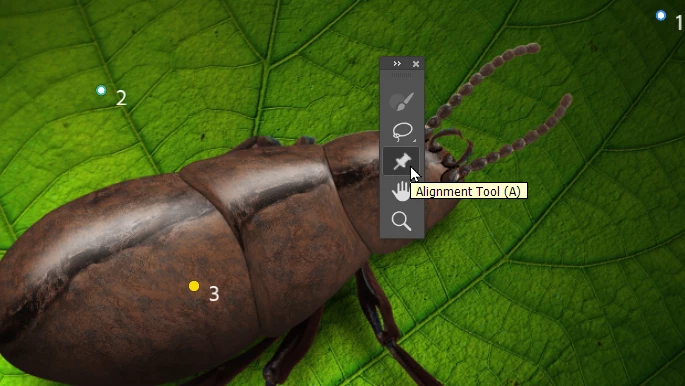
which does create pins on the additional image, but I see no interaction in the fill panel (right of screen), nor can I move or select or do anything so far to make this work.
 

If I click on OK without placing any pins, it crashes Photoshop every time. If I do place pins, and hit OK, it runs (very quickly) but I see no influence of the second image in the Fill.  Has anyone worked this out?


This topic has been closed for replies.
Correct answer Trevor.Dennis

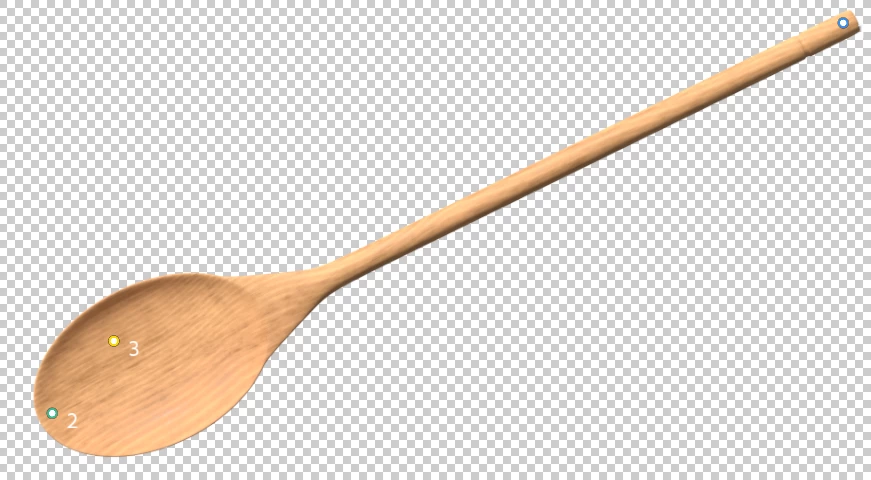
Hah!  Turns out this has been available for year now, and Colin Smith had a tutorial for it back then.  I was not understanding how it works, so my example about with the spoon was rediculous.  Oh well.  


I am not sure how useful it it is, because if there was no content in the original image that would fix the problem area, we'd be using Generative Fill.   If Gen Fill couldn't get it right, then perhaps we'd use this tool.

1 reply

Trevor.Dennis
Community Expert
Trevor.DennisCommunity ExpertAuthorCorrect answer
Community Expert
April 7, 2024

Hah!  Turns out this has been available for year now, and Colin Smith had a tutorial for it back then.  I was not understanding how it works, so my example about with the spoon was rediculous.  Oh well.  


I am not sure how useful it it is, because if there was no content in the original image that would fix the problem area, we'd be using Generative Fill.   If Gen Fill couldn't get it right, then perhaps we'd use this tool.