
Answered
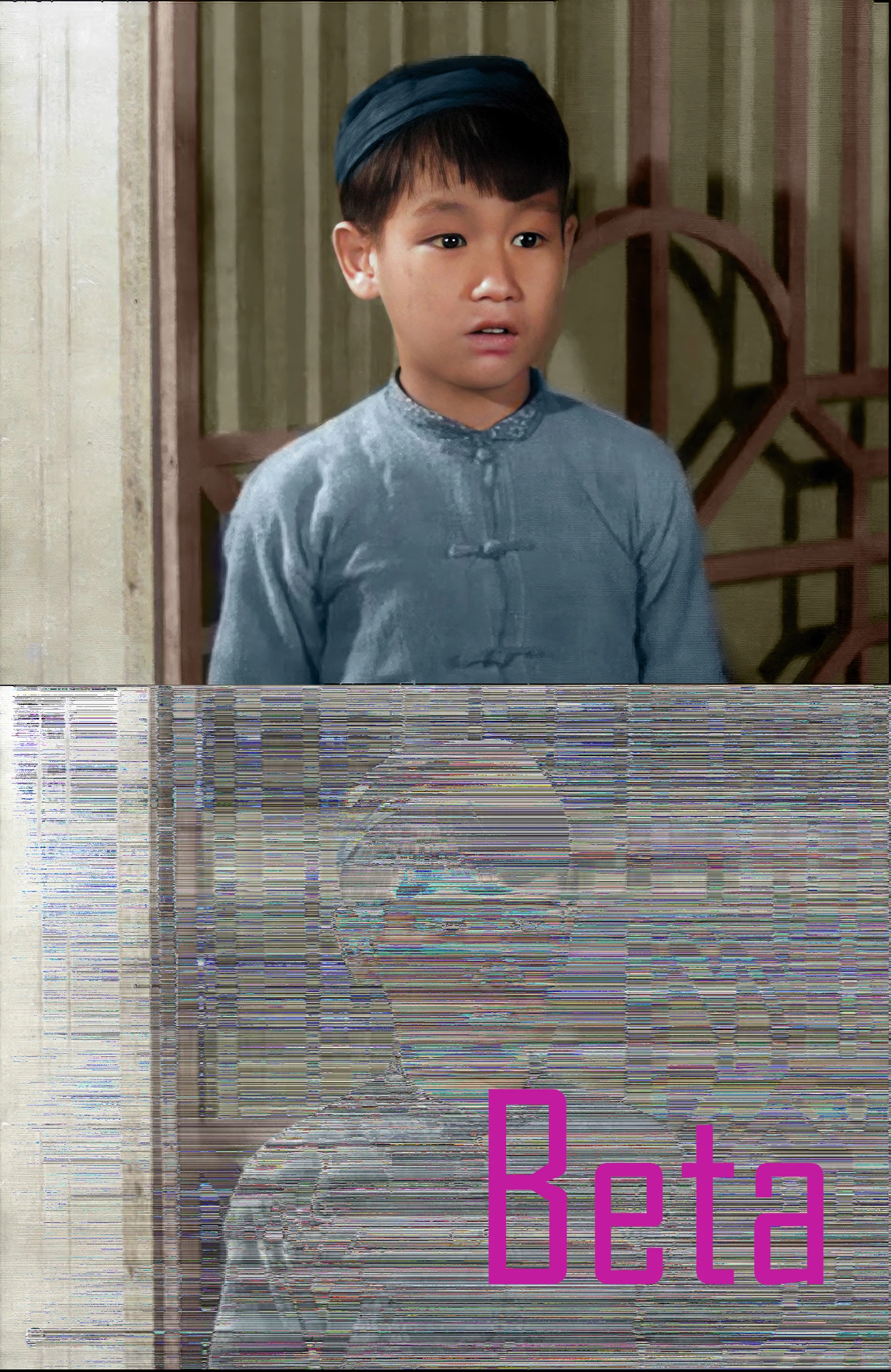
Opening TIF files in Beta corrupts them drastically
Beta 26.4 (updated today) and the previous version.
Windows 10
Opening a saved .TIF file in Beta brings up a drastically corrupted file. In this example you can see the file opened in Photoshop on the top and in PS Beta on the bottom. I was hoping that the latest update would have changed this, but it has not. This happens for all .TIF files, not just this example.
I dare not save the file before exiting, for obvious reasons. It will open again in PS without problem.


 AdChoices