
Participant
May 25, 2023 12:51 PM UTC
Question

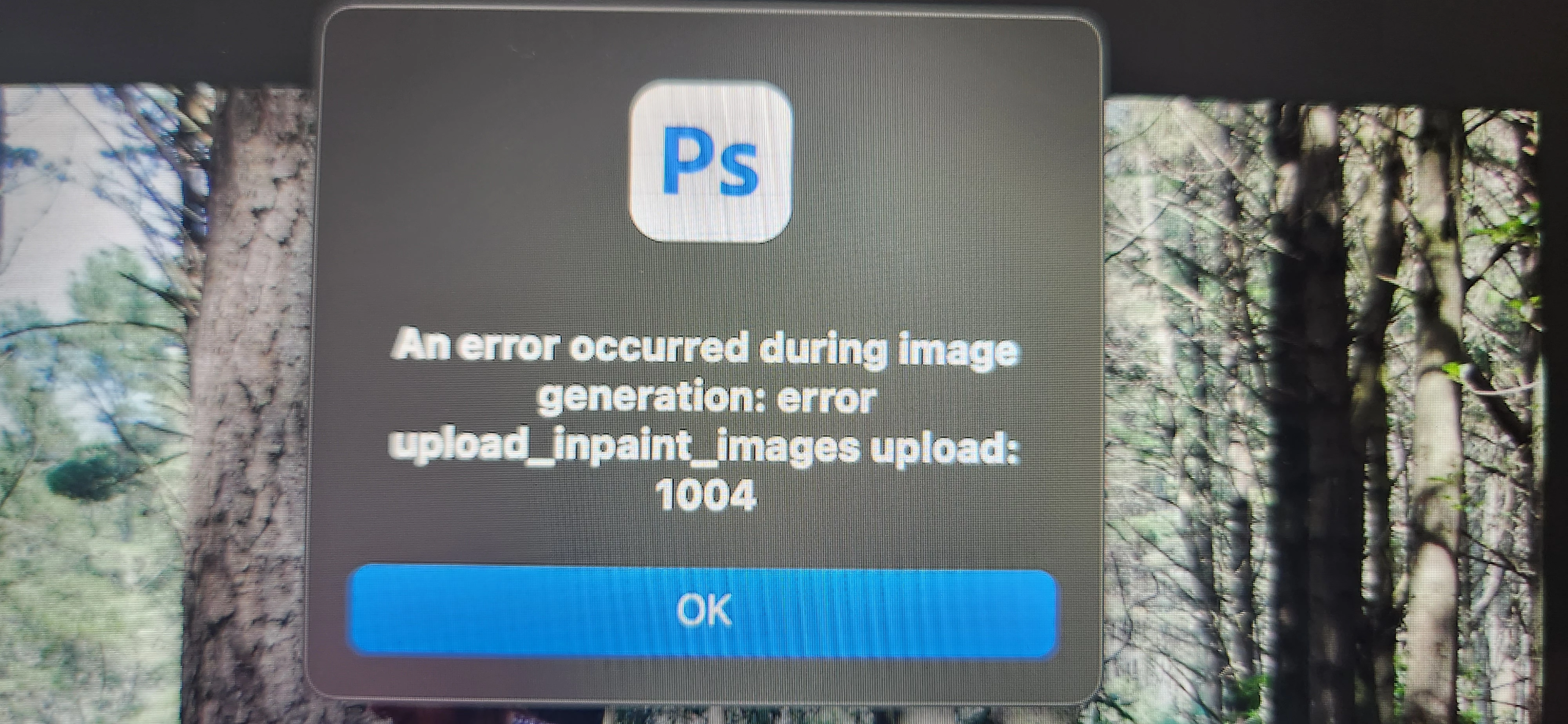
P: Generative fill Error 1004 in photoshop

 Hello 😀


I was so excited to try out the new update in photoshop  only to get this error code wverytime I click on the generate button, it will load for about 10 second and then this pops up. Can anyone help me PLEASE 🙏 


Thank you
This topic is closed to new replies. Start a new post to keep the conversation going.

74 replies

Participant
Aug 15, 2023 11:53 AM UTC

Can anyone from Adobe Co. helping Or at least Hearing us with this issue??


Translate
Neurotoxin001
Participating Frequently
Jun 22, 2023 1:43 PM UTC

I get a request_task 1000 error when I use the Estonian, Swedish, Dutch and so on VPNs. At the same time with the Russian ip address I have no such error. Adobe have blocked ip of popular VPNs?

Translate
Jon Hillenbrand
Participating Frequently
Jun 5, 2023 8:08 PM UTC

I'm getting error 1007, not 1004.  I am unable to modify my company's proxy or internet settings.  I have tried local and cloud based processing with the same result.  Rebooting didn't work.  I figure it's an access issue, so I'll wait until Adobe fixes this limitation.

Translate
Participant
Jun 5, 2023 1:06 PM UTC

First of all, hello everyone, I was having the same problem, I tried everything as a solution, but I couldn't solve it. Until I said that it might be an issue with the network connection as adobe said. We use public network sharing to share files within the company. However, I just realized that the network settings are causing me to get this error in ps(beta). I set my network connection settings to default on windows. I reset the network sharing settings in the same way and my problem was solved, thanks.
Mert

Translate
franciscos85426330
Participating Frequently
Jun 5, 2023 1:15 PM UTC
Very glad to see this news. I hope the solution can be repeated by many. In
my case, a single user in a SOHO is not applicable.

Tks for sharing the good news.
Translate
Participant
Jun 5, 2023 8:38 AM UTC

Check your firewall. I've got the same problem and i found that firewall blocks the IA working.

Translate
Participant
Jun 5, 2023 9:55 AM UTC

Nope, still the same

Translate
Andrew_Hatem
Participant
Jun 5, 2023 6:26 AM UTC

every time I try the generative fill it shows me this message: An error occurred during image generation: error get_session_id status not OK: 1004

Translate
Participant
Jun 4, 2023 7:07 PM UTC

Решил проблему включением VPN от Франции, не знаю, связано ли. Говорили, что по IP блочить не должны, но это факт. Попробуйте. 


Translate
designabc123
Participating Frequently
Jun 4, 2023 11:29 PM UTC

I stopped getting this error, but now I get an error that I violated the policy and the generated artwork has been removed. Everytime, no matter what selection or image I use. And all I'm doing is leaving the text box blank so I can remove unwanted elements. Adobe, can you point out what policy I'm violating? Thanks!

Translate
Participant
Jun 4, 2023 6:26 AM UTC

Hello Guys, i tried this and it worked for me, turn off your proxy and log in again

Translate
Participant
Jun 4, 2023 3:05 PM UTC

Hi, would you explain further on how to turn of the proxy? Thanks.

Translate
Participant
Jun 3, 2023 6:09 AM UTC

I just installed Photoshop Beta and try to use generative fill for my edit but is not working. I've been searching the solution on the internet but not found anything, can anyone help?

Translate
Community Expert
Jun 3, 2023 8:17 AM UTC

Mod: Merged with an existing thread


Translate
My System: Intel i7-8700K - 64GB RAM - NVidia Geforce RTX 3060 - Windows 11 Pro 26H2 -- LR-Classic 16 - Photoshop 28 - Nik Collection 9 - PureRAW 6 - Topaz Photo AI
Participant
Jun 2, 2023 8:22 PM UTC

June 02 I have the same problem. it works at first with two images and after that I'm getting the error

Translate