
Participant
June 8, 2024
Answered

Photoshop (Beta) 25.10 - Application won't start after update

  • June 8, 2024
  • 2 replies
  • 1023 views

I have updated the Photoshop (Beta) to the latest version 25.10 and after I try to open it nothing happens. Photoshop is running at the background process but it won't open application. Other programs are working without any problems (Adobe InDesign, Adobe Illustrator). Is there any solution for solving this problem? Everytime I tried to open the application it always add one more Adobe Photoshop to the background process but without opening it up.
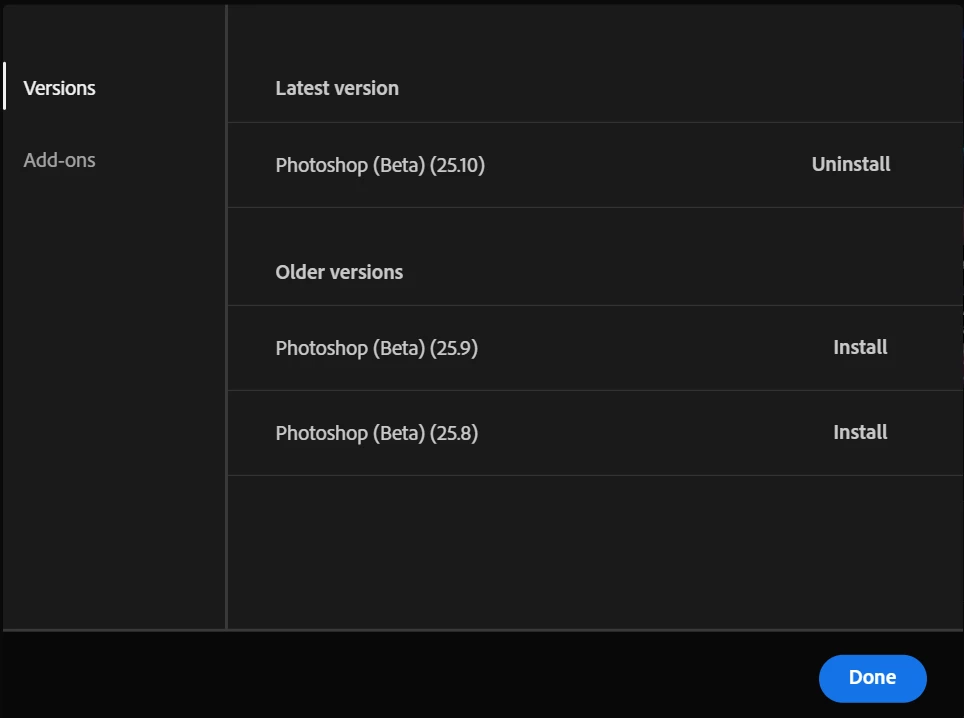
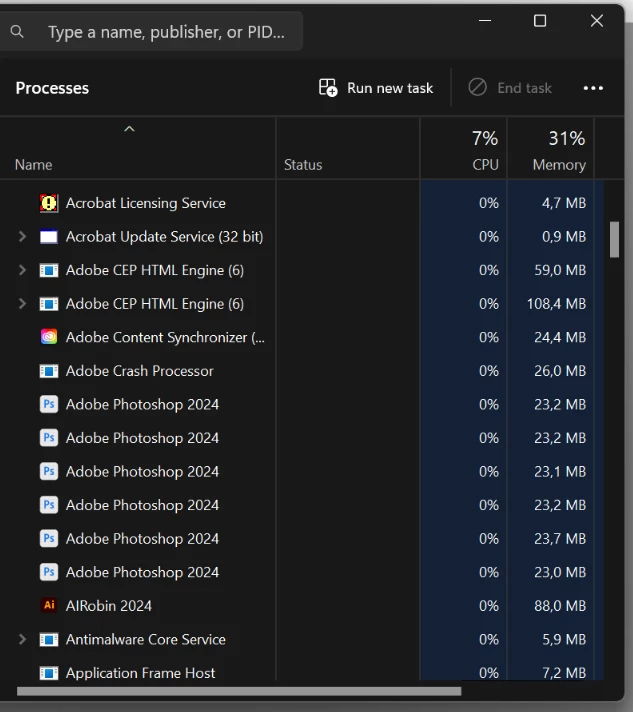


I hope there is a solution for resolving this problem, thanks in advance.

This topic has been closed for replies.
Correct answer Nikola29724560j0v1

Hello Cory,


Thank you for your answer.


It is working now, I just updated graphic card drivers and restart the laptop and now everything is working great, thanks again!

2 replies

Nikola29724560j0v1AuthorCorrect answer
Participant
June 12, 2024

Hello Cory,


Thank you for your answer.


It is working now, I just updated graphic card drivers and restart the laptop and now everything is working great, thanks again!

CShubert
Community Manager
Community Manager
June 10, 2024

Hi @Nikola29724560j0v1 


It may help if we could see your Photoshop System Info. Launch Photoshop, and select Help >System Info...and copy/paste the text in a reply.  


Thanks,

Cory - Photoshop Product Manager