

Community Expert
September 29, 2023
Question

Photoshop on the Web (Linux Distros)

  • September 29, 2023
  • 6 replies
  • 5842 views

As a user of Photoshop on the desktop and iPad, I don't find many occassions to use Photoshop Web. The one time I would find it useful is when I'm on my little Linux box (Pop!_OS). However, it doesn't seem to work in either Chrome (Chromium) or Firefox. The web app hangs when trying to load or create a document.

Photoshop on the Web
Pop!_OS 22.04 LTS 64bit
Chromium Version 117.0.5938.132 (Official Build) (64-bit)
Firefox Version 118.0.1 (64-bit)

Steps to reproduce:
1.) Open Ps Web in the Chromium or Firefox browser on a Linux distro (in this instance Pop!_OS);
2.) create a new document;
3.) wait for new PSDC to be created.

Expected behavior:
Photoshop Web creates the new document and is ready to work.

Actual Result:
The "Creating document" dialog message continues to spin and never actually loads a saved document or starts a new document.
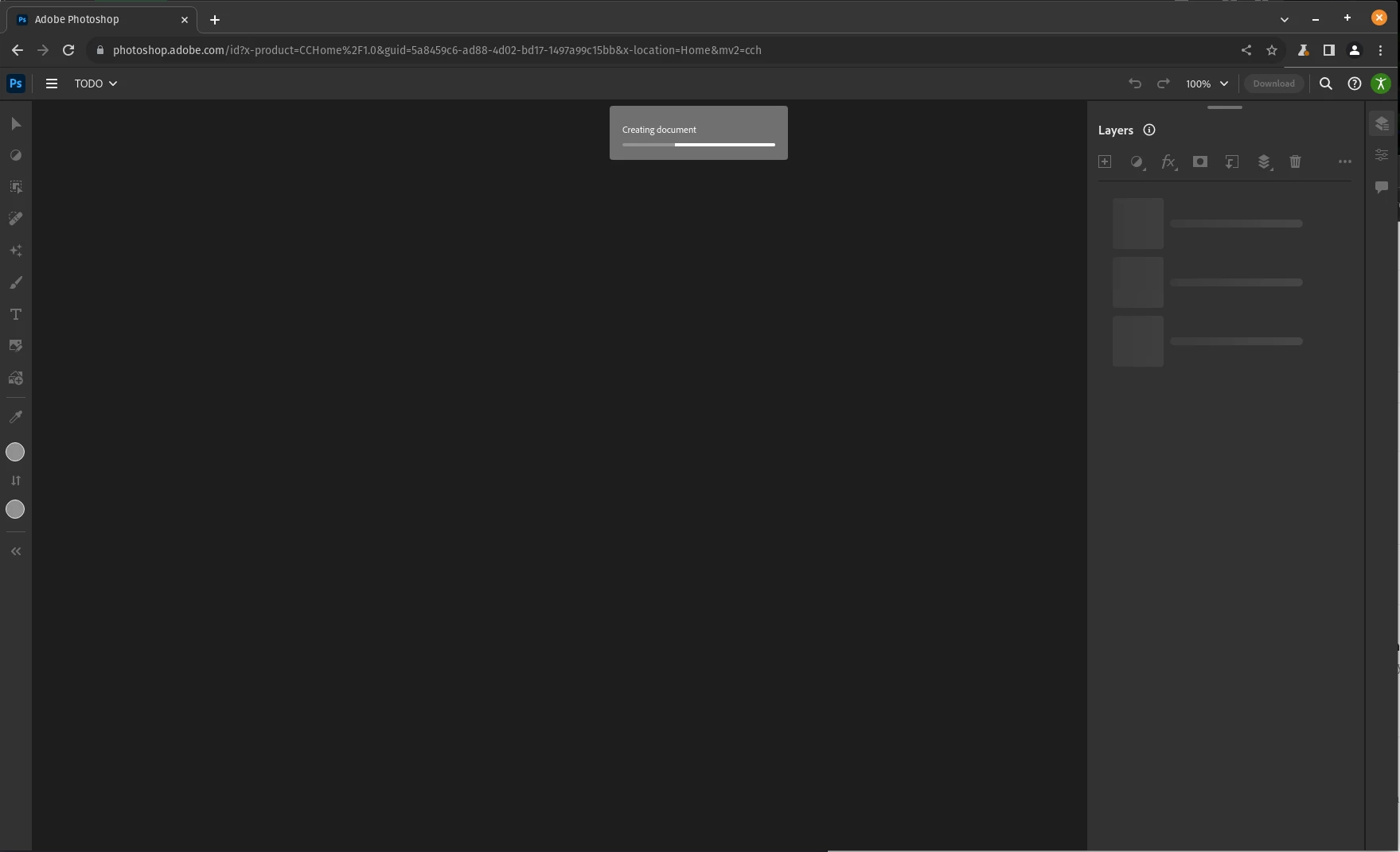
 

I understand it might not be "officially supported" but being that its a web app running in the browser, it seems like it should work. Is there any simple explanation as to why it wouldn't work?

6 replies

Participating Frequently
September 4, 2024

I have the same problem with Firefox 130 (64) and 23h2

Kevin Stohlmeyer
Community Expert
Community Expert
September 5, 2024

@drdvde try a different browser - same result?

Participating Frequently
September 5, 2024

Edge does the same thing as Firefox

*David Eckels*

mglush
Community Expert
Community Expert
September 30, 2023

Thanks! That is good to know.

D. HumannCommunity ExpertAuthor
Community Expert
September 29, 2023

If you're suggesting that this is caused by my connnection speed, that's not it. It works in Windows at the same location.

D. HumannCommunity ExpertAuthor
Community Expert
September 29, 2023

It runs in a supported browser. The operating sysetm shouldn't really matter. And I'd love to hear from someone at Adobe as to why it wouldn't work. 

Kevin Stohlmeyer
Community Expert
Community Expert
September 29, 2023
mglush
Community Expert
Community Expert
September 29, 2023

Hi!

I was just wondering--hoe is your internet connection? What is your upload and download speed?

Michelle